
How do I paint a solid color over a transparent layer?
I created a layer that came out transparent. I am trying to create a white background color. I tried using the paint bucket, but it does nothing. How do I create a solid white color layer?
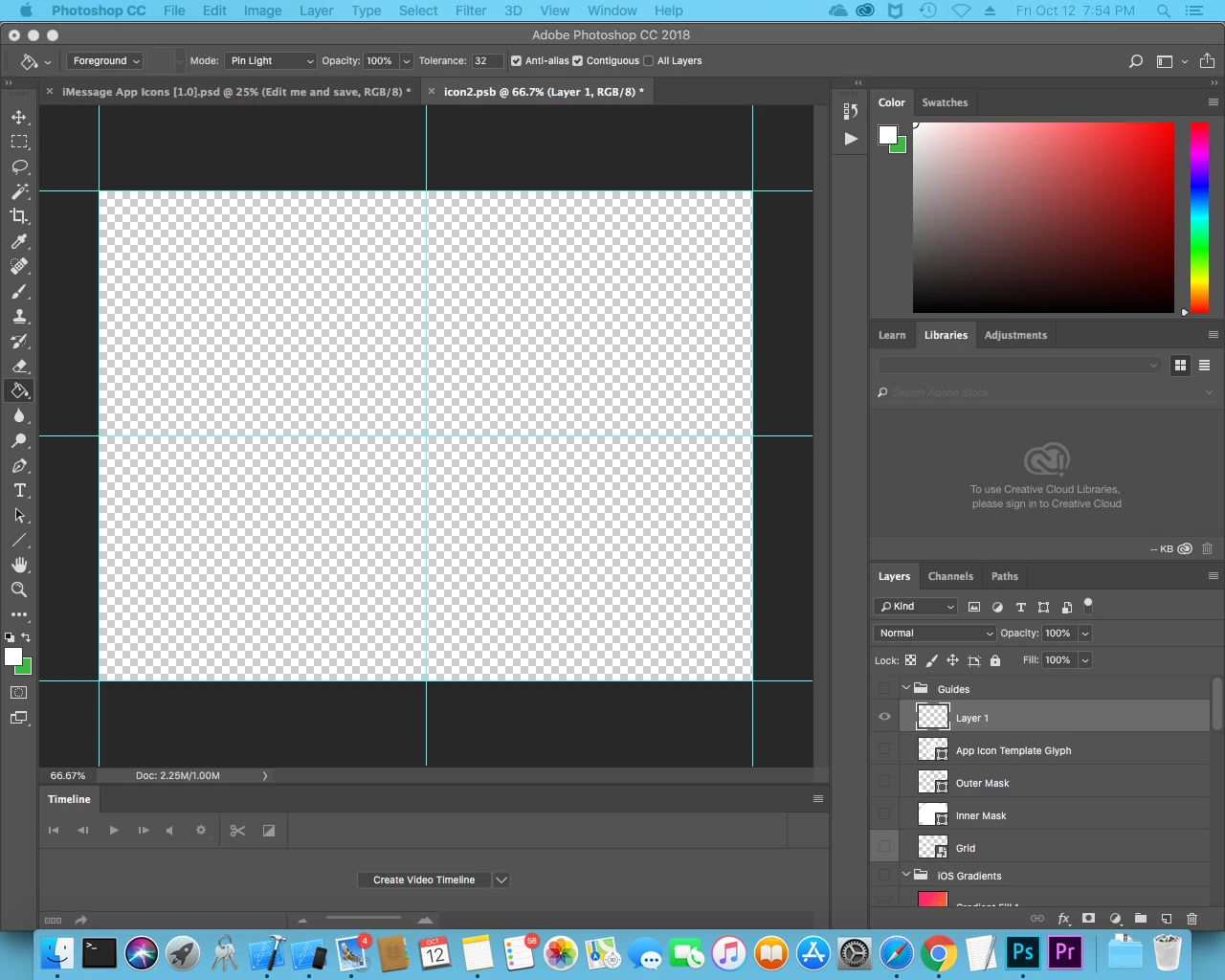
I created a layer that came out transparent. I am trying to create a white background color. I tried using the paint bucket, but it does nothing. How do I create a solid white color layer?

The Foreground/Background swatches (overlapping boxes) are at the bottom of the Tools panel on the left.
You can select a color to fill using the Swatches Panel or the Color Panel.
Then,
Opt + Delete : Fill with foreground color
Cmd+ Delete : Fill with Background color
Already have an account? Login
Enter your E-mail address. We'll send you an e-mail with instructions to reset your password.