
Inspiring
March 20, 2021
Pregunta

How do I prevent my Pixel Art from becoming blurred upon importation?

  • March 20, 2021
  • 1 respuesta
  • 2387 visualizaciones

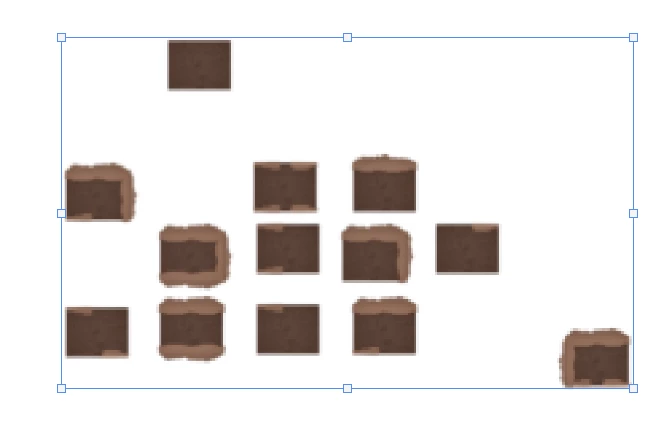
I'm importing pixel art tiles and each one is 32 by 32 pixels. For some reason, even though I have the nearest neighbor interpolation checked, the tiles appear blurry. I have to sharpen them in order for them to appear normal. I have a feeling that Photoshop is scaling them after I import them. I'm using Photoshop 2021 and the image files are in PNG format. 

Original Size and Quality:

After Importation into Photoshop:
Este tema ha sido cerrado para respuestas.

1 respuesta

mglush
Community Expert
Community Expert
March 20, 2021

Hi!

Actually, nearest neighbor is probably not the best option. If you are using Image Size, I have had really good results from using Bicubic Sharper (Reduction) -- I know it says reduction but it has worked better for me. You may still need to sharpen, but the image is clearer.


Are you bringing in your 32 pixel images and then enlarging them? If you want a more pixelated image, there are some other options. But, it would help to know what you are trying to do with you image. 


Also, what version of Photoshop are you using? If you upgrade your version of Camera Raw to 13.2, it has a new feater called Super Resolution that is supposed to be excellent at uprezing a photo and keeping the sharpness and detail. Here is a video by Matt Koskowski that will show you the new features in the latest March release: https://www.youtube.com/watch?v=JpI_NfrKod8


Let us know if that helps and if you have any other questions.

Michelle