

Answered
how do I remove a background? [2017]
I have a signature jpeg. The paper color background is a dark gray. I want to remove the background entirely so that I can save the signature and paste it into documents. How do I do that?

I have a signature jpeg. The paper color background is a dark gray. I want to remove the background entirely so that I can save the signature and paste it into documents. How do I do that?
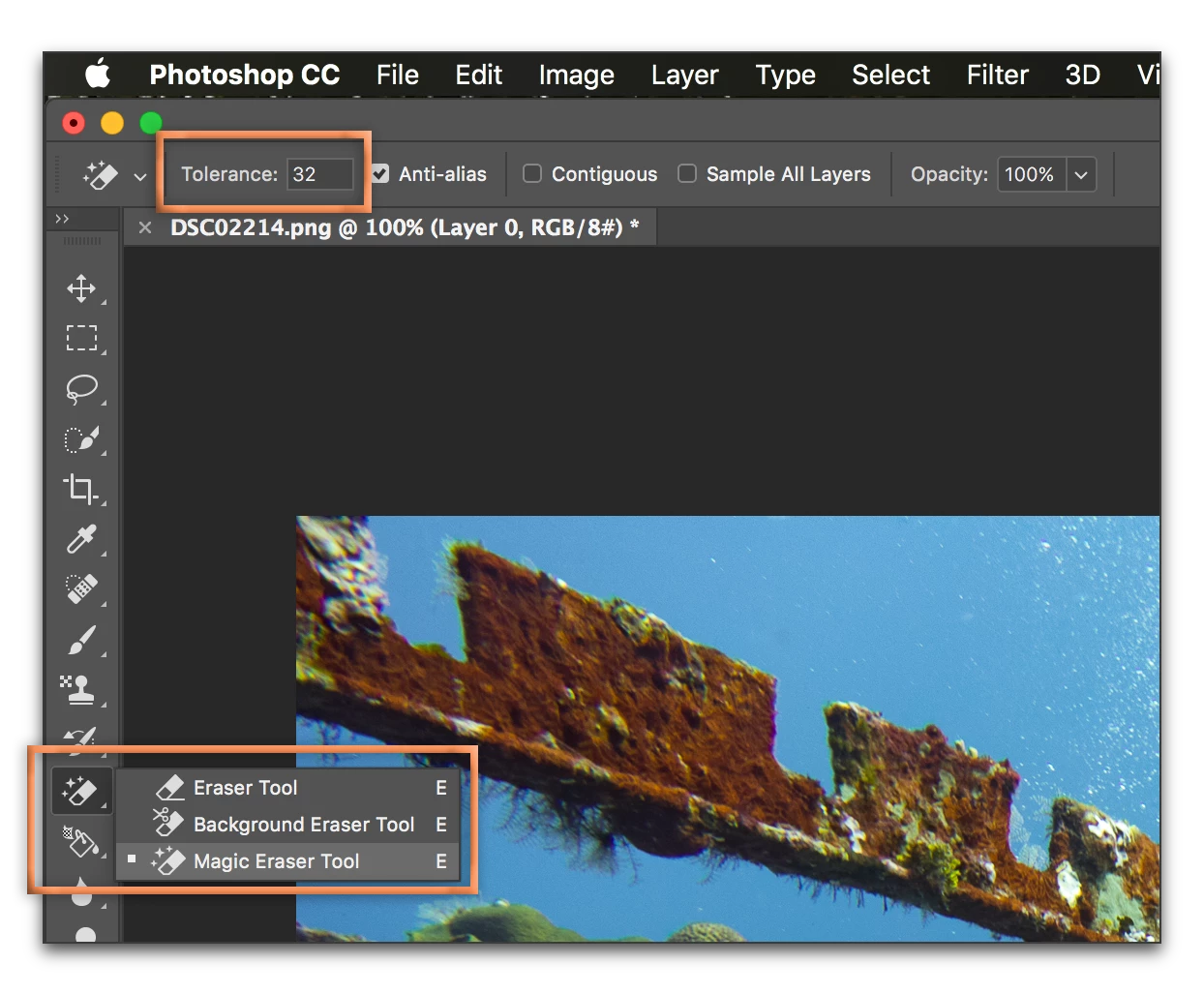
A quick and easy (but not particularly precise) technique is to click on the background with the Magic Eraser. Like the Magic Wand, it's a color-based tool (but it deletes rather than selects the color you click on). Like the Magic Wand, it has Tolerance controls on the Options bar. If you don't like the initial result, choose Edit > Undo, change the tolerance and try again. Low numbers are less tolerant of a color change, higher numbers are more tolerant.
You might find this easier if you sign a piece of white paper (higher contrast), rescan and then remove the white background.
Already have an account? Login
Enter your E-mail address. We'll send you an e-mail with instructions to reset your password.
 AdChoices