Participant
November 19, 2021
Question

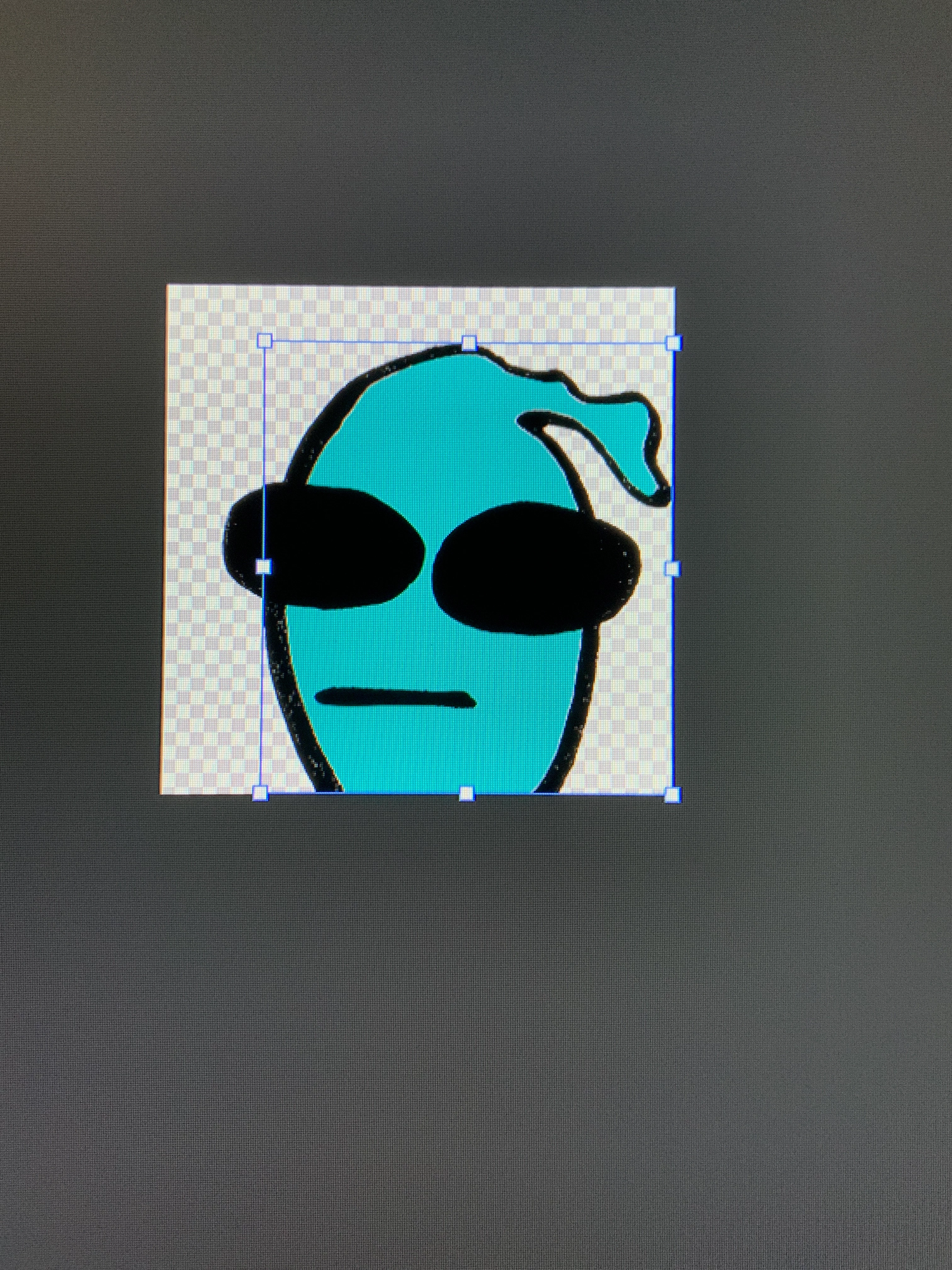
How do I resize the layer shape without moving the layer

  • November 19, 2021
  • 1 reply
  • 700 views

I want to extend the transparent area Of the alien’s layer to fit the canvas without disturbing the alien’s location 
This topic has been closed for replies.

1 reply

MarekMularczyk
Community Expert
Community Expert
November 19, 2021

If you want to add more transparent area to the image, use Image > Canvas Size and make the convas bigger.


Adobe Community ExpertAdobe Certified Professional
Participant
November 19, 2021

Thank you for the response though that affects the entire canvas. The canvas is already the right size, but I want the subjects layer size to match the canvas size by adding transparent area

MarekMularczyk
Community Expert
Community Expert
November 19, 2021

The area around the object is transparent already so you don't need to do anything


Adobe Community ExpertAdobe Certified Professional