Answered
how do I restore image back to its original state?
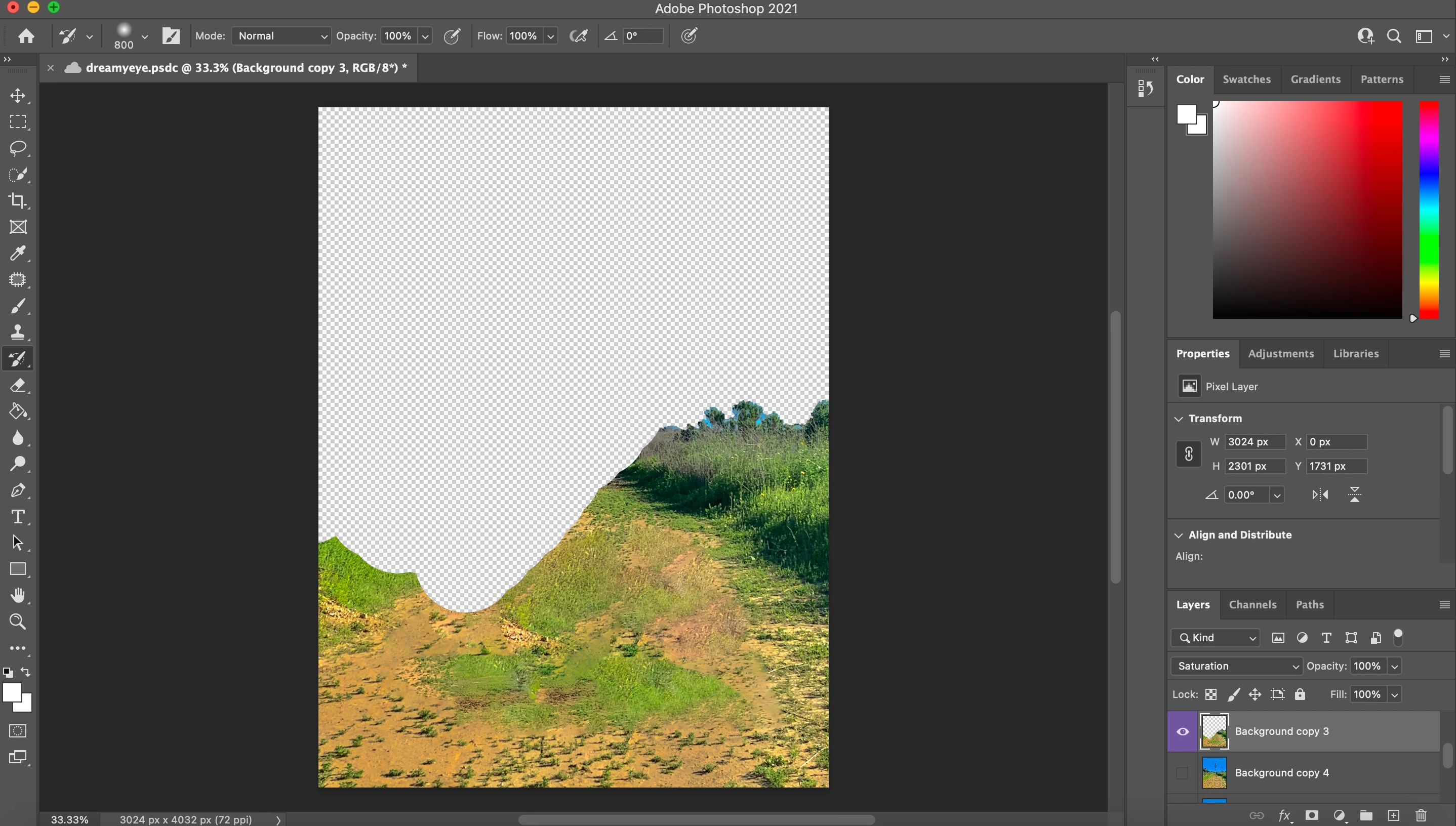 I just began using photo shop. I accidentally delete a part of the background and im trying to restore it. I tried using the history brush but that doesn't work because I saved before.

I just began using photo shop. I accidentally delete a part of the background and im trying to restore it. I tried using the history brush but that doesn't work because I saved before.
Open your History panel. It's under the Window menu.
Here you can go back to previous states, limited to the number of history states you have specified in Preferences. Note that you may not want to set this too high, as it eats disk space. To go all the way back, you can also use File > Revert. This goes back to the last saved version.
If you already saved and closed, it's too late.
The history brush reverts to the state you have marked in the History panel. If you haven't marked a state, it won't work.
Already have an account? Login
Enter your E-mail address. We'll send you an e-mail with instructions to reset your password.
 AdChoices