Participant
November 1, 2017
Answered

How do I set path width ?

  • November 1, 2017
  • 1 reply
  • 1275 views

Hello:)

A friend of mine has Photoshop CS5. We are to draw trails on map and I suggests we use the pen tool. So we draw and al is fine. But the width of the path is super thin after we click the stroke button.

Is there a way to set the width/thickness on a path? We look around and could not find it.

Thanks for any help.
This topic has been closed for replies.
Correct answer WILDCAT54

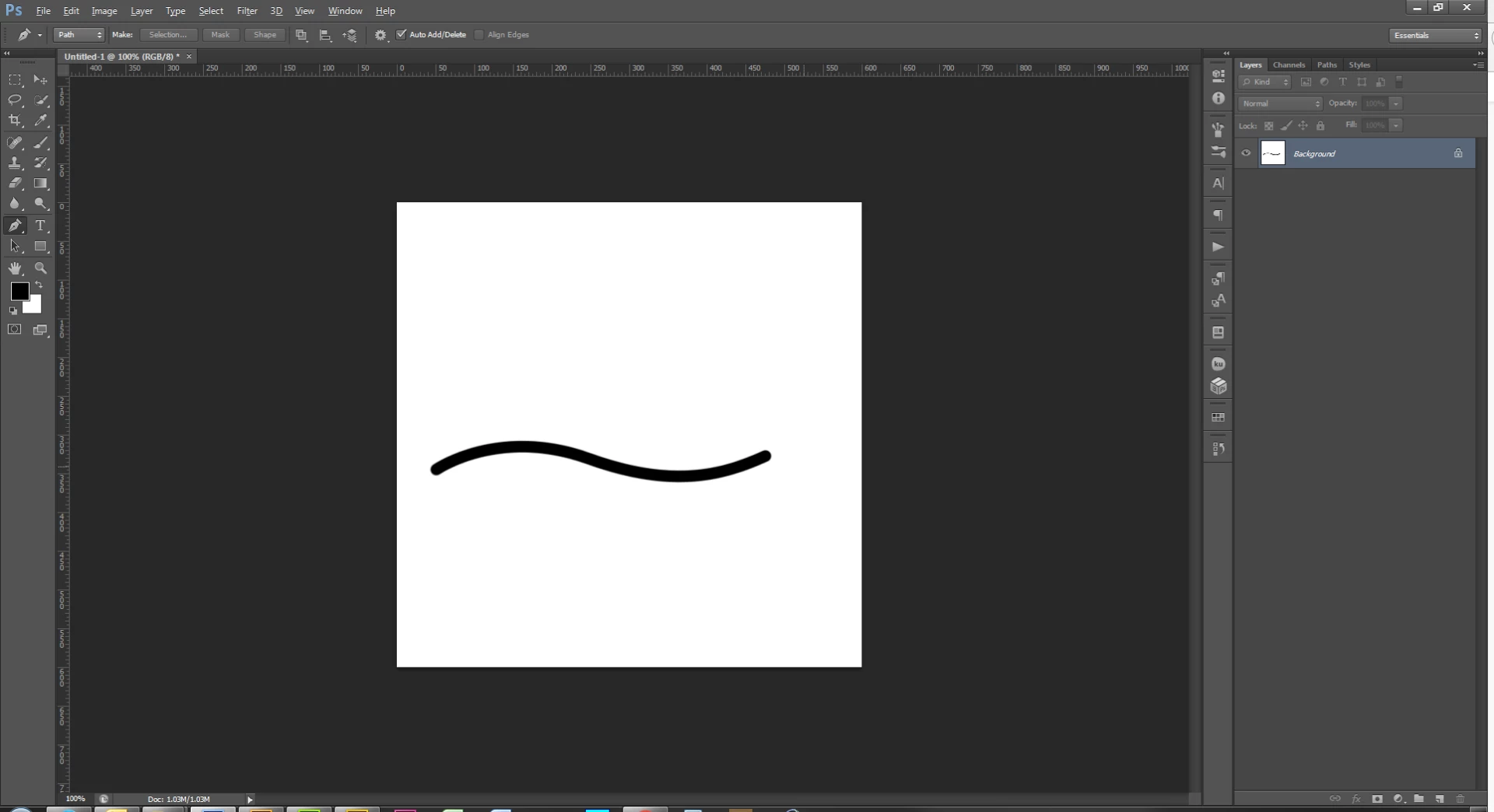
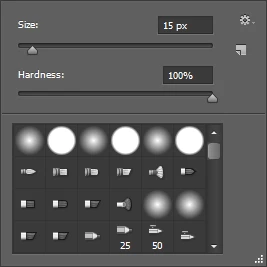
One way is to select your brush and choose a size that you would like your path to be

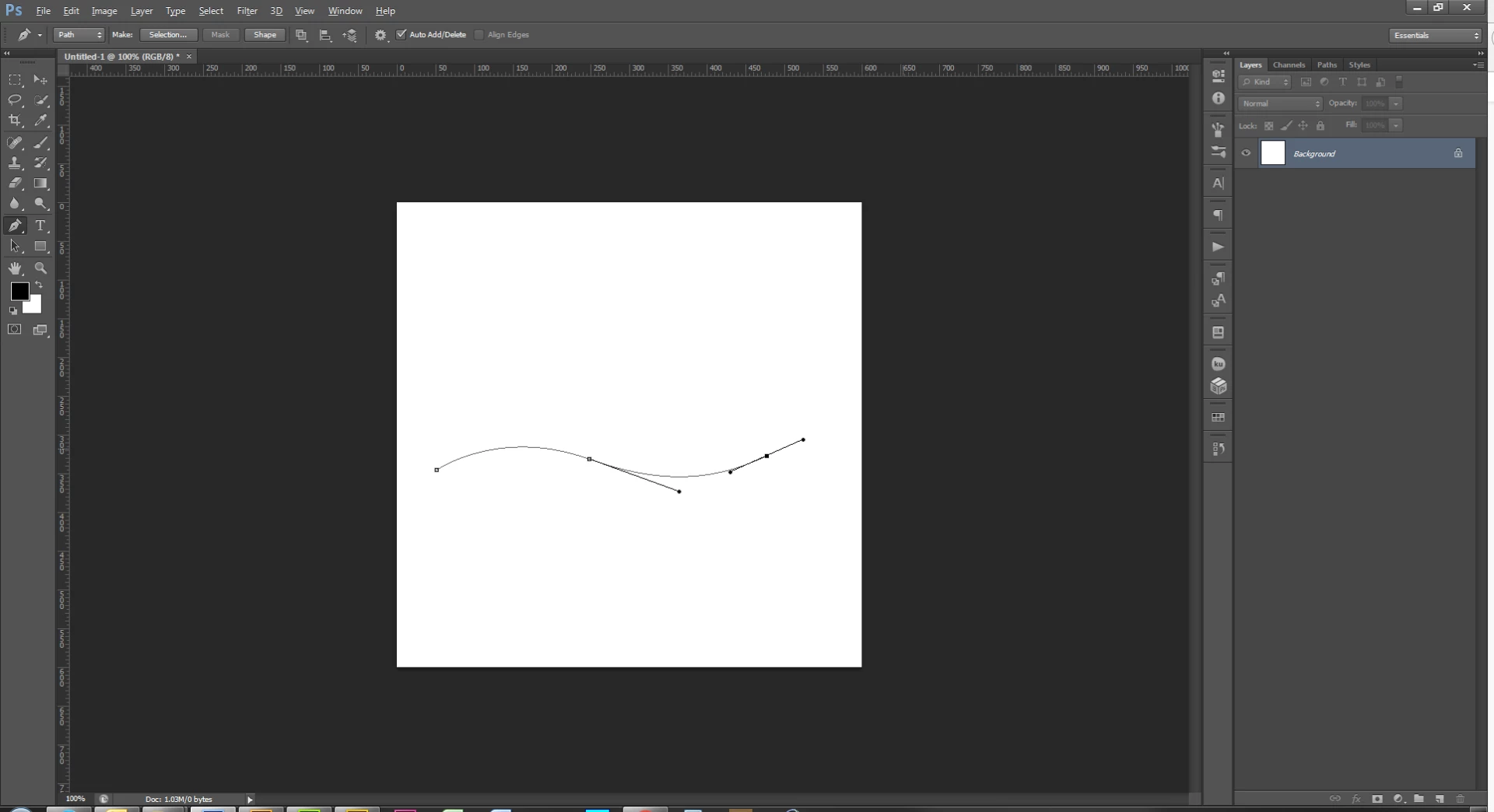
Then take your pen tool and draw your path

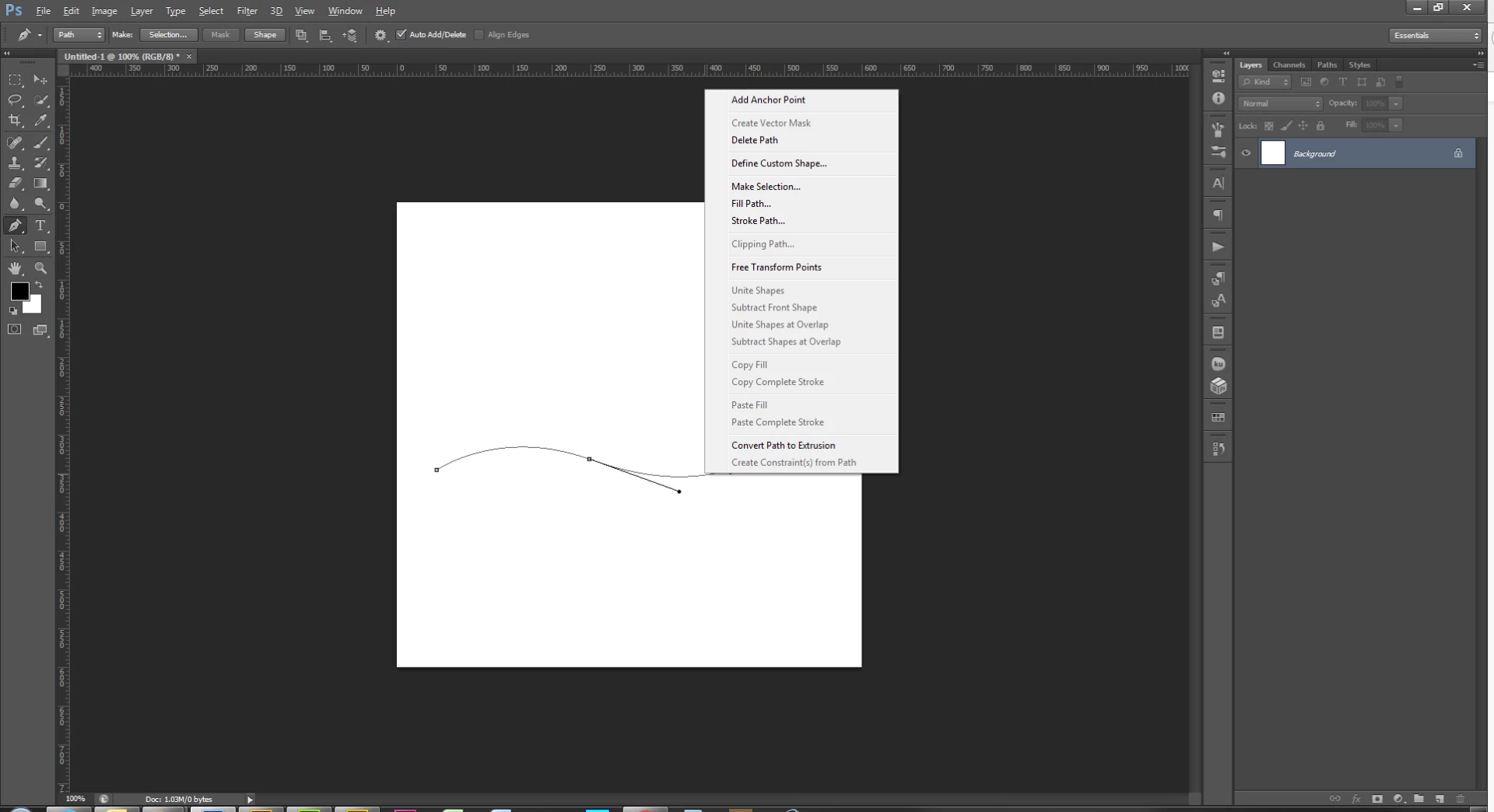
Right click on the path > Stroke Path

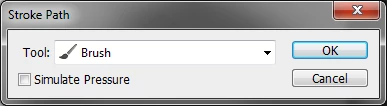
Select brush and click okay

1 reply

WILDCAT54
WILDCAT54Correct answer
Inspiring
November 1, 2017

One way is to select your brush and choose a size that you would like your path to be

Then take your pen tool and draw your path

Right click on the path > Stroke Path

Select brush and click okay

eflatenAuthor
Participant
November 1, 2017

I don't  have the cs5 app here. I use a newer myself, but I think this will solve it. Thanks very much for help:)