
Question
How do I shrink a complex outline shape so that each layer fits inside the previous layer
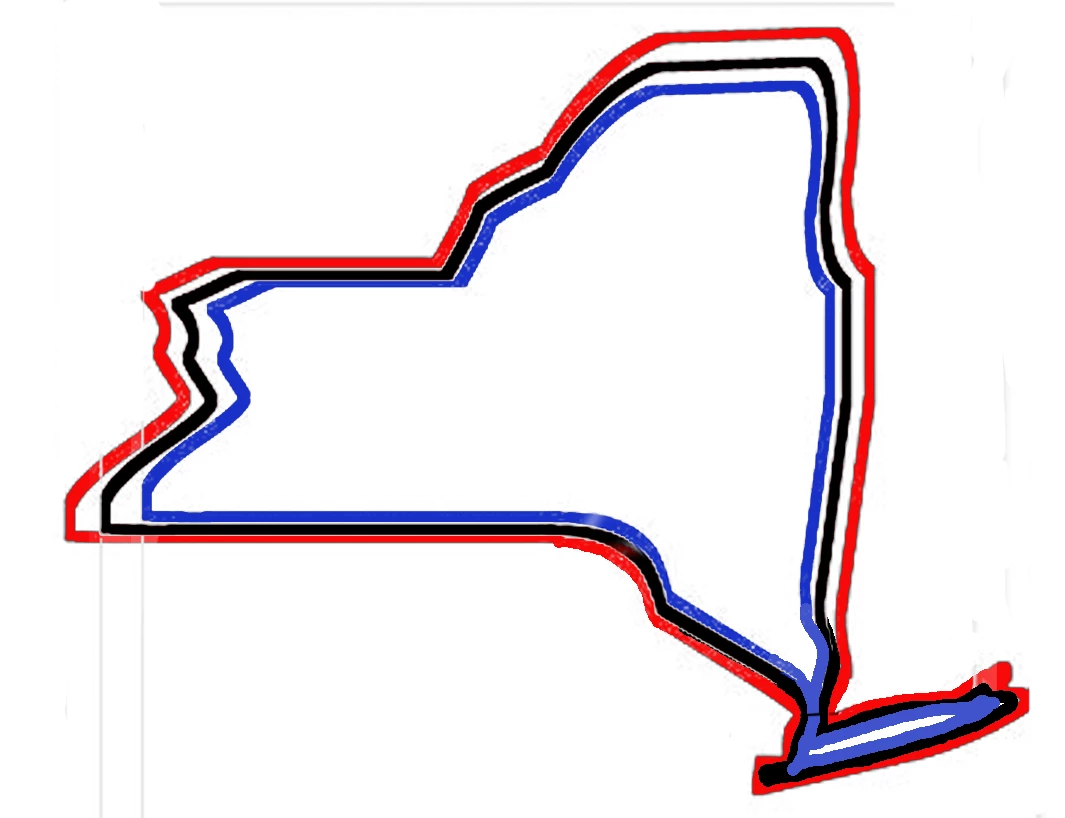
I am working on creating the files necessary for a 3 dimentional shape comprised of a number of layers- say 6- where each layer is smaller than the last and fits just inside the previous layer. I will then cut out each layer out of a different color wood. This is easy with simple shapes by copying the 1st layer and resizing using free transform. But complex shapes dont work. For example the outline of NY. if I do the above Long Island moves up each time a new layer is reduced. What I need is for the outline of long island to shrink and stay inside the previous layer. See the second (admittedly terrible) image but hopefully you get the idea. How do I shrink a get each layer to be just inside the last layer? 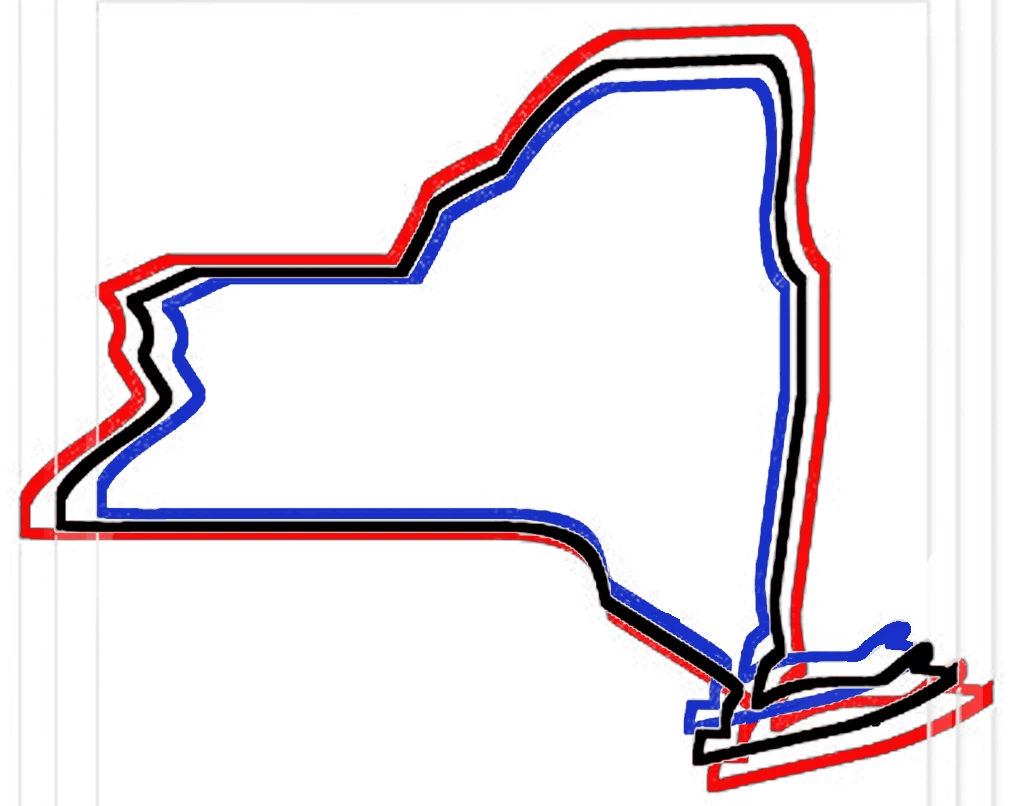
 AdChoices