verzulsan
Participant
January 27, 2017
Question

How do I tell panorama that the final image is a rectangle front view instead of ti3D view?

  • January 27, 2017
  • 3 replies
  • 426 views

Ok, I have a set of images taken from a video in a supermarket so the perspective is wrong all the time.
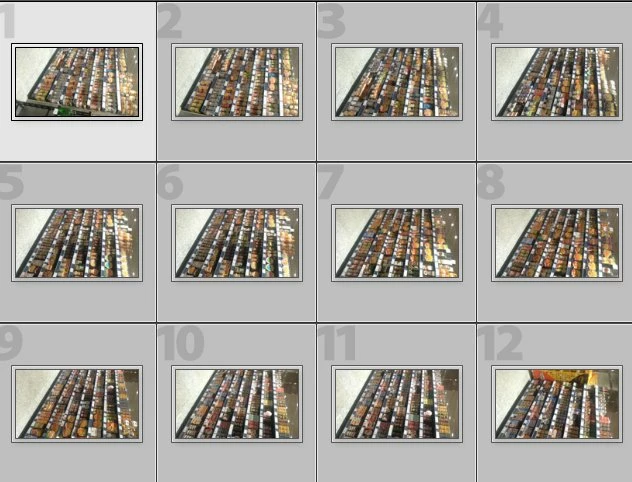
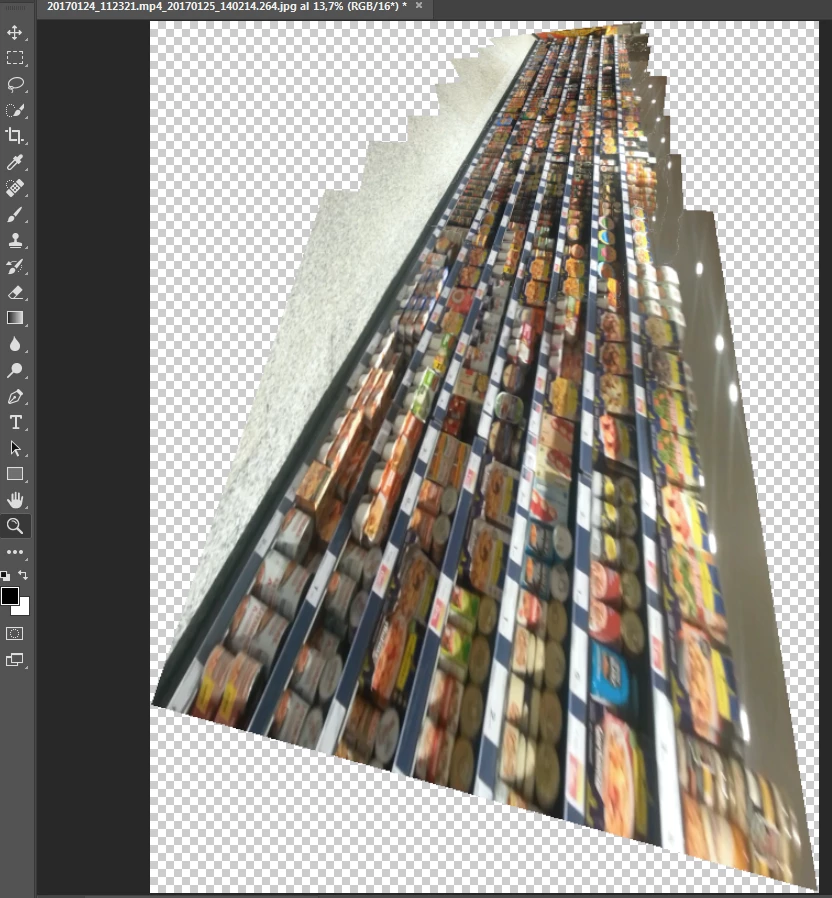
I combine the pictures with panorama and it really does a great job joining them together but it makes a tunel effect of 3D perspective and also get quality lost.

Even if I take the resulting picture and manually resize it looses lots of quality because the double conversion.
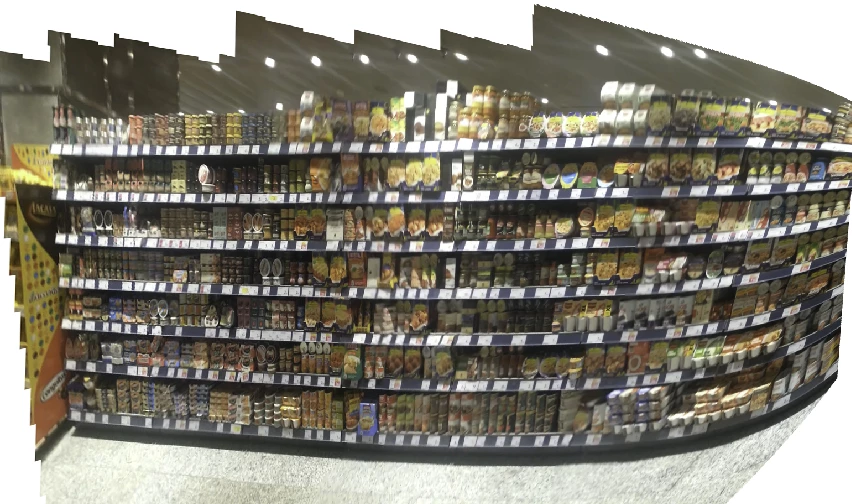
and what I am looking for panorama is to get something more rectangular like next image that is the above rotated and sesgated (I know my result is far from rectangular but I am not pro that is best I can get with Sesgar tool)
    This topic has been closed for replies.

    3 replies

    Semaphoric
    Community Expert
    Community Expert
    March 28, 2017

    If you were to use Perspective Distort to straighten up each image first, you could then just stack them side by side:


    [Drop Shadows added to show individual layers]

    Trevor.Dennis
    Community Expert
    Community Expert
    March 29, 2017

    Semaphoric  wrote

    If you were to use Perspective Distort to straighten up each image first, you could then just stack them side by side:


    That's an interesting idea.  Have you tested it for real?  I'm guessing you would need to resize the images after squaring them?   Ahhh, I have just noticed that I misread your post.  I thought you'd suggested using Perspective crop to square up the component images.  I'll give that a try when I get a chance to collect some relevant photographs.

    Semaphoric
    Community Expert
    Community Expert
    March 27, 2017

    What is the pixel size of your video frames?

    Sahil.Chawla
    Adobe Employee
    Adobe Employee
    March 27, 2017