Participant
June 26, 2023
Answered
How do I turn off shape dynamics in Photoshop?
- June 26, 2023
- 1 reply
- 1652 views
I need help with the shape dynamics option when I'm using mixer brushes in Photoshop.
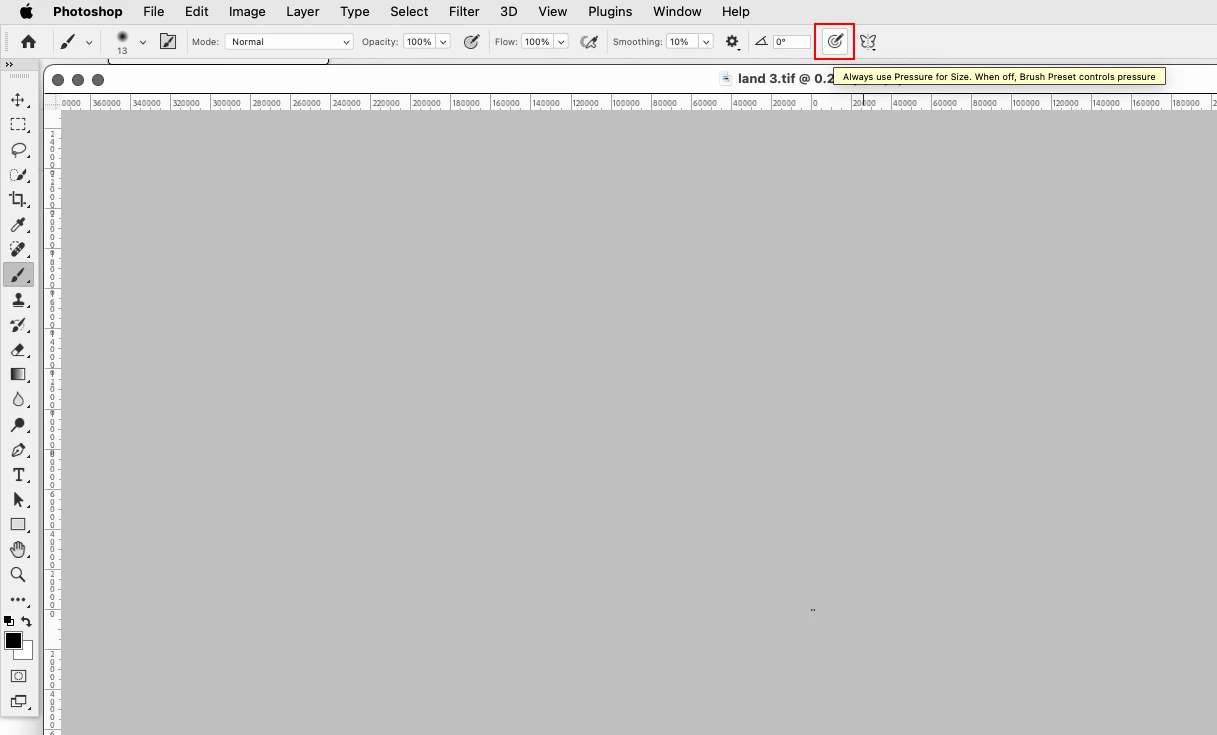
I have the latest Photoshop version/Windows 11 and I'm using XP pen tablet 22r pro and until recently everything worked perfectly, but now the shapes of my mixer brushes are completely different since I can't turn off the shape dynamics option. Whenever I disable it, as soon as I start painting with my pen it automatically turns back on.
I tried to reset all the preferences, I reinstalled all the drivers but it's still not working.
 AdChoices