

Answered
How do I turn this off?

It pops up every time I change brush size and stays for 5 seconds unless I move my brush over it 😕😕 it's kinda annoying. Is there a way to turn it off, it says the name of the photoshop file.

It pops up every time I change brush size and stays for 5 seconds unless I move my brush over it 😕😕 it's kinda annoying. Is there a way to turn it off, it says the name of the photoshop file.
Hi, you can uncheck the check box for "Show Tooltips" from "Preferences -> Tools ". Please see screenshot for reference.
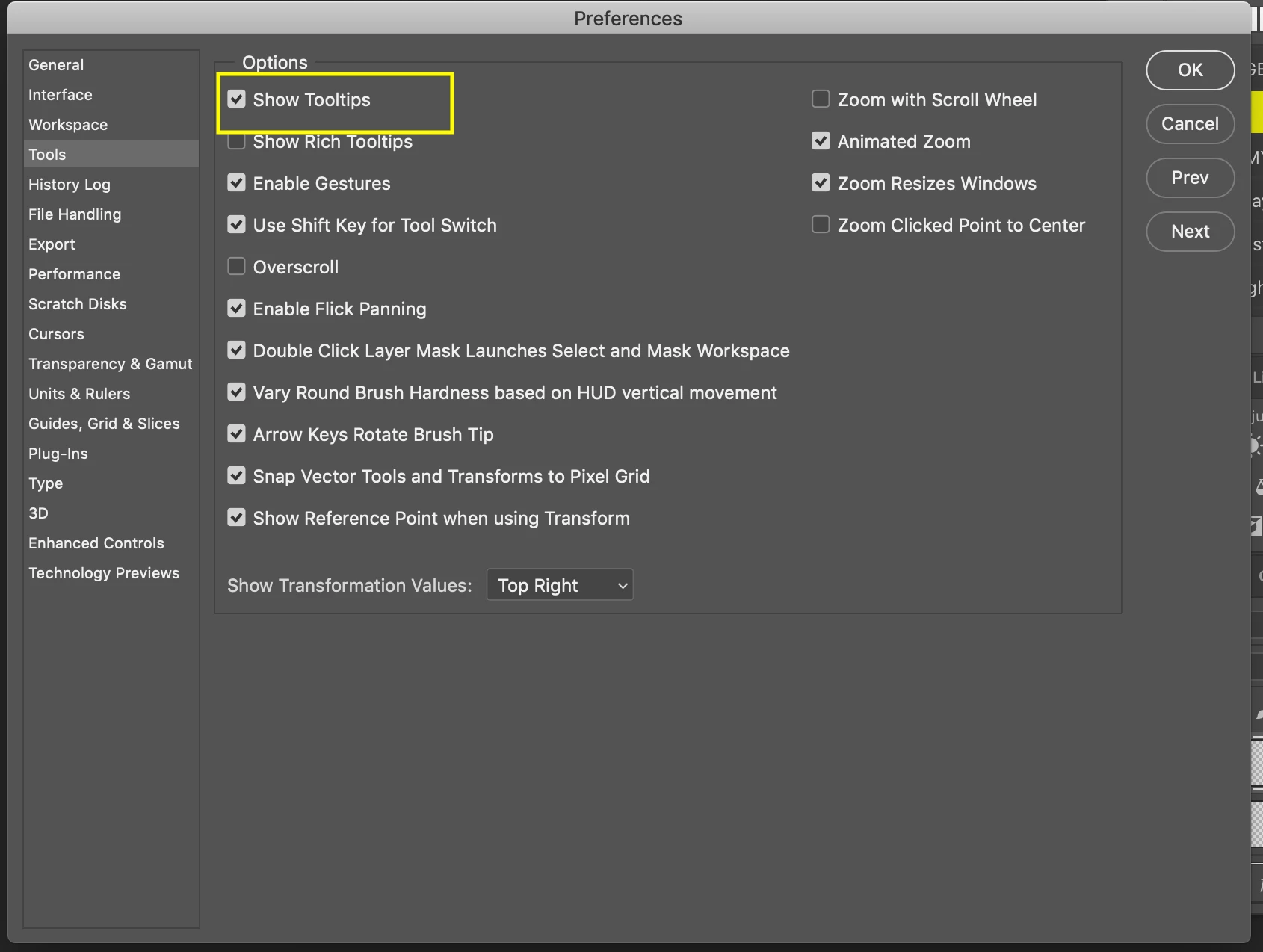
But this will hide tooltips from complete application. I mean if you hover over any tool in left bar, you will not see any tooltips on hovering.
I hope this helps you.
Already have an account? Login
Enter your E-mail address. We'll send you an e-mail with instructions to reset your password.
 AdChoices