Hi
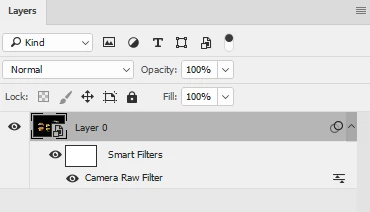
You can apply the Camera Raw filter - which will look familiar as it contains similar adjustments to Lightroom. It is best to convert your layer(s) to a smart object before doing this so that it is non-destructive and you can readjust the controls later.
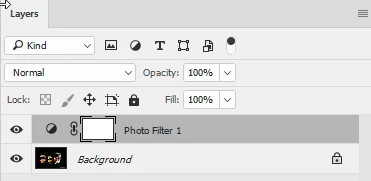
There is also a Photo Filter adjustment layer which can be applied to any layer(s). Adjustment layers are non-destructive i.e. they do not alter the pixels in the image layer(s)
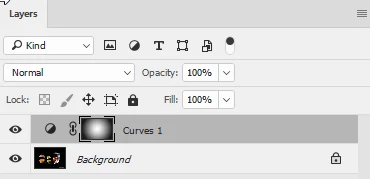
To simulate the graduated filters that you have in Lightroom - apply an adjustment layer (e.g. a curve) then apply a gradient to the mask as below
I hope that helps
Dave
 AdChoices