sarahj62248014
Participant
November 9, 2017
Answered

How do you remove the white background from a watercolor painting?

  • November 9, 2017
  • 1 reply
  • 2365 views

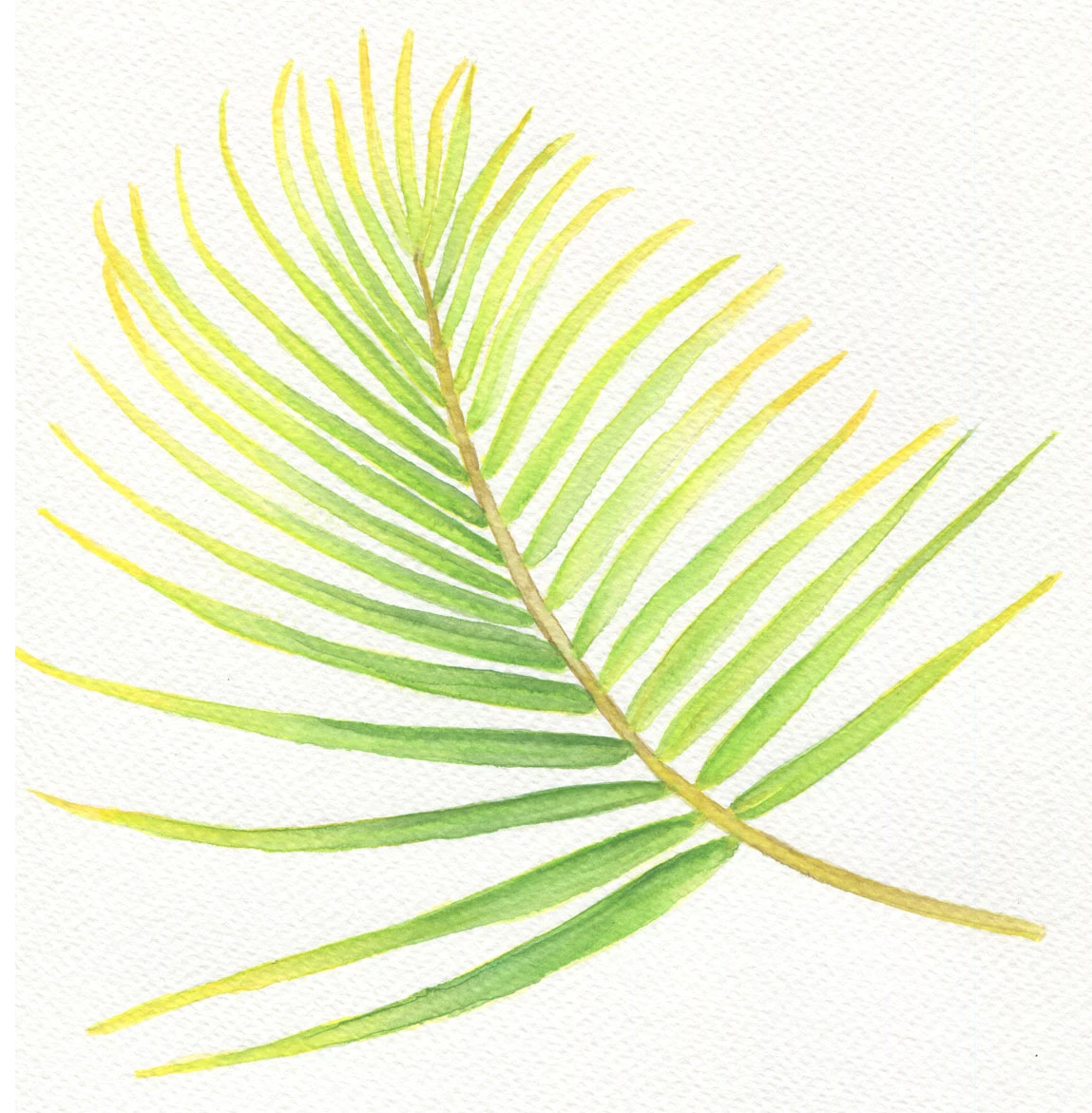
Im trying to effectively remove the white watercolor paper background from the image attached. Is there a simple way of doing this?

I've tried the color range tool which either doesn't delete the paper detail of the watercolor paper or deletes too much of the leaf detail as there is some white in the painting. Ive also tried the magic want and quick selection tools which aren't proving effective?

I'm not the most experience person with photoshop so would love to learn any tips anyone had to get all the color leaf part of the image and not the white paper background.

Thank you in advance if you can help me

This topic has been closed for replies.
Correct answer PmPhotographic

HI.  You could try the colour range selection method but need to make sure you select the white many times using the + eyedropper (or remove if overdone)

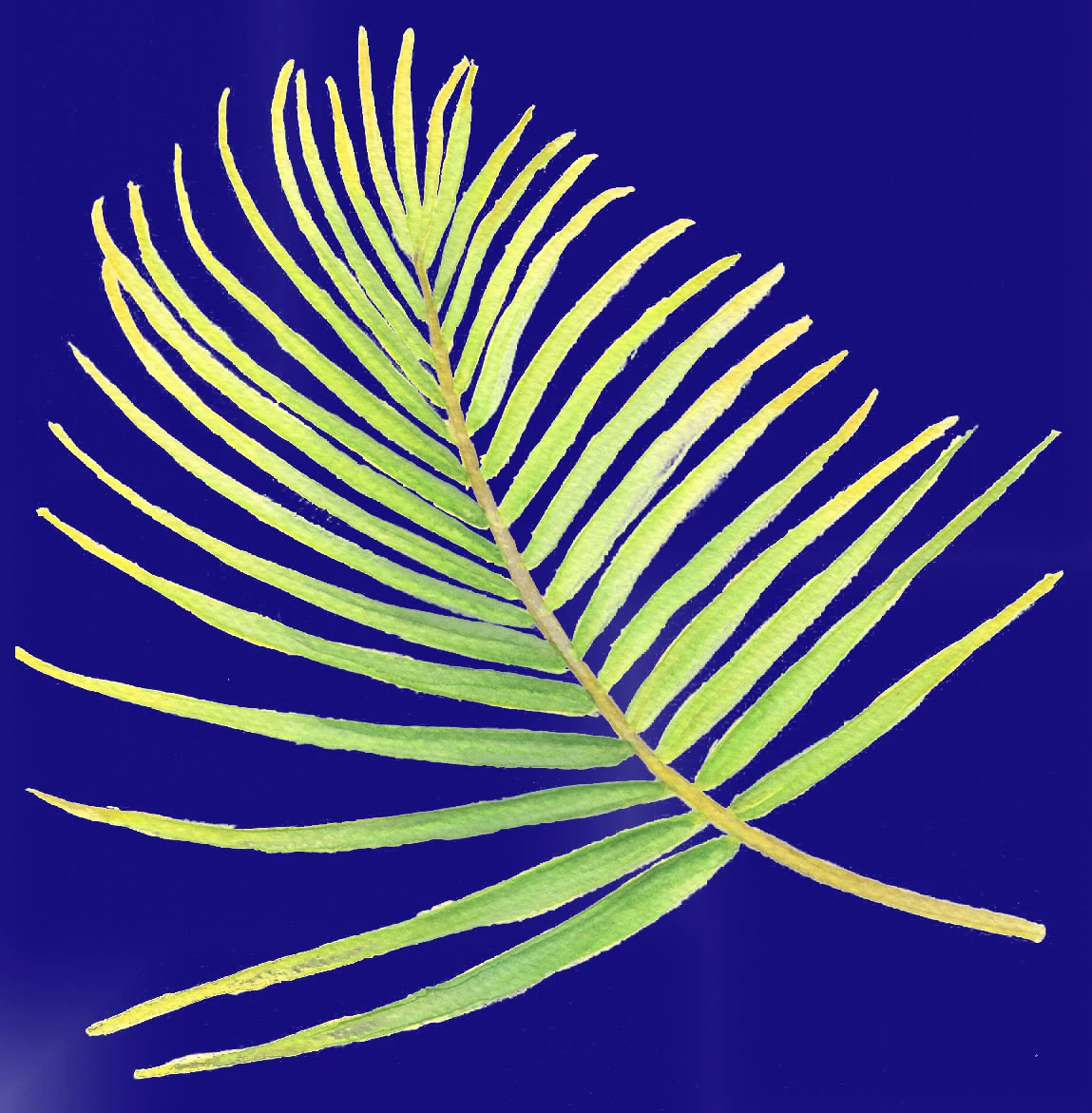
I tried your image and ended with Fuzziness 48 and Range 43%, with Localised clusters selected  This gave a pretty good cut out which I put on  a blue background so you can judge

1 reply

PmPhotographicCorrect answer
Inspiring
November 10, 2017

HI.  You could try the colour range selection method but need to make sure you select the white many times using the + eyedropper (or remove if overdone)

I tried your image and ended with Fuzziness 48 and Range 43%, with Localised clusters selected  This gave a pretty good cut out which I put on  a blue background so you can judge

sarahj62248014
Participant
November 10, 2017

Ahh thats pretty good thank you, I'll have a play around with that. I'm still getting to grips with photoshop, I'll get there eventually ( I hope, LOL)