
Question
How do you set the button on Microsoft Surface Pen 3 to eraser tool?
Hello,
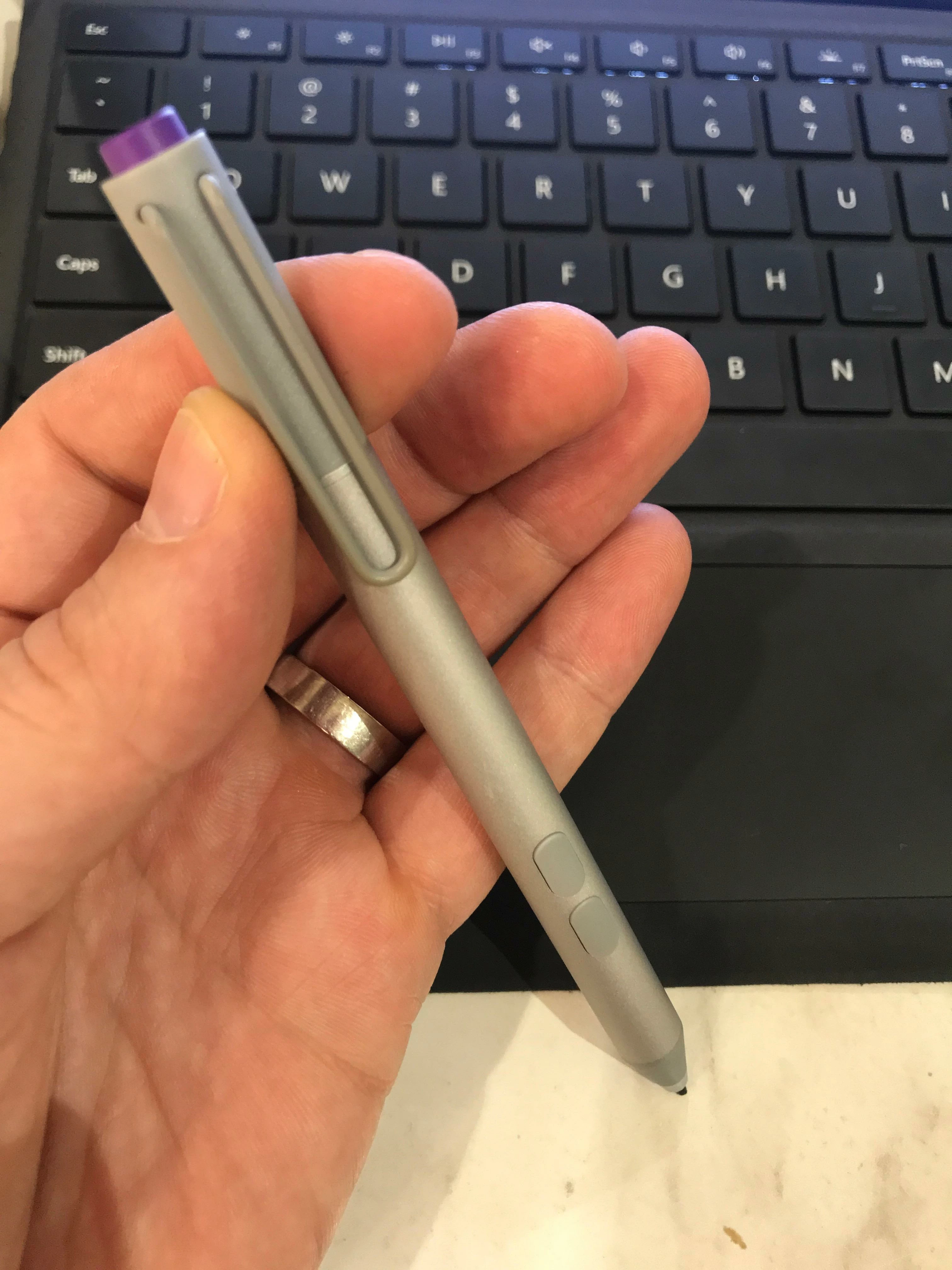
I have a Microsoft Surface Pro 3 pen which I am using with a Microsoft Surface Pro 4 tablet. I am using Photoshop CC (19.0 Release).
It works fine to draw with the brush tool, but by default holding down the first button changes the brush tool to the alternate/background colour, but remains on the brush tool. I want to change to the Eraser tool when I hold down the first button. How can I set up/customise the button to select the Eraser tool when it is held down.
Many thanks
Nick
See photo of the pen below. The first button i'm referring to is the one closest to the tip of the pen. Please note, the Surface Pro 3 pens do not have an eraser function on the back of the pen - only a button.
 AdChoices