Participant
April 19, 2020
Question

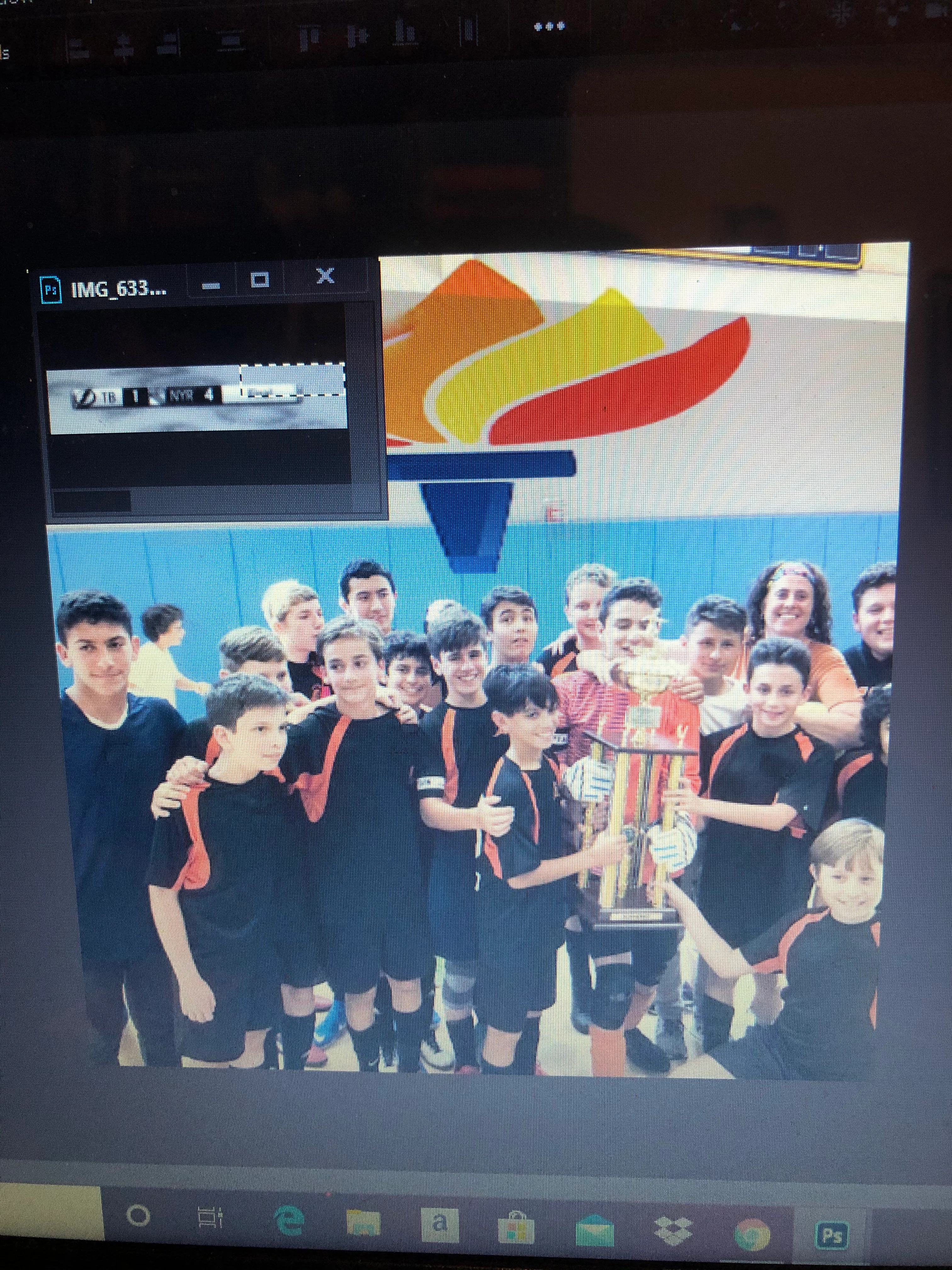
How to add a picture to the picture you were editing

  • April 19, 2020
  • 1 reply
  • 150 views

I was trying to add a picture to the picture I was editing, but instead of going into the picture, it stayed as its own picture, staying as its own "tab". How do I turn the picture on the top left to make it fit into the actual picture? If you look at the image down below you'll see what I mean. What do I do to fix this? Please advise. 
 

This topic has been closed for replies.

1 reply

Nancy OShea
Community Expert
Community Expert
April 19, 2020

1. Open image A. Crop & edit as required.

2. Select All (Ctrl + A). 

3. Copy contents to clipboard (Ctrl + C).

4. Open image B. 

5. Paste contents from clipboard (Ctrl + V).

6. Save image B (Ctrl + S).

7. Close image A.


Nancy O'Shea— Product User & Community Expert