Participant
November 26, 2022
Question

How to: Add Auto-adjusting Outline to an Object?

  • November 26, 2022
  • 3 replies
  • 1156 views

Hi,


I'd like to add a white outline to my smart objects, which automatically adjust itself based on the relevant object. So if I change the smart object to a different photo for example (from lets say an apple to a guitar) then the white outline is adjusted as well and conforms to the new photo I've added.
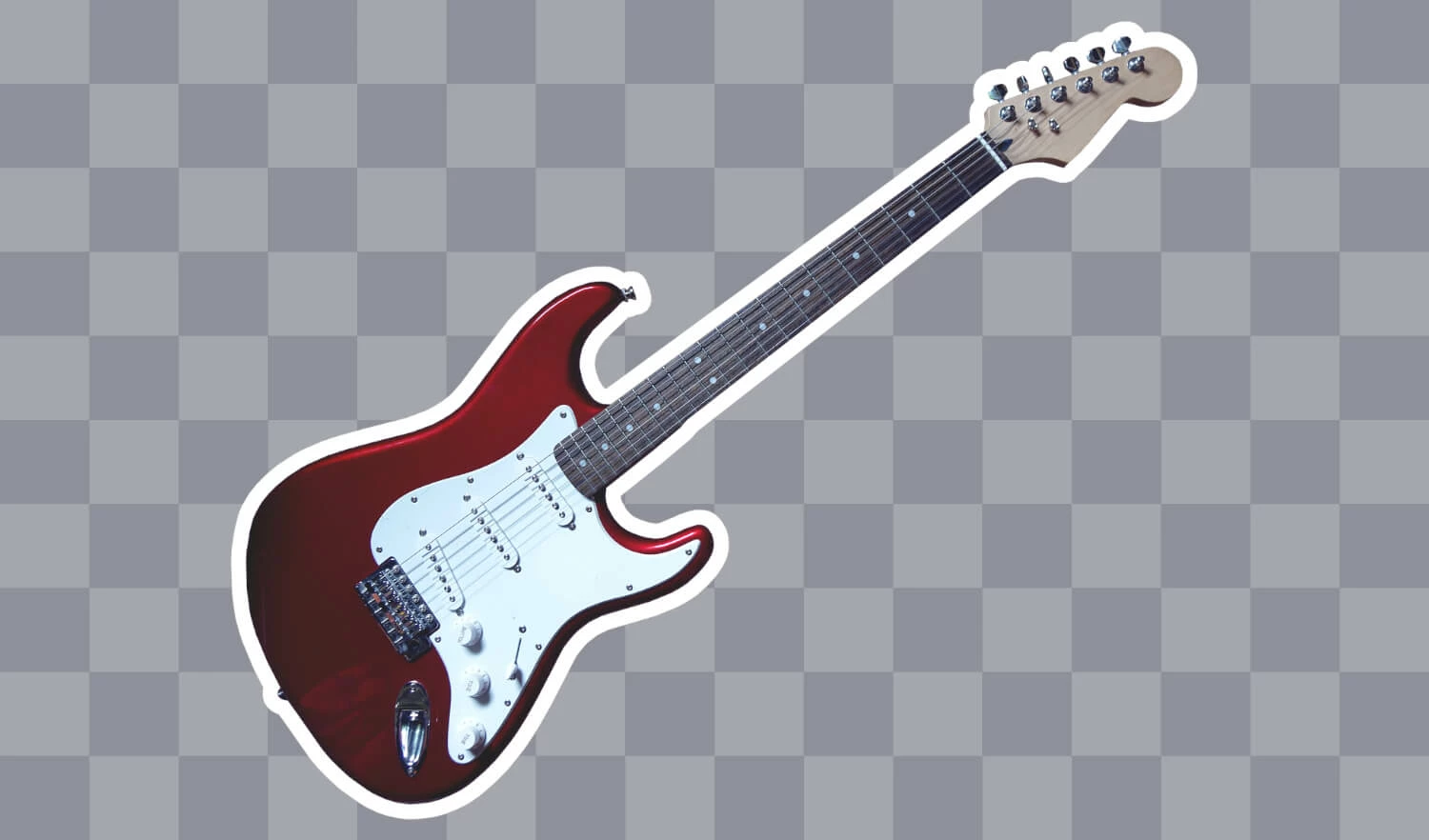

Is there a way to acheive this?


Thanks

This topic has been closed for replies.

3 replies

Conrad_C
Community Expert
Community Expert
November 26, 2022

Just to be clear, the stroke must be added specifically as a layer style like c.pfaffenbichler said, either by using the layer style pop-up at the bottom of the Layers panel, or by choosing Layer > Layer Style > Stroke. That’s because Layer Styles apply and adapt to current layer content, for strokes it applies to the edge of opaque pixels.


It will not work if you choose Edit > Stroke. That will create a permanent stroke that does not adapt to changing layer content.

c.pfaffenbichler
Community Expert
Community Expert
November 26, 2022

As @Jumpenjax mentioned Layer > Layer Style > Stroke should work just fine. 

Jumpenjax
Community Expert
Community Expert
November 26, 2022

Add a stroke and make the stroke as thick as you would like.


Lee- Graphic Designer, Print Specialist, Photographer