

How to average two photos?
Hi,
I am brand new to Photoshop. Never used it in my life.  I am trying to average two photos. I've included a screenshot of my Photoshop screen for reference.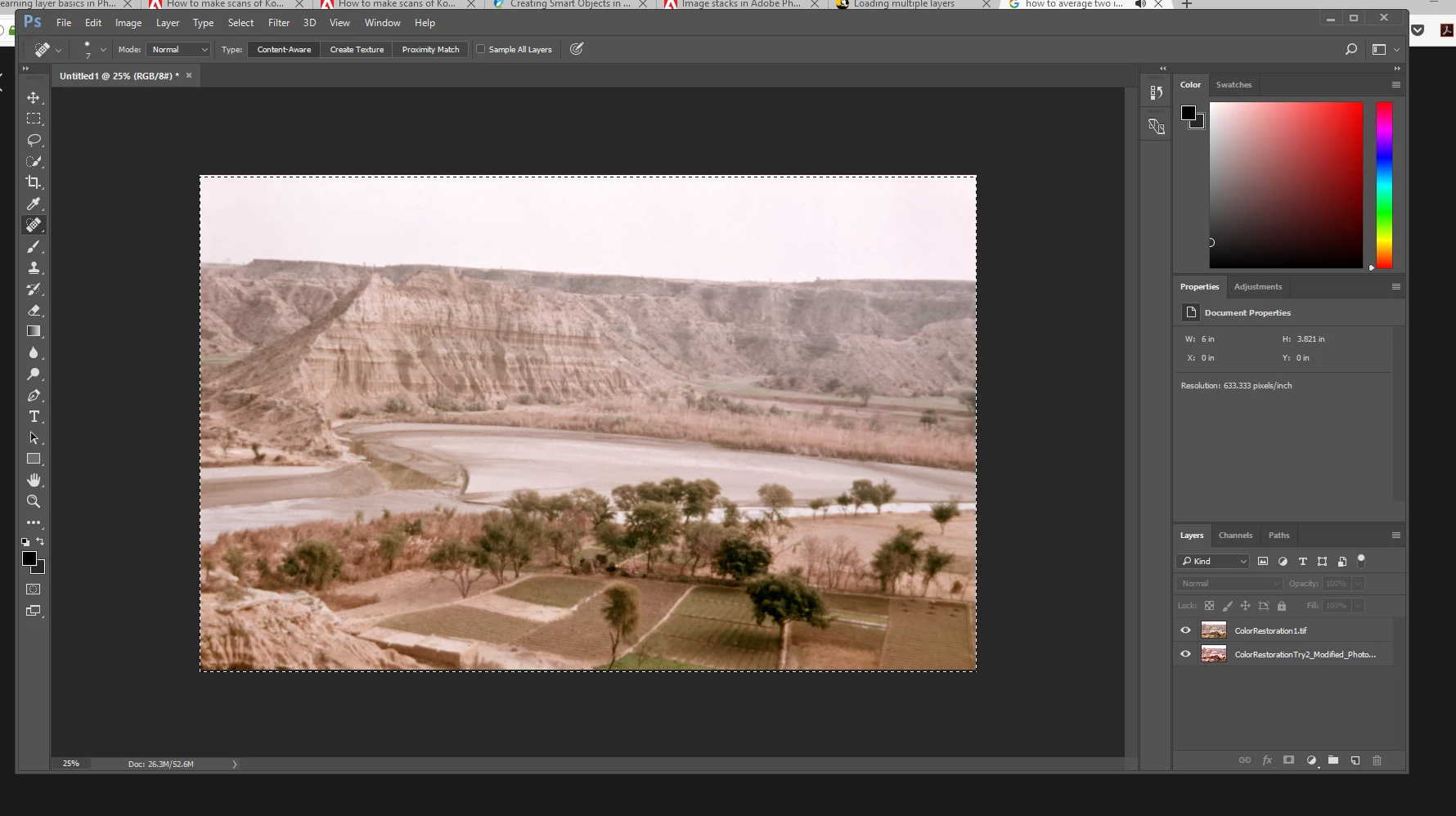
After watching three videos, I wanted to do the following to achieve an average of my two images:
1) convert my two images into one smart object, 2) Go to Layers>Smart Objects>Stack Mode>Mean.
However, Photoshop won't let me select BOTH images to convert them into one smart object. Even when I select one photo, and hold the Shift key to select the other one, it won't let me. I also tried Control-A. It wouldn't let me either. Does anyone know what I'm doing wrong or not doing? 
Please be gentle and kind. I'm not conversant in intricate Photoshop language. 
Thank you very much for your time.
 AdChoices