Participant
October 9, 2023
解決済み

How to change any logo (i. E. football) to white

  • October 9, 2023
  • 返信数 2.
  • 2767 ビュー

Hi dear community,


is there an "easy" way to convert any logo into just white? Any help would be appreciated a lot. Thanks in advance! 🙂

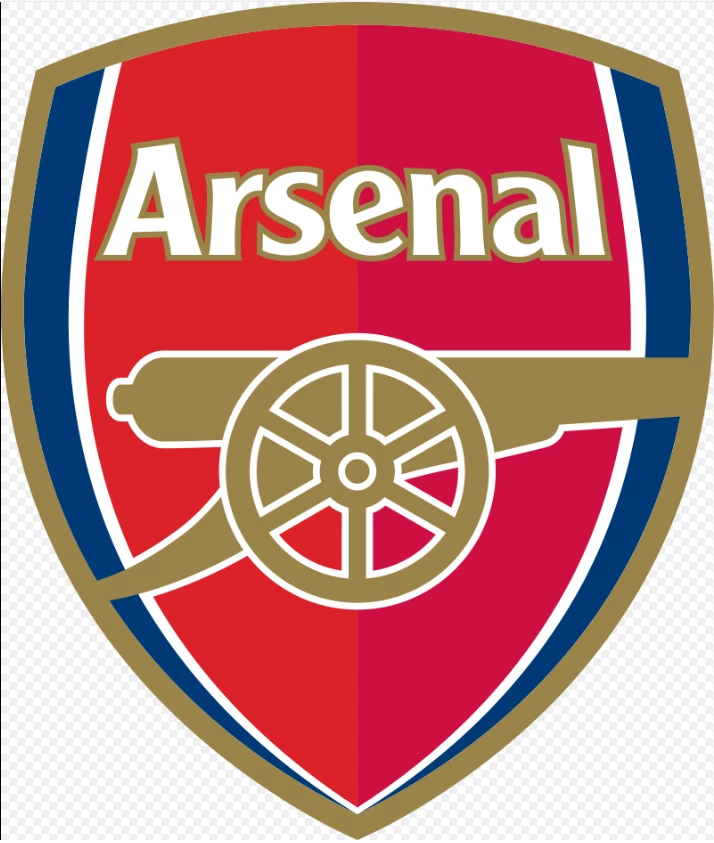
As an example:


このトピックへの返信は締め切られました。
解決に役立った回答 Ares Hovhannesyan

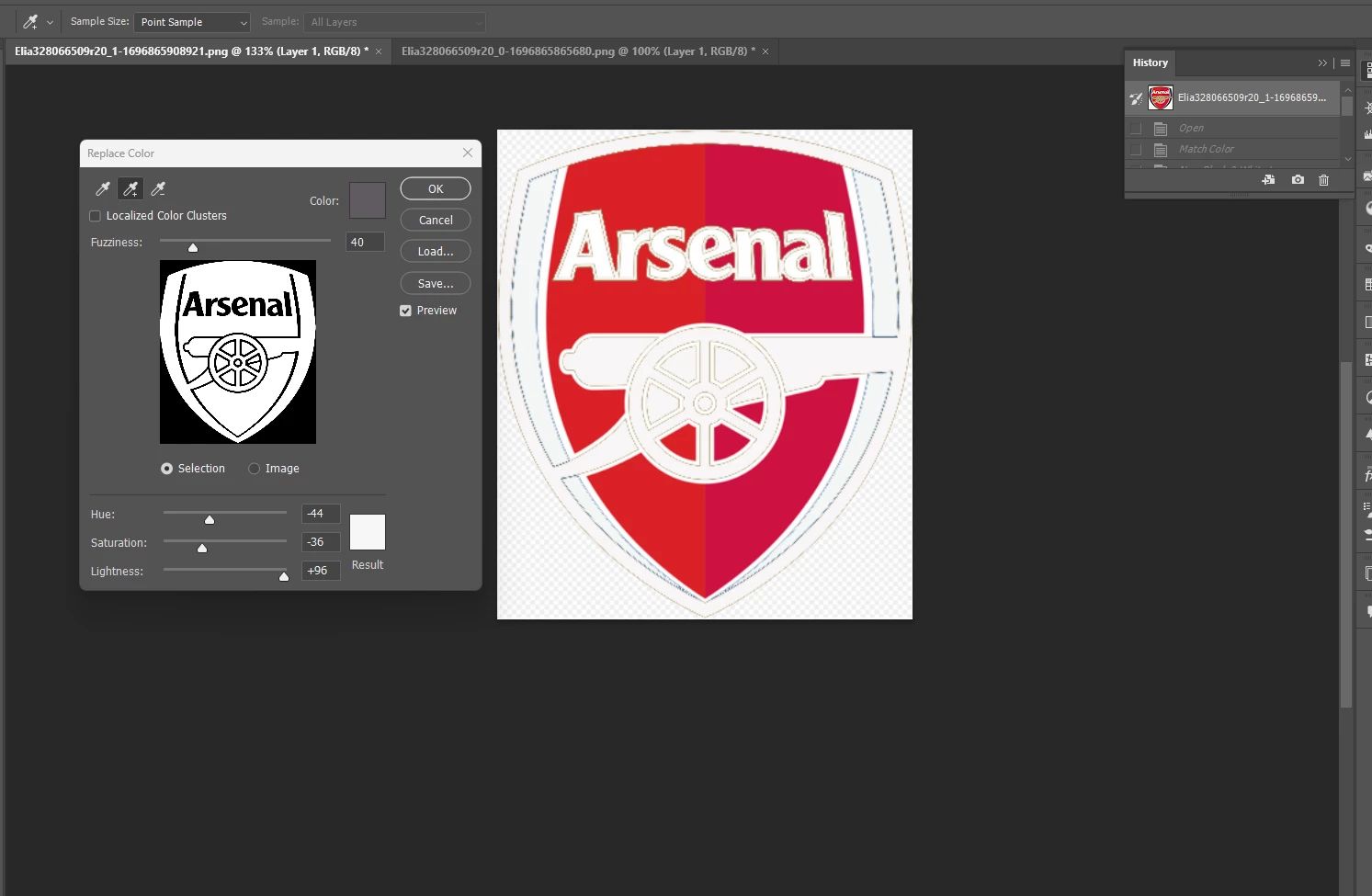
Please try "Replace Color" From Image->Adjustment->Replace Color. I attached a capture from my screen. (the work has not been finished) . I think it possible. 
 

返信数 2

Ares Hovhannesyan
Community Expert
Community Expert
October 9, 2023

Please try "Replace Color" From Image->Adjustment->Replace Color. I attached a capture from my screen. (the work has not been finished) . I think it possible. 


Legend
October 9, 2023

This example makes no sense. Some of the original white remains white, some of the two red hues become one red color, some of the gold turns red while most turns white, the blue turns red, and some of the white turns red.

Most likely this was created in Illustrator and the shapes were recolored to make the second logo.

Conrad_C
Community Expert
Community Expert
October 10, 2023

It makes sense, but what it shows is that it was unlikely to have been done automatically or with a push-button feature, because in some cases strokes were changed, and in other cases fills were changed. It means the designer did what is common, which is to spend a little more billable time to manually design an alternate version of the logo that works well on a dark ground.


If Eljoelia has their original logo in vector format, there is as chance that the Recolor or new Generative Recolor feature in Adobe Illustrator may be able to help automate this.