
Participant
March 20, 2017
Answered

How to change channels output screen frequency in PSCC?
  • March 20, 2017
  • 1 reply
  • 1273 views

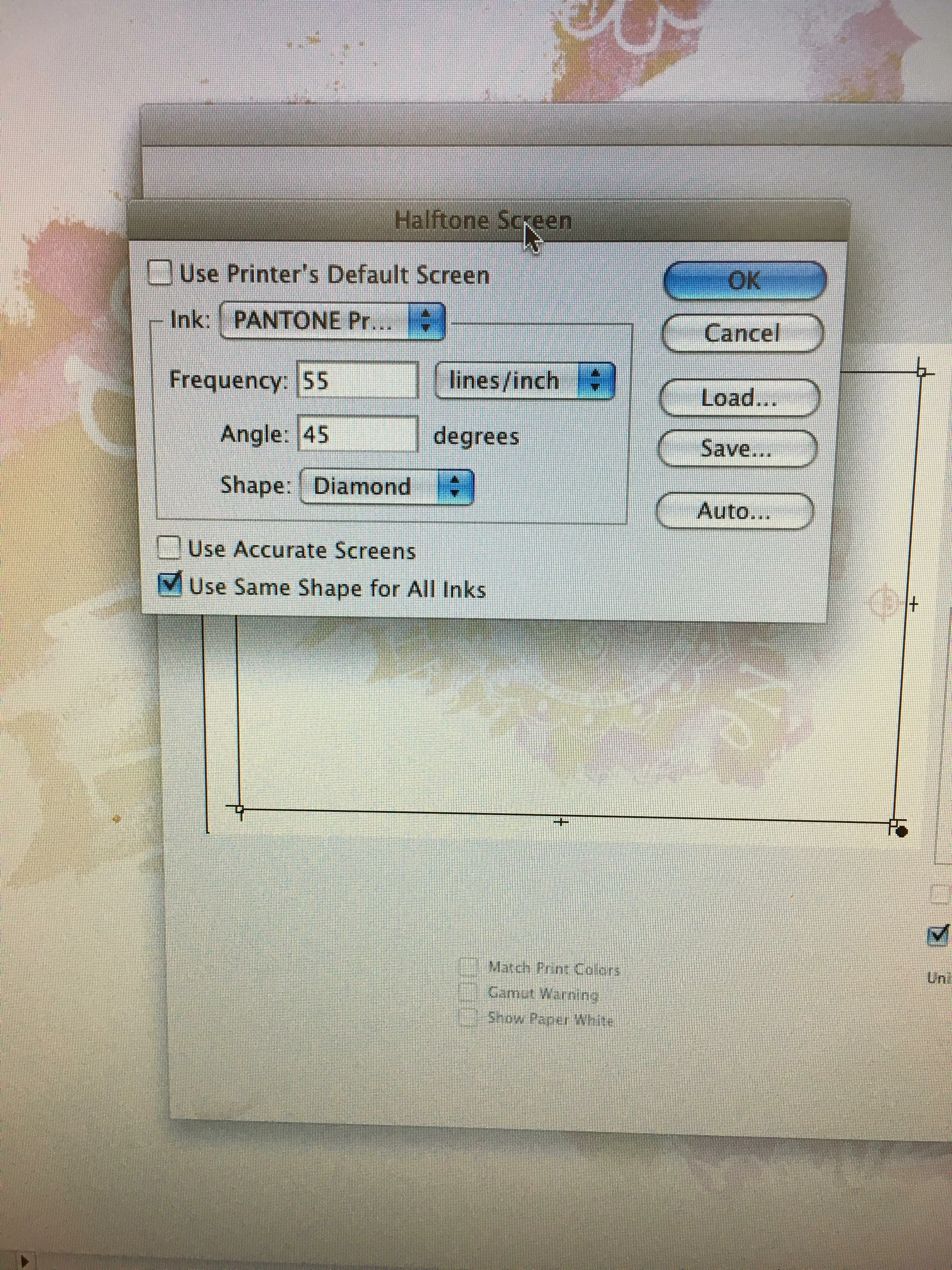
Hi all, How do you find these options in PS CC 2017? I'm trying to output separations set up in channels and I need to adjust the screen frequency for individual channels. This image is from PS CS4. Thank you in advance for your help!
    This topic has been closed for replies.
    Correct answer davescm

    Hi

    I think that was removed in CS5.

    Photoshop: Restore halftone screen function for printing separations | Photoshop Family Customer Community

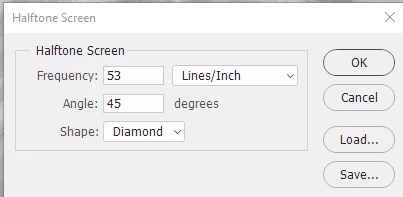
    The only way I know of (and I am no expert in separations so hopefully someone will chip in who is) is to use "Split Channels" in the channels dialogue, which separates into new documents, then convert each to Bitmap using "Halftone screen" giving the dialogue below

    Dave

    1 reply

    davescm
    Community Expert
    davescmCommunity ExpertCorrect answer
    Community Expert
    March 20, 2017

    Hi

    I think that was removed in CS5.

    Photoshop: Restore halftone screen function for printing separations | Photoshop Family Customer Community

    The only way I know of (and I am no expert in separations so hopefully someone will chip in who is) is to use "Split Channels" in the channels dialogue, which separates into new documents, then convert each to Bitmap using "Halftone screen" giving the dialogue below

    Dave

    darrenGPIAuthor
    Participant
    March 20, 2017

    Thanks Dave! Yes, splitting channels will work but a pain in the butt if it's a 12 color separation. Thanks again for the help!

    davescm
    Community Expert
    Community Expert
    March 20, 2017

    Depending on what your are doing, if you have access to Illustrator it may be worth a look as it's print output does have the screen options, set out similarly to those you showed in your screenshot. See example below

    Dave