Inspiring
September 1, 2018
Answered

How to change print image size of drawing in Photoshop

  • September 1, 2018
  • 2 replies
  • 1456 views

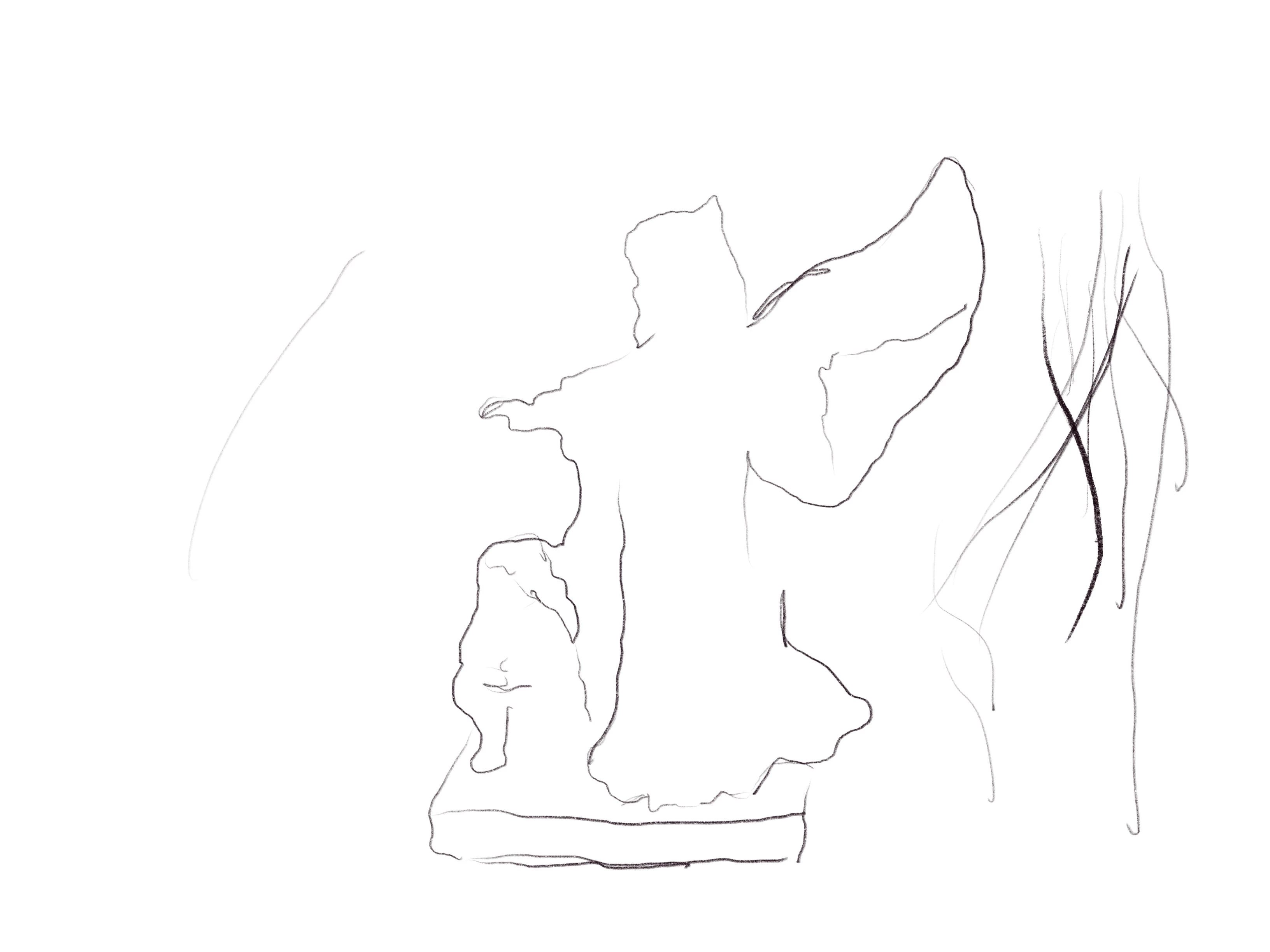
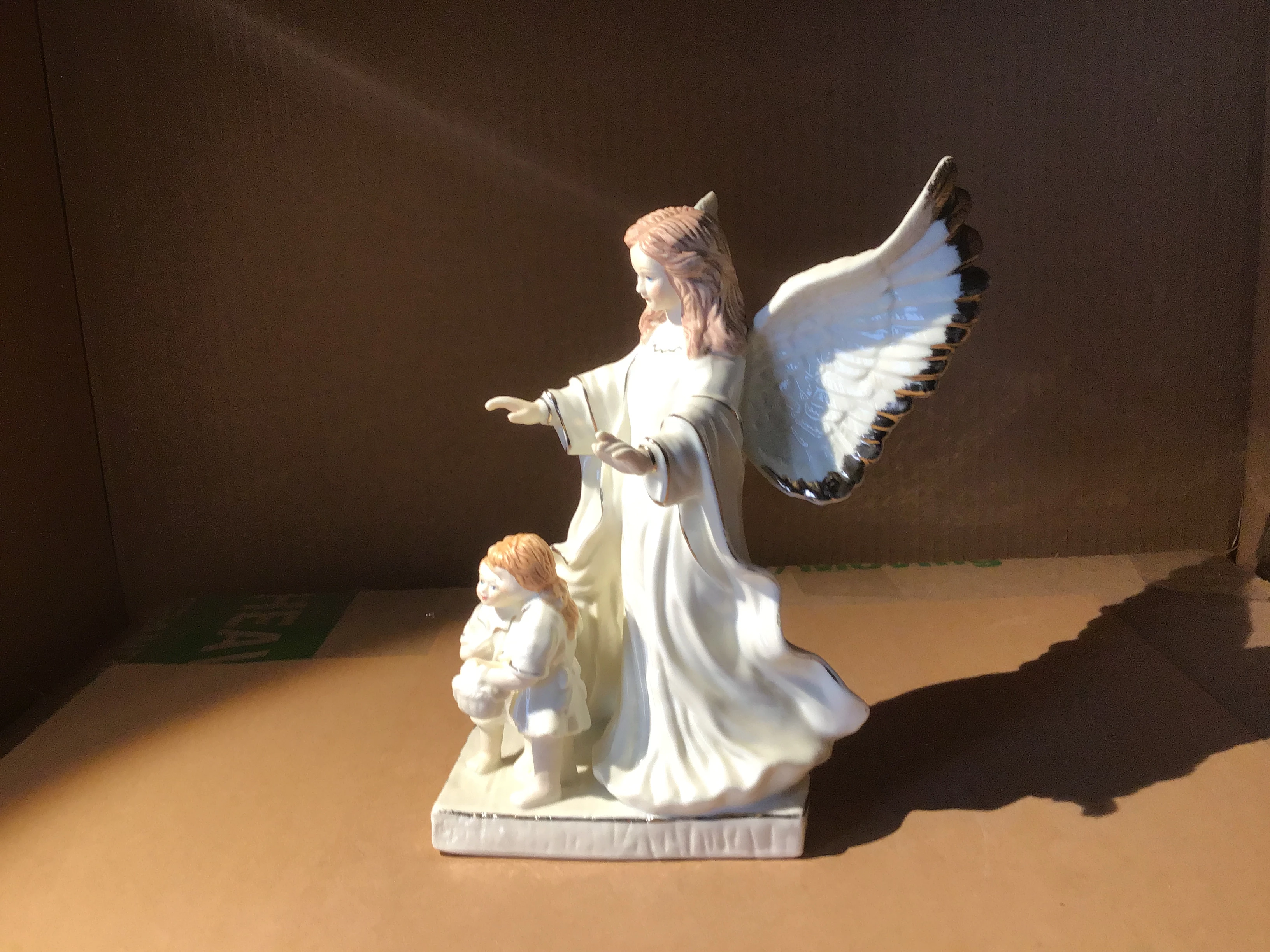
I am a beginner trying to learn to paint traditionally, using PS to assist me. I traced an outline of a still life(see below) but it prints only 4 inches high. I only want to increase the size of the outline, not the background also.

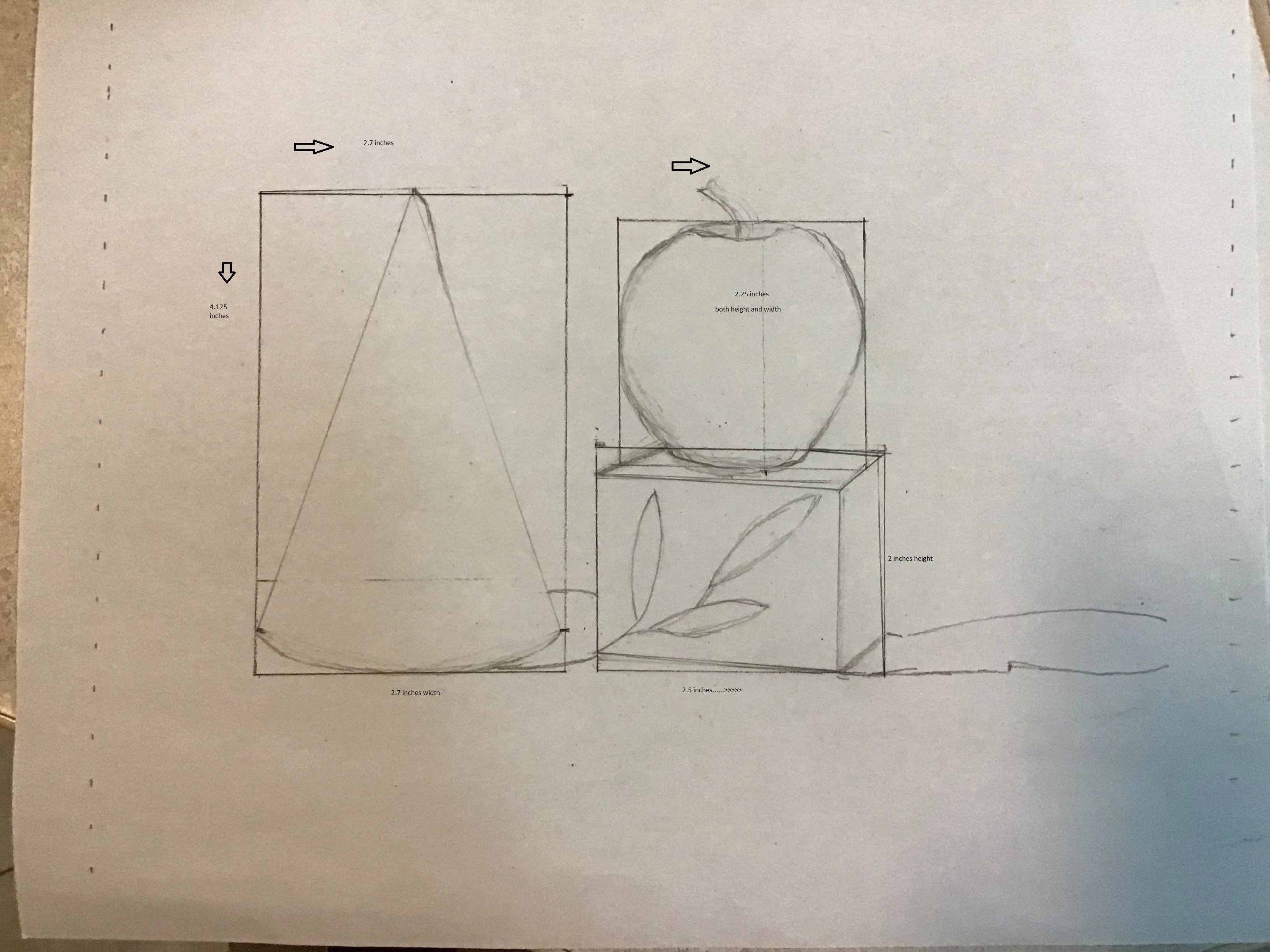
This is to help me with measurement, getting the proportions correct. How can I change just the outline to, say 8 inches in height? Do I free transform it....then what? I have the original snapshot of the angel statue, then the outline. The photo in the middle was an error, but I don't know how to delete it. Thanks in advance for all help/input.

I appreciate any input, and thank you in advance.
    This topic has been closed for replies.
    Correct answer gener7

    Here's a visual aide: You see Resample unchecked and that means you can change the size on paper without changing the pixels and you can choose the print size in whatever units you want. Click OK when done and Print.

    2 replies

    davescm
    Community Expert
    Community Expert
    September 1, 2018

    Hi

    Presumably you have the original photo and the outline on separate layers?  If so, the easiest way is just to go to Image>Image Size and put in the size that you need. This will transform both the image layer and the outline layer - but you can switch off visibility of the image layer before printing.  The advantag eis that both the image and the outline will stay in size so if you wanted to add any other lines by tracing - it would be easy. Use Save As when you are done and give it a new name  so that the original image is unaltered and the artwork document is saved separately.

    You can change the size of just the drawing layer by going into Image>Canvas Size and extending the canvas then using Transform>Scale on the drawing layer - but that would put your image and the drawing out of step with each other making it difficult to trace any additional lines if required.

    A final alternative, given that these are just guidelines, is to scale in the print dialogue when you come to print.

    Dave

    Community Expert
    September 1, 2018

    Do you want to just print your image at a larger size? If so, you could just change the image size settings.

    From the Image menu, choose Image Size...

    Uncheck the Resample checkbox.

    Change the Height to Inches and adjust the number to what you want. The default locks the proportions so width will change when you change height.

    Then click OK.

    The above won't change the file size just the resolution. With Resample on, you can change the pixel dimensions of your image.

    Inspiring
    September 1, 2018

    I just want to change the print size.

    Bojan Živković11378569
    Community Expert
    Community Expert
    September 1, 2018

    Let me try to guess what exactly you want. So, you have outline on a separate layer, right? Transform outline from the center with constrained proportions.

    Easy way:

    • Select layer with outline
    • Press Ctrl/Cmd + T
    • Hold down Shift and Alt/Opt and navigate mouse over corner handle, click and drag.
    • Confirm on Enter/Return.