Answered
This topic has been closed for replies.
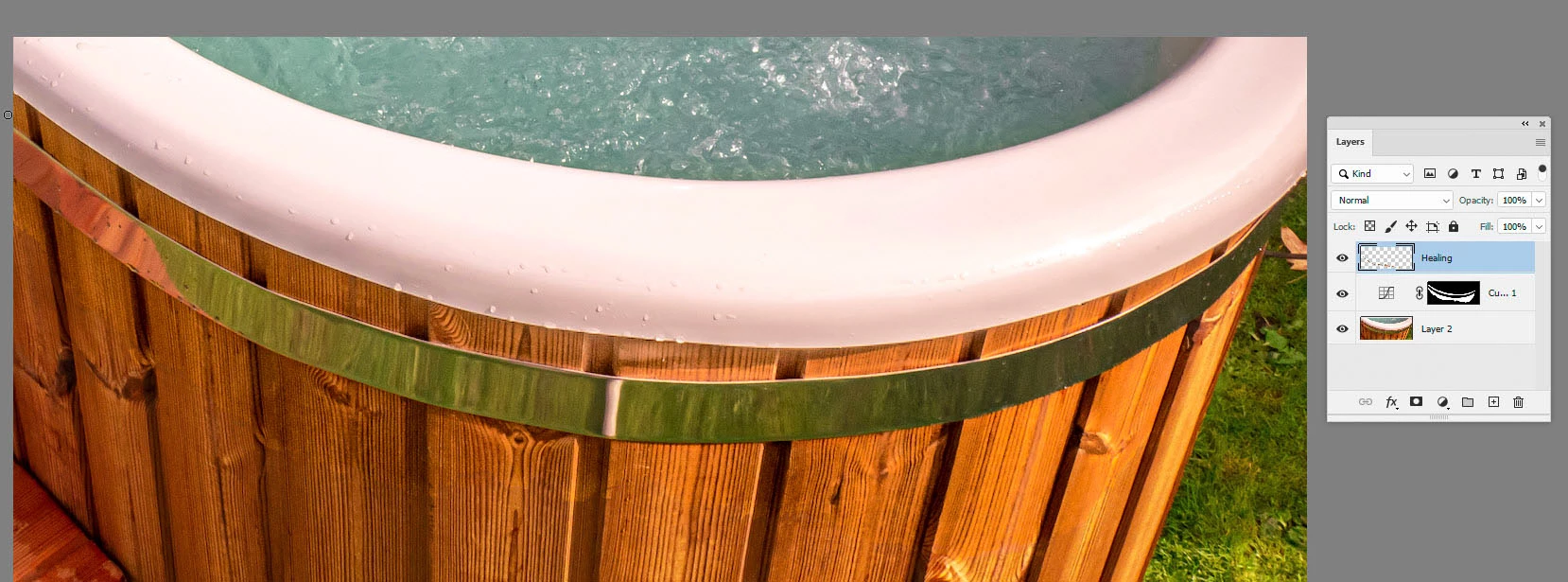
Try putting the image into Lab mode then using a masked curve on the upper wood, first adjusting the Lightness - then the colour channels (a and b). Finally add a layer and cover the join with the spot healing tool set to 'All layers'
Dave
Sign up
Already have an account? Login
To post, reply, or follow discussions, please sign in with your Adobe ID.
Sign inSign in to Adobe Community
To post, reply, or follow discussions, please sign in with your Adobe ID.
Sign inEnter your E-mail address. We'll send you an e-mail with instructions to reset your password.
 AdChoices