Question
How to change "view angle" for text the same way as for rasterized layers?
Hi, I would like to know, how to change "view angle" (I do not know how to call this) of text.
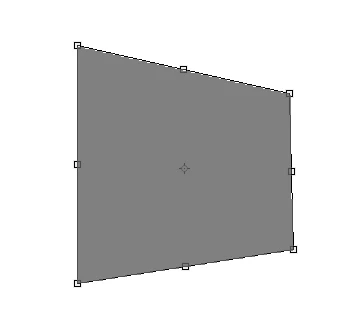
For rasterized layer, e.g. rectangle, I can change it by clicking Ctrl+T, and by clicking top right and bottom right corner points with Ctrl, I can create something like this:
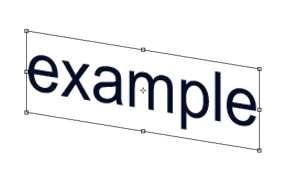
I would like to do the same for text. However, when I click top right corner point with Ctrl, and move it desired way, it moves the bottom right point the same way as the top one. Result can be seen here:
Can somebody advise how to do that? I know it is possible by rasterizing the type, but I have to preserve the type for future alterations. Thank you.
 AdChoices