
Participating Frequently
November 5, 2018
Answered

How to Clip mask 1000 images using automate in Photoshop

  • November 5, 2018
  • 4 replies
  • 2081 views

I have this cover image template.psd file. I need to create 1000 cover images by Clip-masking 1000 images in image place holder layer.
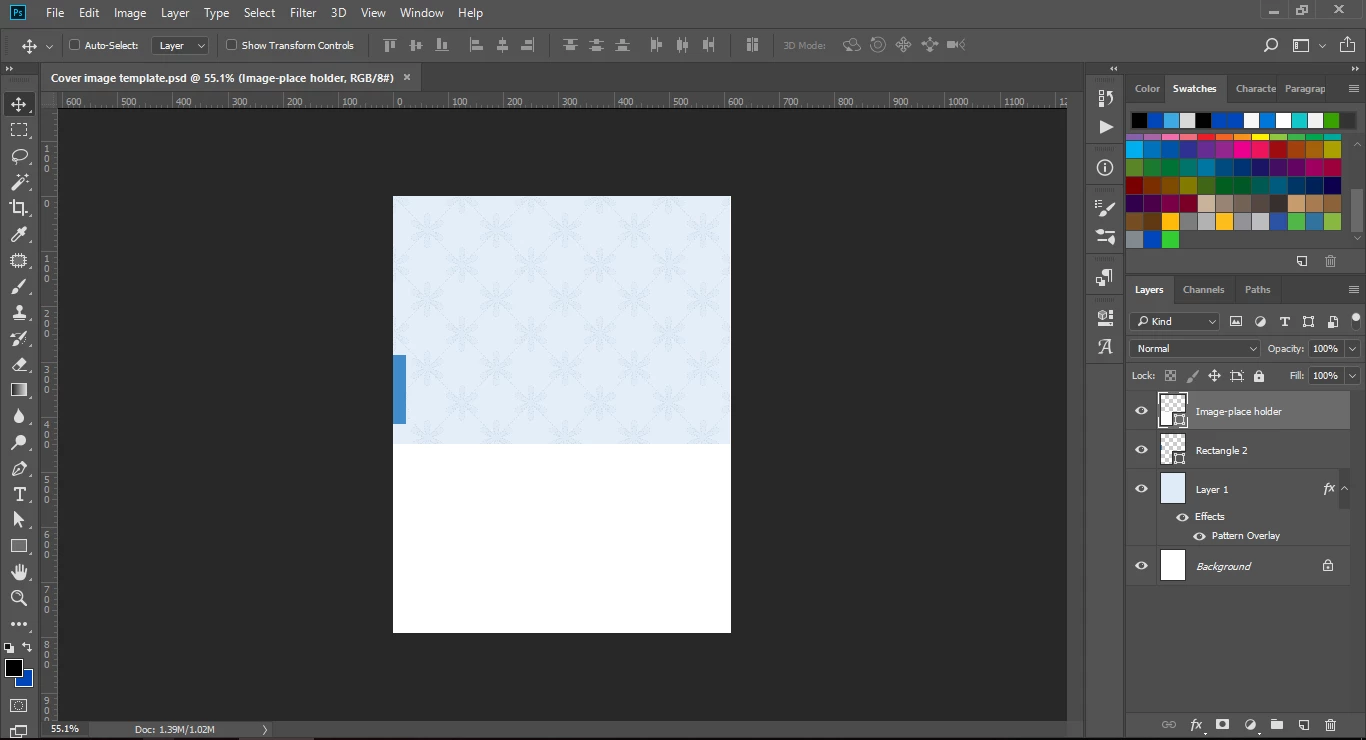
How can i achieve this by batch process or by scripting or if there is any option please let me know.

    This topic has been closed for replies.

    4 replies

    Participating Frequently
    November 11, 2018

    Thank you all for the answers. It helped me a lot!

    angie_taylor
    Legend
    November 6, 2018

    There's also this;

    Using Variables in Photoshop to generate graphics from text files - YouTube

    Layer comps may be a good, easy solution for this as you can do it from a single PSD and export multiple PSDs from the Layer comps?

    angie_taylor
    Legend
    November 6, 2018
    Norman Sanders
    Norman SandersCorrect answer
    Legend
    November 5, 2018
    Kukurykus
    Legend
    November 5, 2018

    Could you post another similar screenshot illustrating result after doing that manually at least 5 of 1000 times?

    Participating Frequently
    November 5, 2018

    Screenshots of end result after doing manually:

    Stephen Marsh
    Community Expert
    Community Expert
    November 5, 2018

    Are the variable images the same proportion/aspect ratio as the placeholder window? Do you need to scale or position the images in place?

    A batch script can likely achieve the end result by inserting the template into each image and making necessary adjustments where possible, however a script is likely better suited to the task.