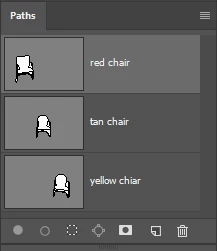
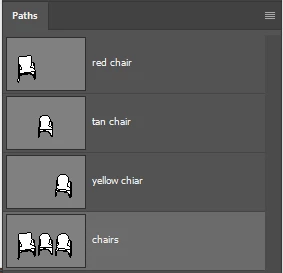
https://forums.adobe.com/people/jay+fresno wrote I was able to do it by selecting all three paths, copying them, pasting them into Illustrator, copying them from Illustrator back into Photoshop. Does anyone know a better way that can be done by using only Photoshop instead of my clunky workaround? |
Yes that's how you do it. I don't normally create a new empty path, but rather drag one of the component paths to the new path icon.
Then select one of the other paths and copy (Ctrl c) and paste it to the copy of path 1. Repeat till done. It definitely should work.
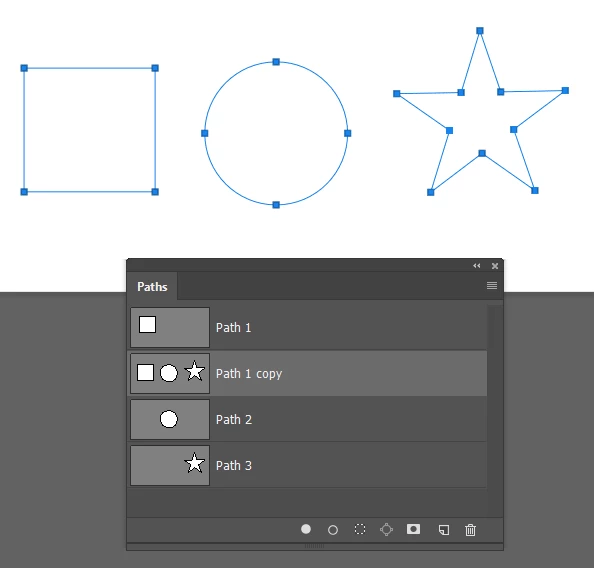
Or a quick way is to select all the required paths together
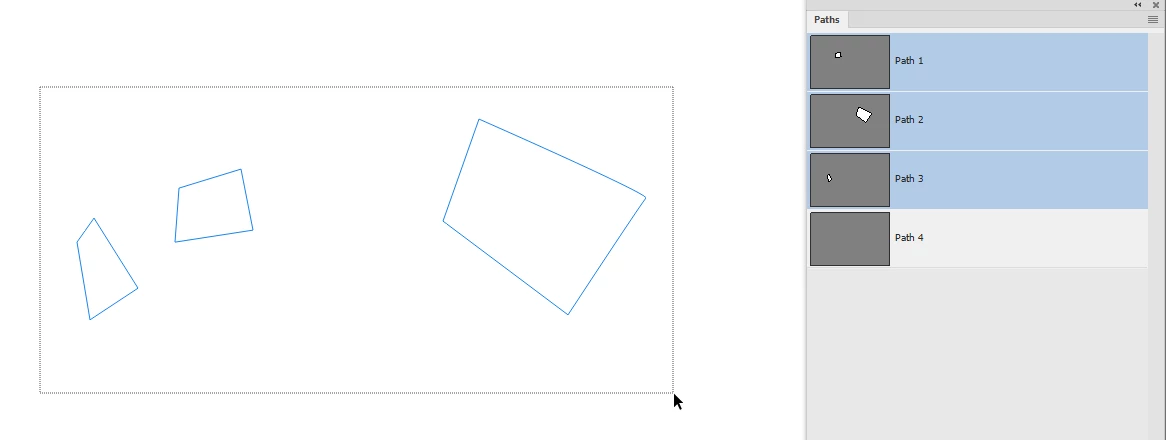
1. Select the paths in the paths panel to make them visible

2. Drag a rectangle round them with the path selection tool (black arrow) so that all the individual paths are selected
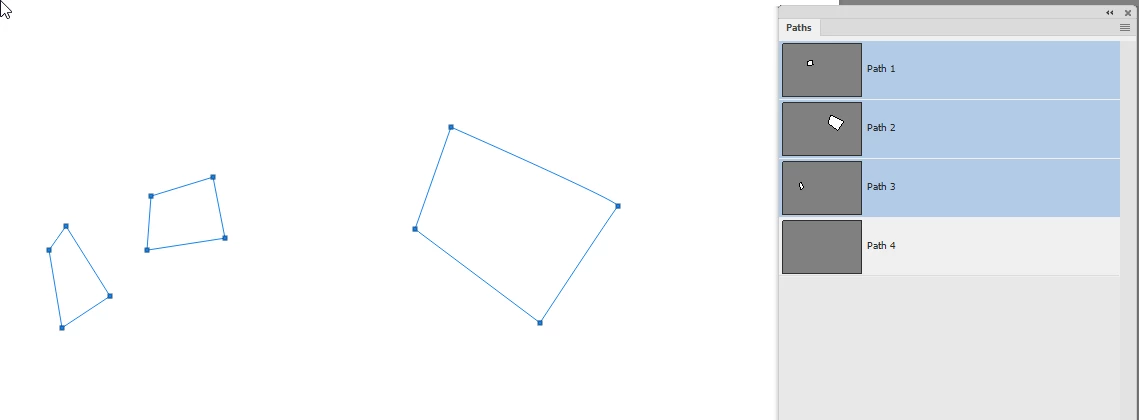
3. Press Ctrl+C
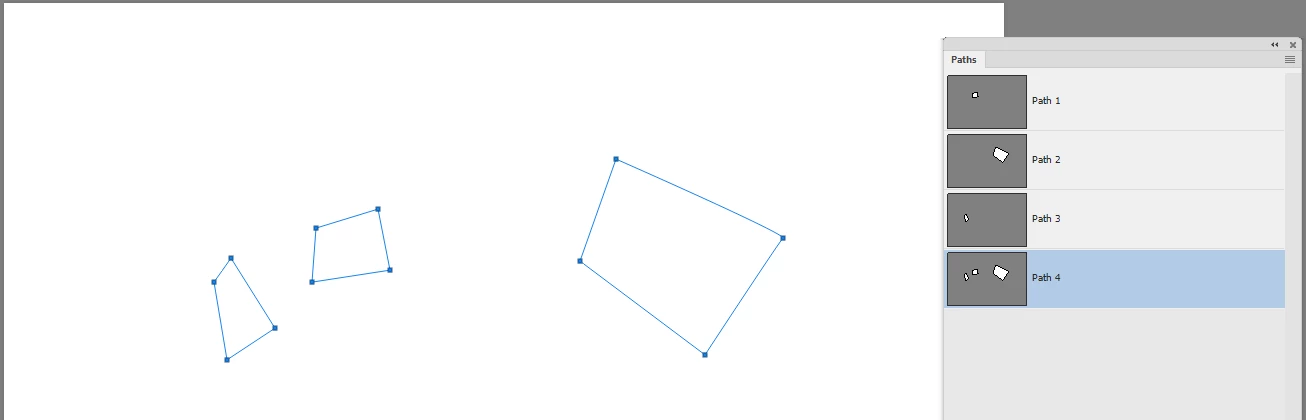
4. Switch to the path into which you want to paste them
5. Press Ctrl+V
Dave

 AdChoices