
Participant
September 15, 2020
Answered
How to correctly save an image after using levels adjustments
- September 15, 2020
- 3 replies
- 533 views
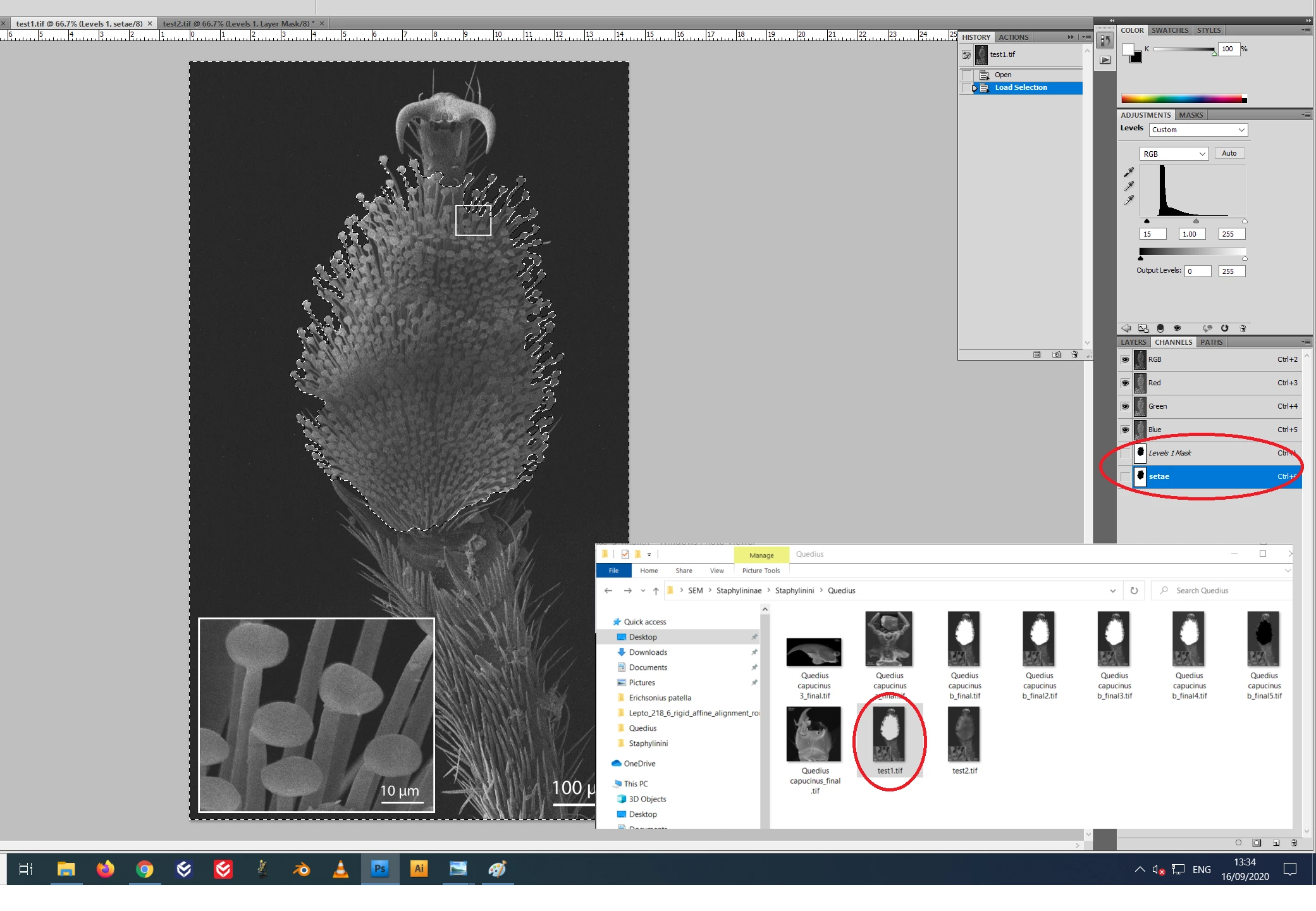
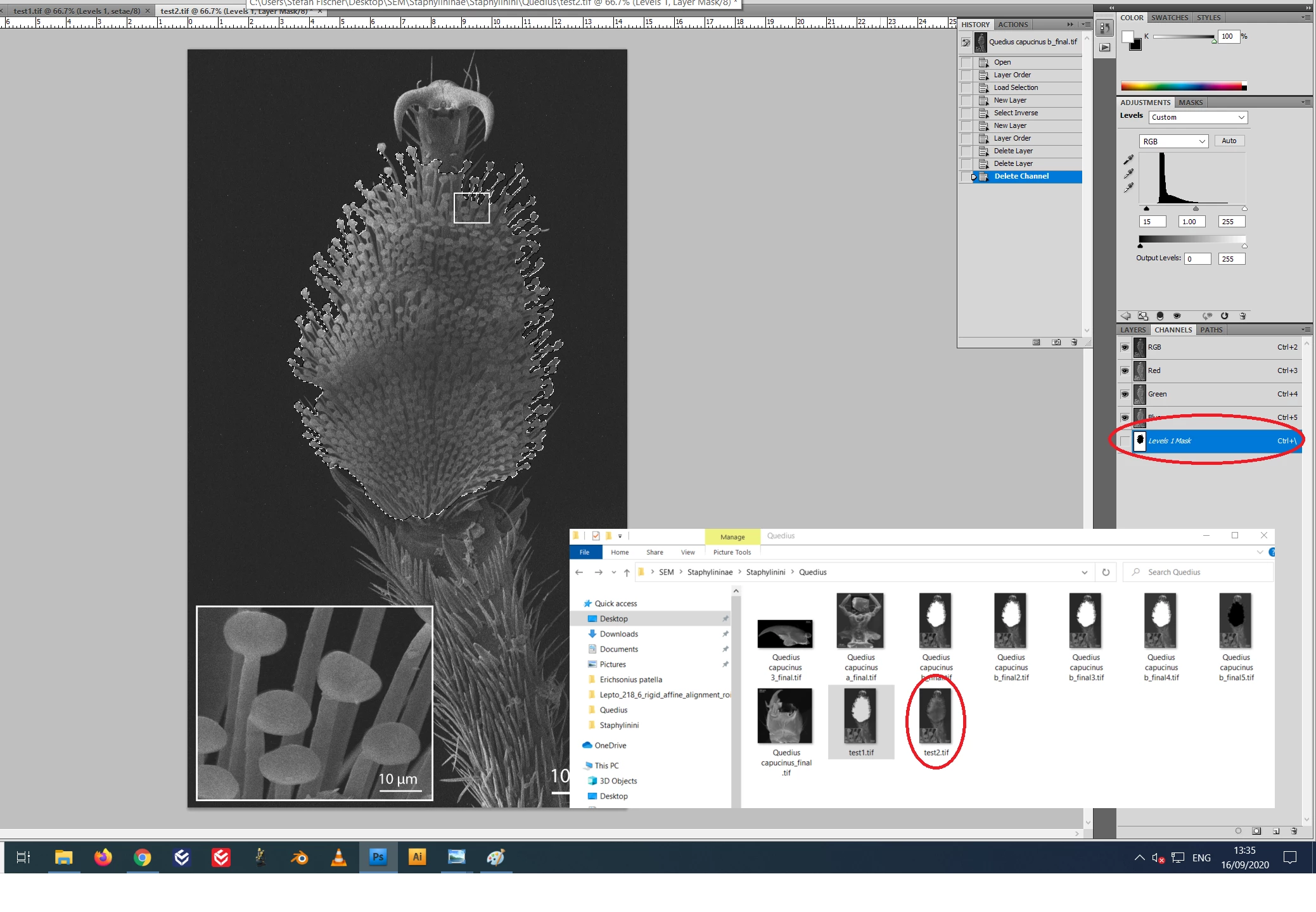
I wanted to change the levels of an image, but not from a specific part of it. So, I selected this part, than selected inverse. Applied Levels Adjustments. It works perfectly when I see it on my screen with Photoshop open. But when I save it to TIFF, the final result is a complete white color on the space where I firstly selected.
Please, see on the picture attached in case what I said was not clear.
What I need is to save the image without that white part, but with the modifications done, as I see it when my Photoshop is open.
 AdChoices