Participant
October 9, 2020
Question

How to create a background explosion

  • October 9, 2020
  • 1 reply
  • 1589 views

My friend used polish to create a photo of a colourful explosion in the background of him on his bike. 
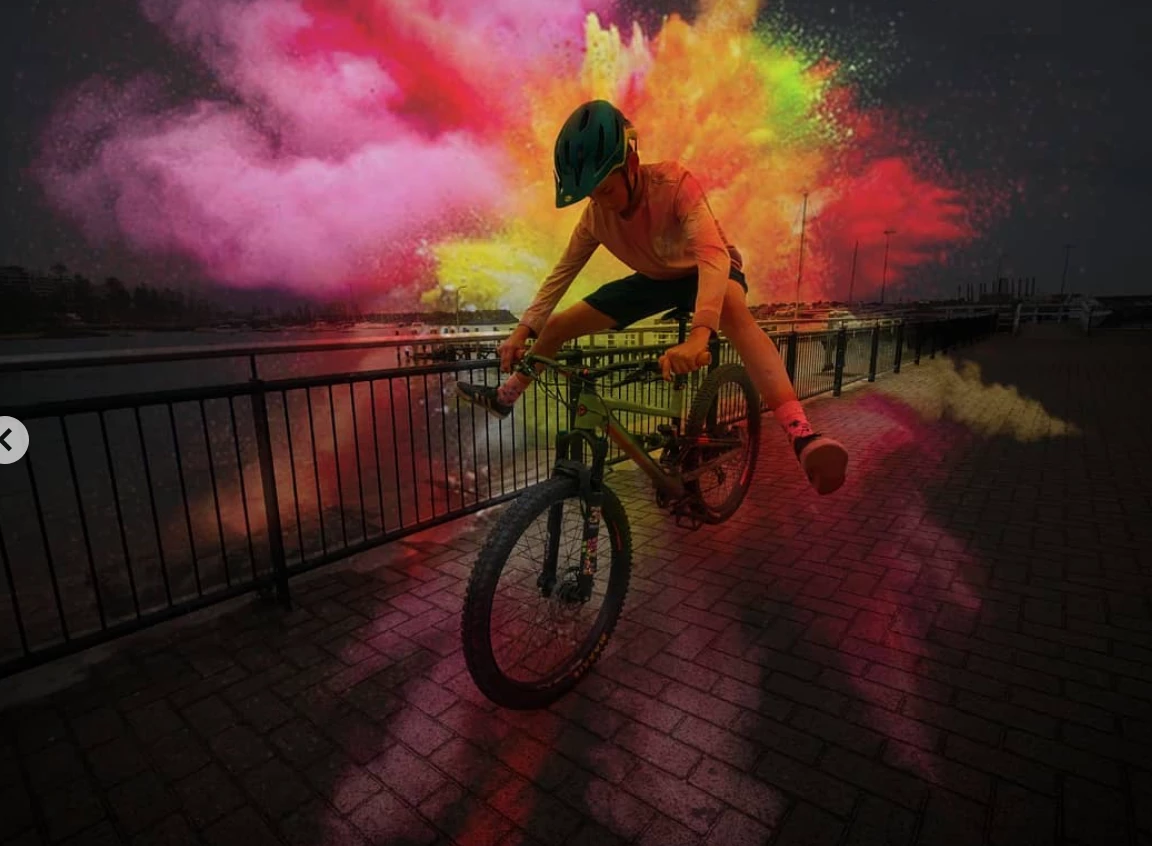
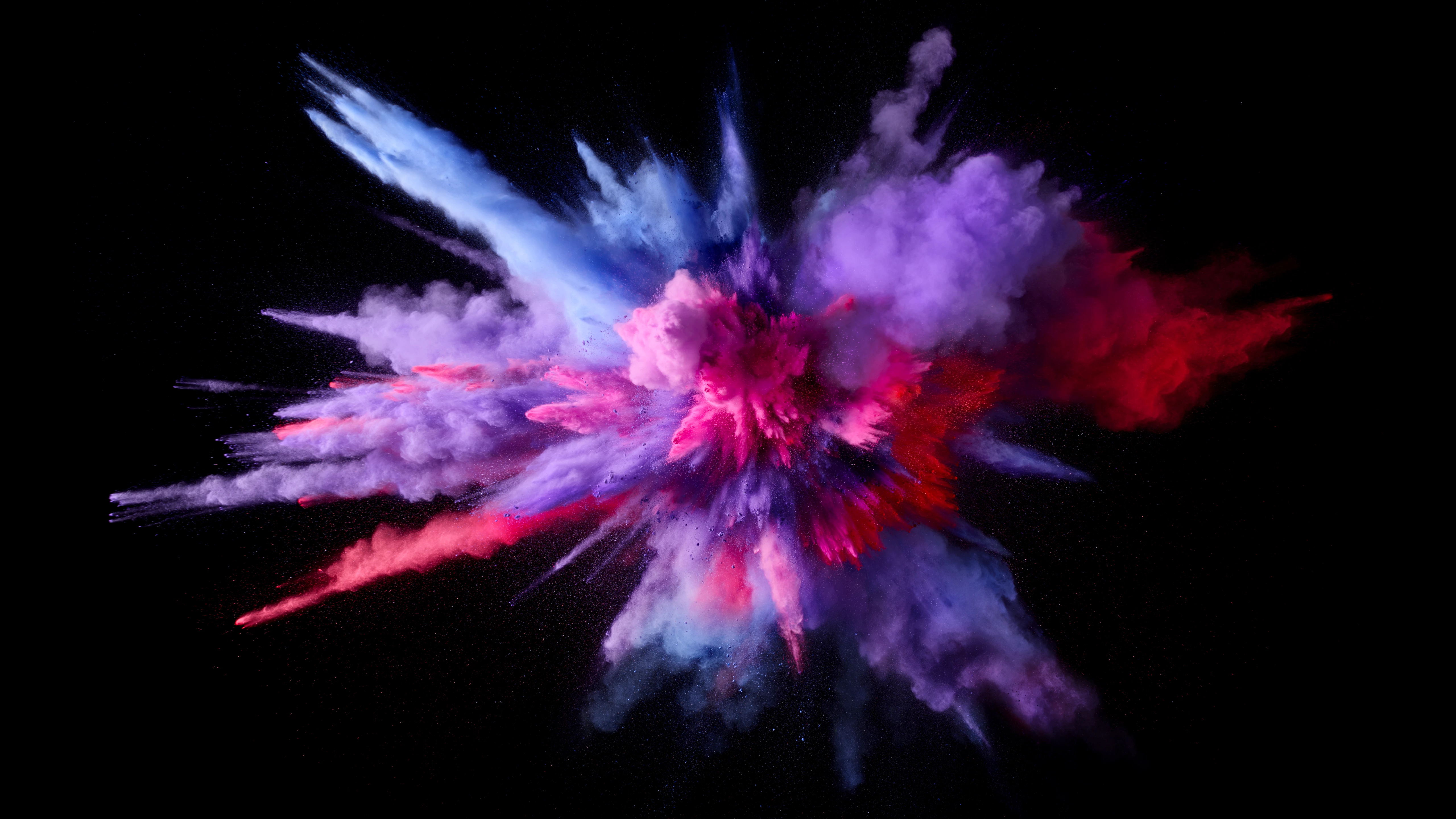
I got photoshop and wanted to try it, how would I do it? I would use the raw image and this explosion:

This topic has been closed for replies.

1 reply

c.pfaffenbichler
Community Expert
Community Expert
October 9, 2020

Place the image as a Smart Object and set it to Blend Mode Multiply and adjust the Opacity. 

Participant
October 9, 2020

Ok thank you, I will give it a try

c.pfaffenbichler
Community Expert
Community Expert
October 9, 2020

In the screenshot I put the image in a Group and set the Group to Multiply. 

That way one can add Adjustment Layers (Curves, Hue/Saturation, …) to manipulate the effect of the placed image easily.