RajneshD
Inspiring
November 22, 2018
Answered

How to delete a Stroke-Segment of a Shape?

  • November 22, 2018
  • 1 reply
  • 834 views

Greetings,

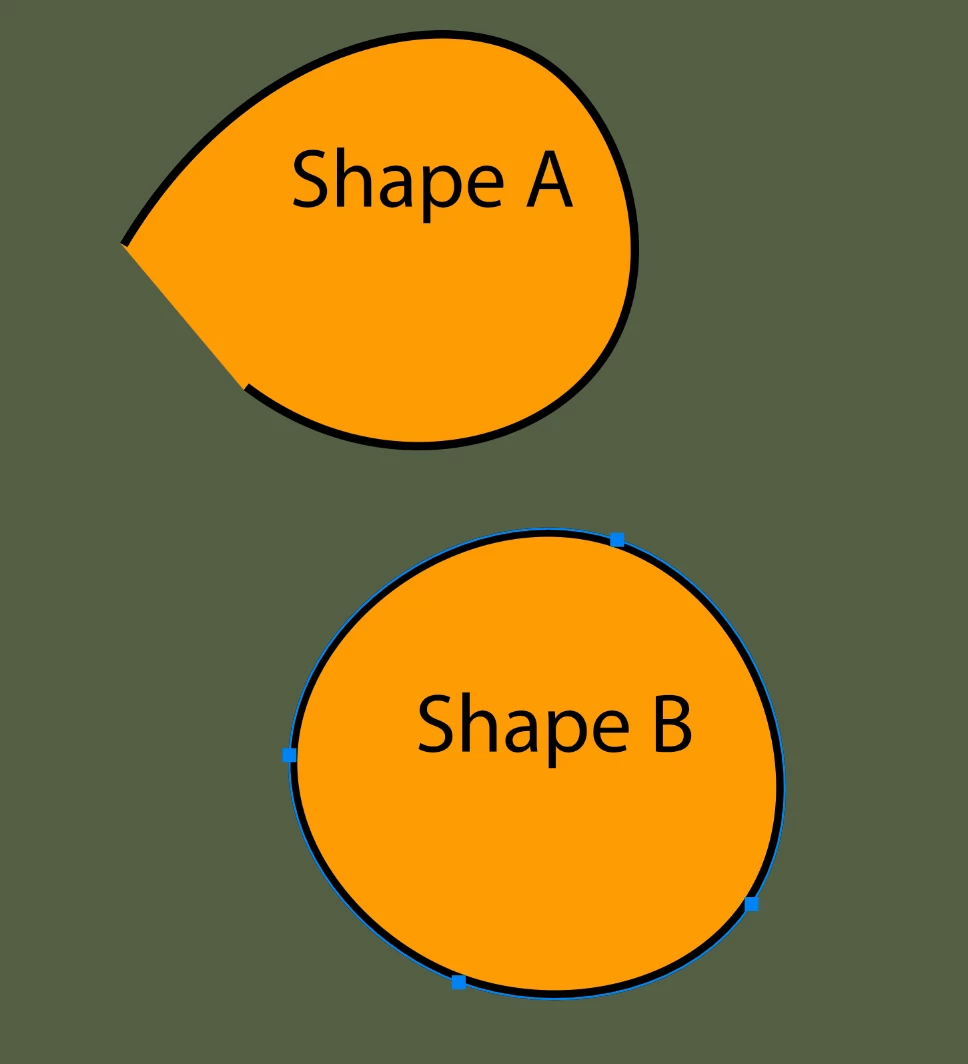
    I have attached a screen grab of two shapes (A and B).

    Both have Strokes. In A, the stroke doesn't go all the way around, while in B it does..

    I would like B to have a similar stroke to A. That is, I want a portion of its stroke (between two arbitrary Anchor Points) to be removed.

    How can I do this?

    Thanks in advance for your help.

Regards,

Rajnesh
This topic has been closed for replies.
Correct answer

Hi

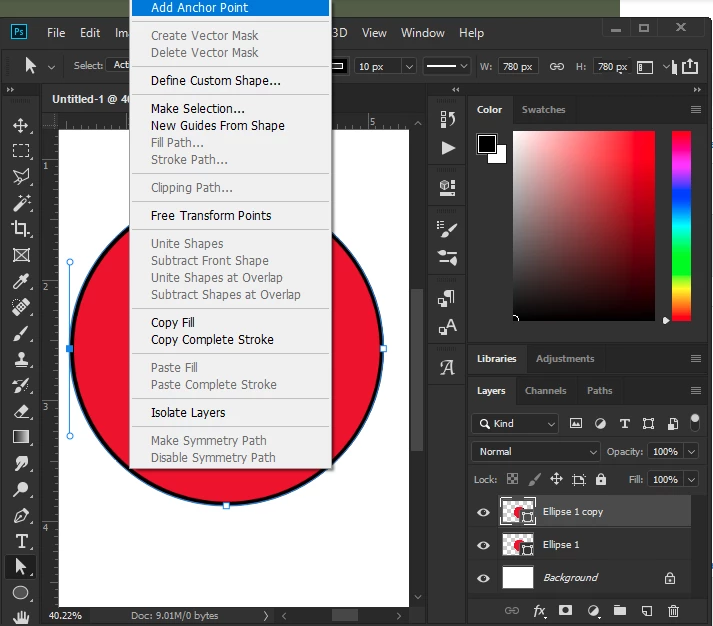
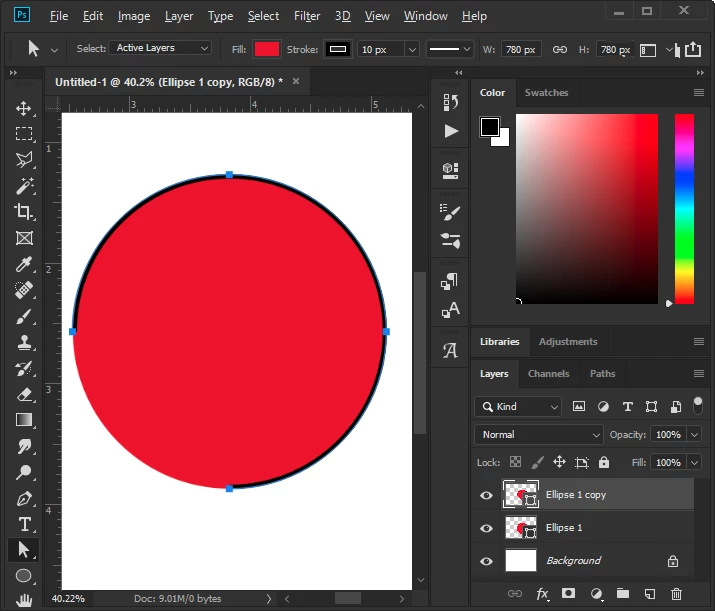
You could create your shape with no stoke and then make a copy of it, then add a stroke to the copy.

Use the Direct Selections Tool to add an Anchor Point

Then select the new Anchor Point and delete it

1 reply

Correct answer
November 22, 2018

Hi

You could create your shape with no stoke and then make a copy of it, then add a stroke to the copy.

Use the Direct Selections Tool to add an Anchor Point

Then select the new Anchor Point and delete it

RajneshD
RajneshDAuthor
Inspiring
November 22, 2018

Thank you, Ged.