This topic has been closed for replies.
Correct answer JJMack

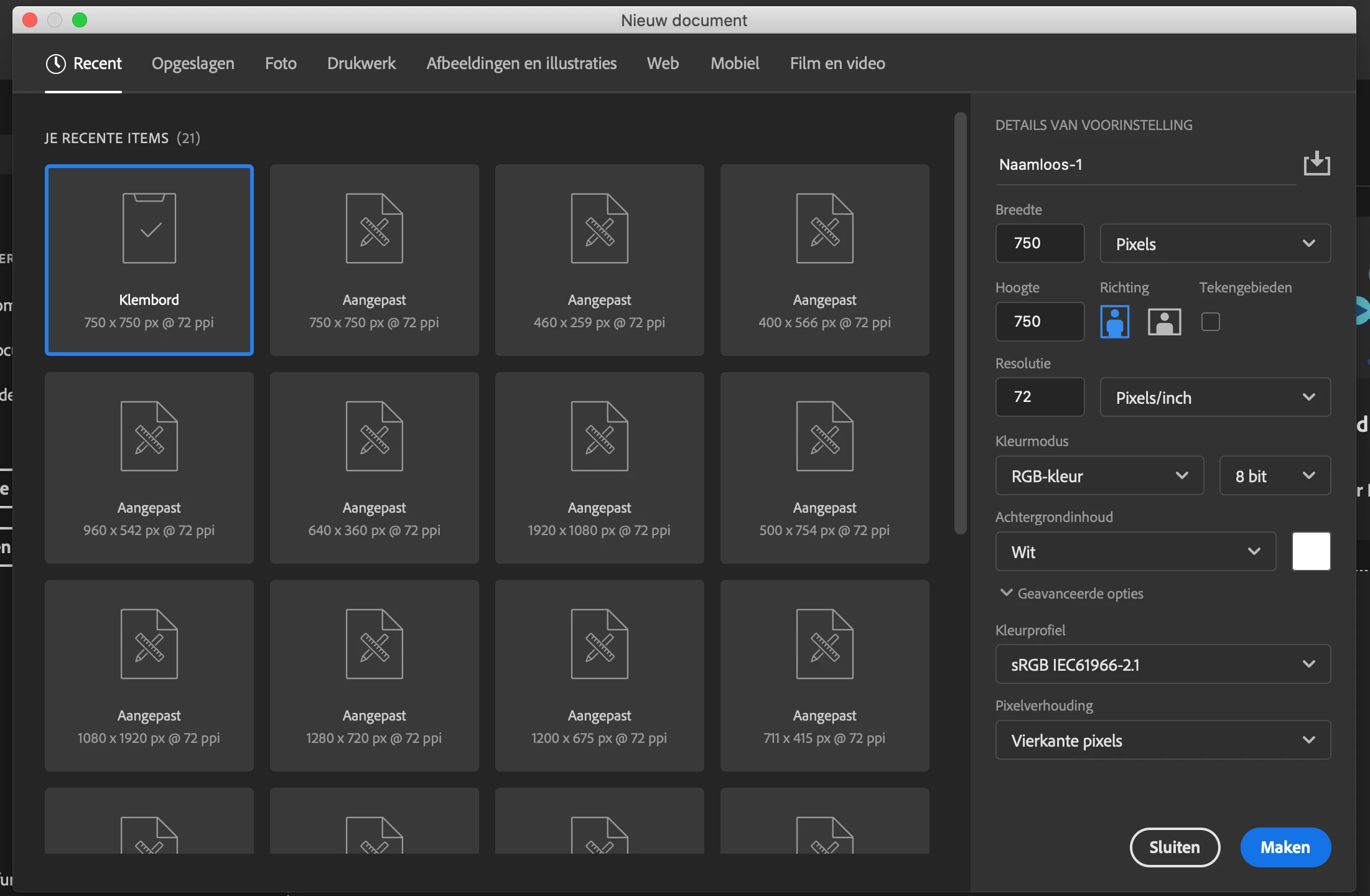
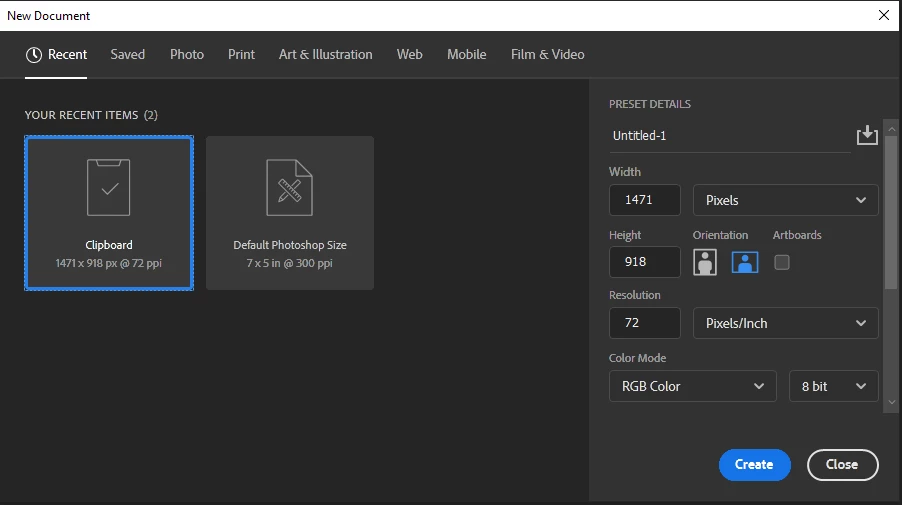
Adobe seems to keep a list of 20 different document sizes you recently edited. Not directly related to the recent documents edited list hast to do with document canvas size and resolution. I cleared and set the recent document list to  length  to 10 and to 0.   The recent new document  size list remained 20  it a different list related to document sized not particular documents.  I found no way to change the list length from 20 or clear the list other than deleting the file "MRU New Doc Sizes.json" In your Photoshop Preferences folder. That will cause Photoshop the start a new list when you start Photoshop. It will have a default size and perhaps the current clipboard size. Neither ever used.
2 replies

JJMack
Community Expert
JJMackCommunity ExpertCorrect answer
Community Expert
November 6, 2019

Adobe seems to keep a list of 20 different document sizes you recently edited. Not directly related to the recent documents edited list hast to do with document canvas size and resolution. I cleared and set the recent document list to  length  to 10 and to 0.   The recent new document  size list remained 20  it a different list related to document sized not particular documents.  I found no way to change the list length from 20 or clear the list other than deleting the file "MRU New Doc Sizes.json" In your Photoshop Preferences folder. That will cause Photoshop the start a new list when you start Photoshop. It will have a default size and perhaps the current clipboard size. Neither ever used.

JJMack
Participant
November 13, 2019

do you know where I can find this file on MAC

JJMack
Community Expert
Community Expert
November 15, 2019

I would be in your user id Photoshop preferences folder.

JJMack
November 6, 2019

You can clear them from the file menu

Participant
November 6, 2019

i mean the recent 'sizes'