Answered
How to disable brush pop up menu (MAC)
When I use my Wacom tablet pen the Photoshop Brush Menu keeps popping up. How do I turn this function off? I have seen answers for this on Windows but not for a Mac.
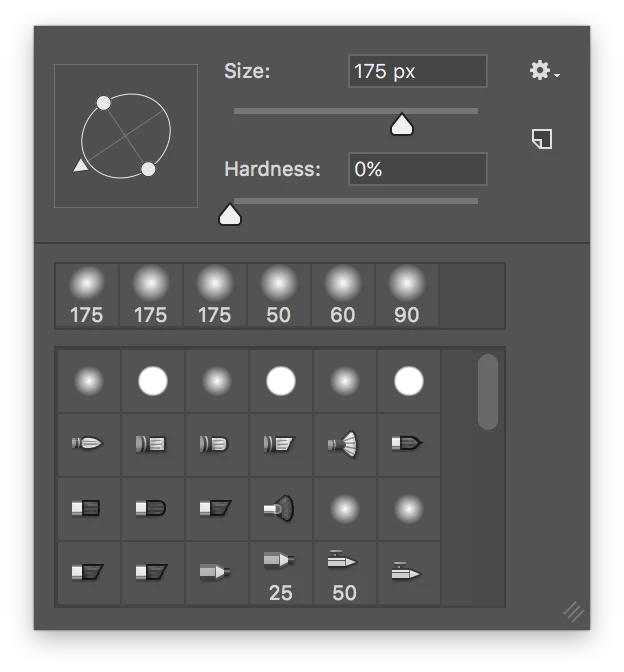

When I use my Wacom tablet pen the Photoshop Brush Menu keeps popping up. How do I turn this function off? I have seen answers for this on Windows but not for a Mac.
Hi TerryNelson,
On a mac, You need to open the Wacom utility and then choose pen settings and change the tip setting from the drop down menu.
Regards,
Sahil
Already have an account? Login
Enter your E-mail address. We'll send you an e-mail with instructions to reset your password.
 AdChoices