
How to disable "smart" shapes in Photoshop CC
This feature has been around for a while now, and I've always just worked around it but with this latest update, now my rectangle tool always makes rounded rectangles by default!
I've figured out how to set the rounded radius to zero by default, but the problem is still there. When I create a rectangle, I want to be able to interact with it like a normal path, not a smart object for non-destructive editing.
The shape on the left was directly created by the rectangle tool.
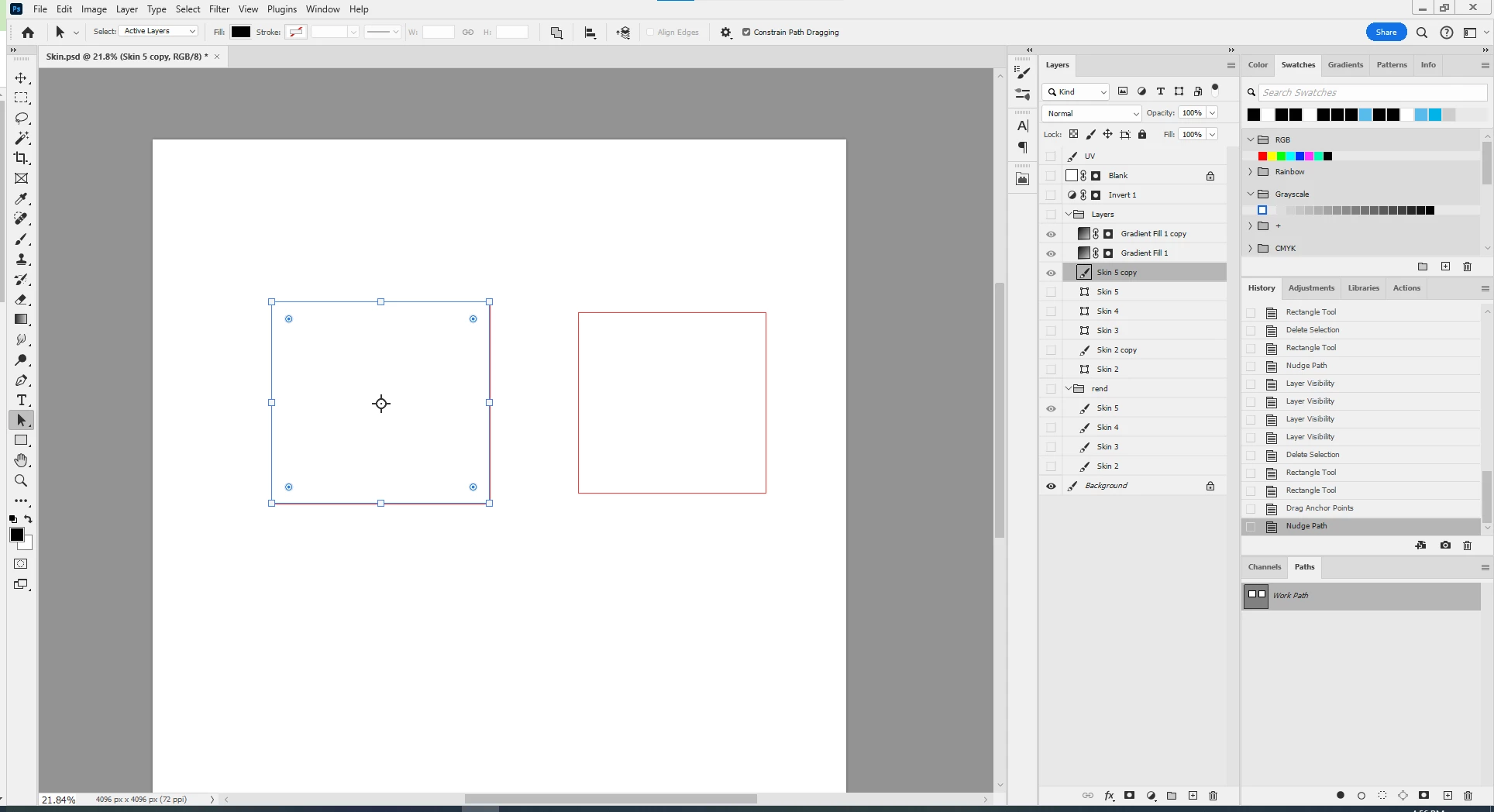
the shape on the right was created with the rectangle tool, then I switched to direct path select, clicked on a vertex, moved it back and fourth by one pixel then swithced back to path mode to select:
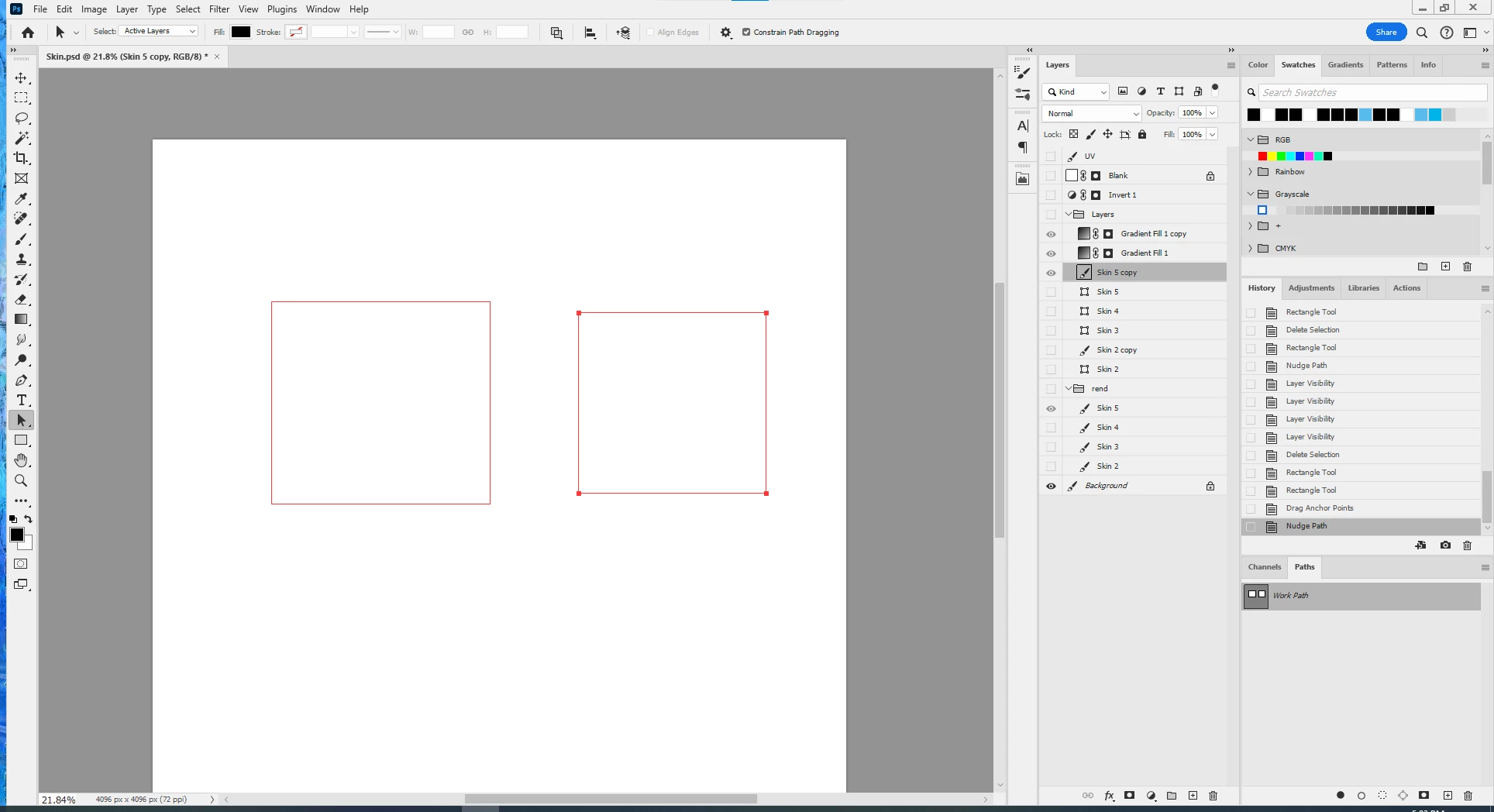
I want to get the shape on the right every time I use the rectangle tool. Please tell me how to get rid of these "smart" shapes!
 AdChoices