Answered
How to Embed / Link External PSD File(s)?
Greetings,
I purchased a banner ad online that came with 20 psd files, one for each dimension supported by Google.
I then opened my CS6 version of Photoshop and using - File - Place, inserted each of the 20 separate psd files into one, as "smart objects" I believe.
Each of these 20 banners has a smart object layer for an image.
What I am hoping to do is have one external layered psd file with which I can turn layers on or off, or add layers, and have it reflected on all 20 banner templates in my primary file.
Could someone please point me to any references on doing such a task? Or tell me the proper way to do this? I attached a screen shot to show what I am doing.
Thanks. 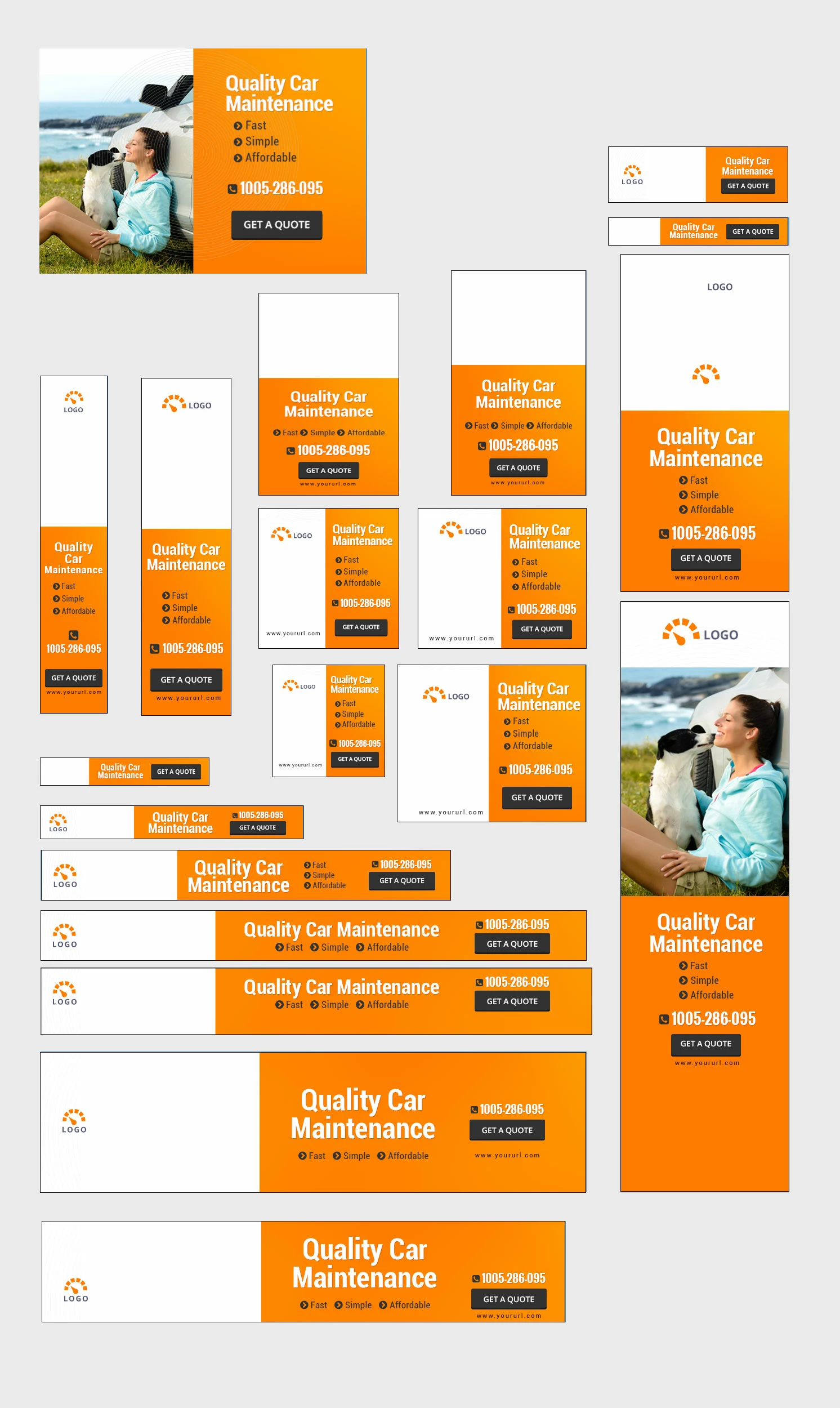
 AdChoices