Answered
How to enable the "hold left click and drag left to zoom out" - zoom mode. Windows 10
How do I enable my drawing tablet on windows 10 to zoom out when I left click and hold it, and drag to the left, and to zoom in when I left click and hold it, and drag to the right?
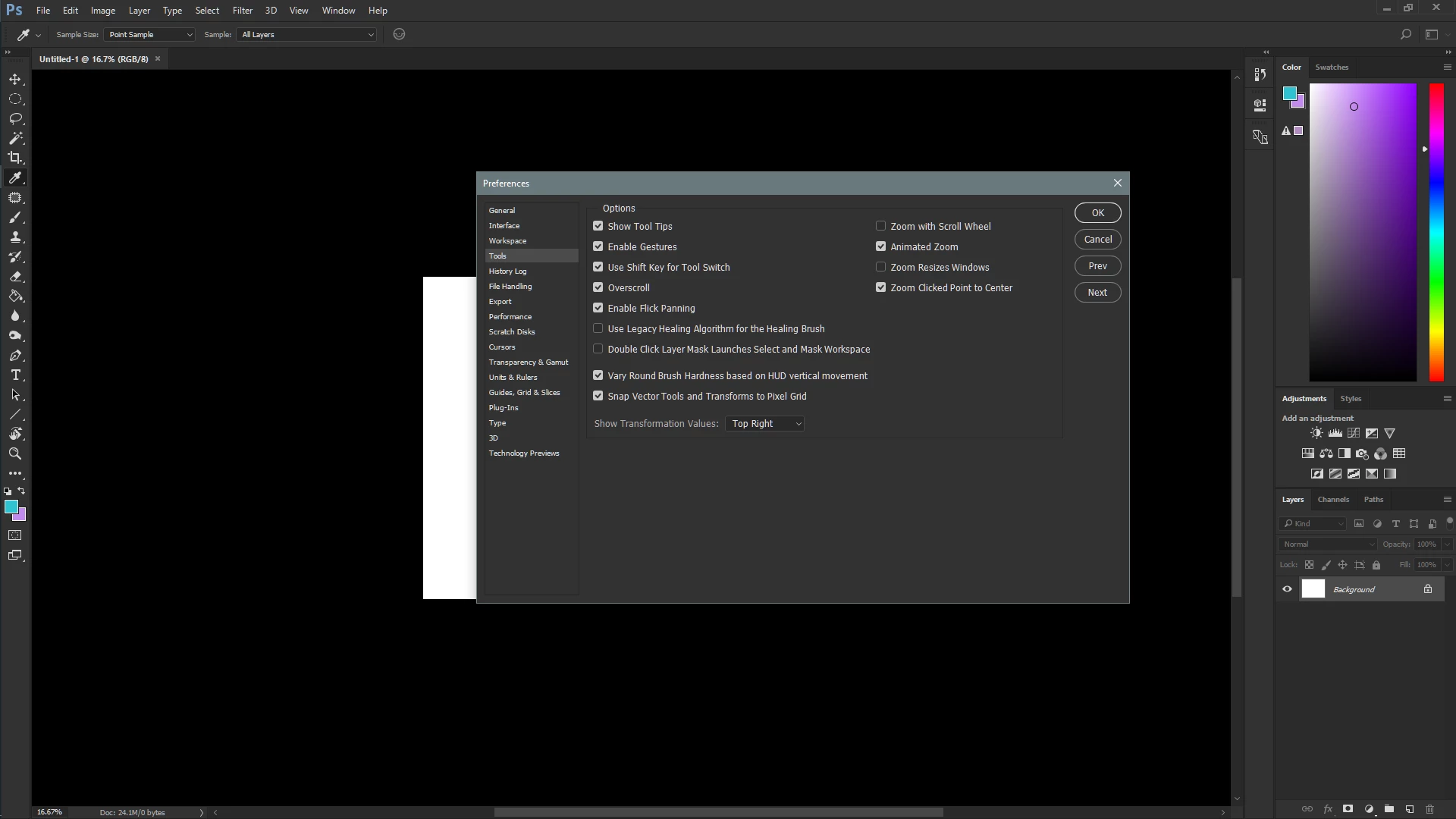
I shared a screenshot of what I thought the required settings for it was, which isn't working:
*I have also tried restarting photoshop
 AdChoices