

Question
How to exclude transparent canvas from picture
Hello,
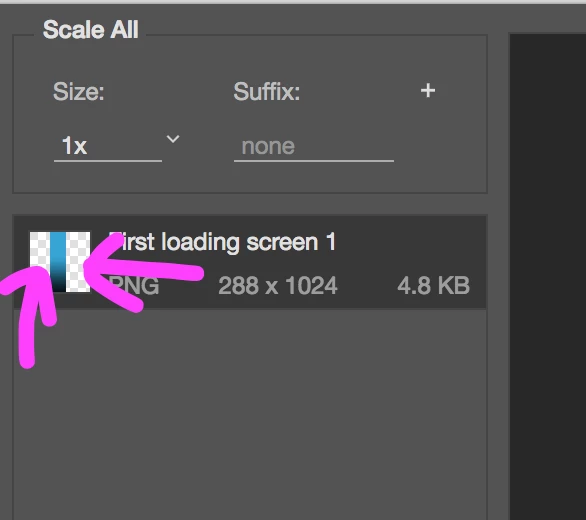
So I cropped a part of an image and saved it as a PNG. The issues is that when I save it, the transparent canvas shows in the save preview and then it gets included in photo and adds unnecessary extra space to it. I also have removed the background layer from the layers.
The purple arrows indicate the transparent canvas.
This is what the image looks like as a result of that transparent canvas:
 AdChoices