Participant
September 24, 2019
Question

How to export from a photoshop template

  • September 24, 2019
  • 1 reply
  • 456 views

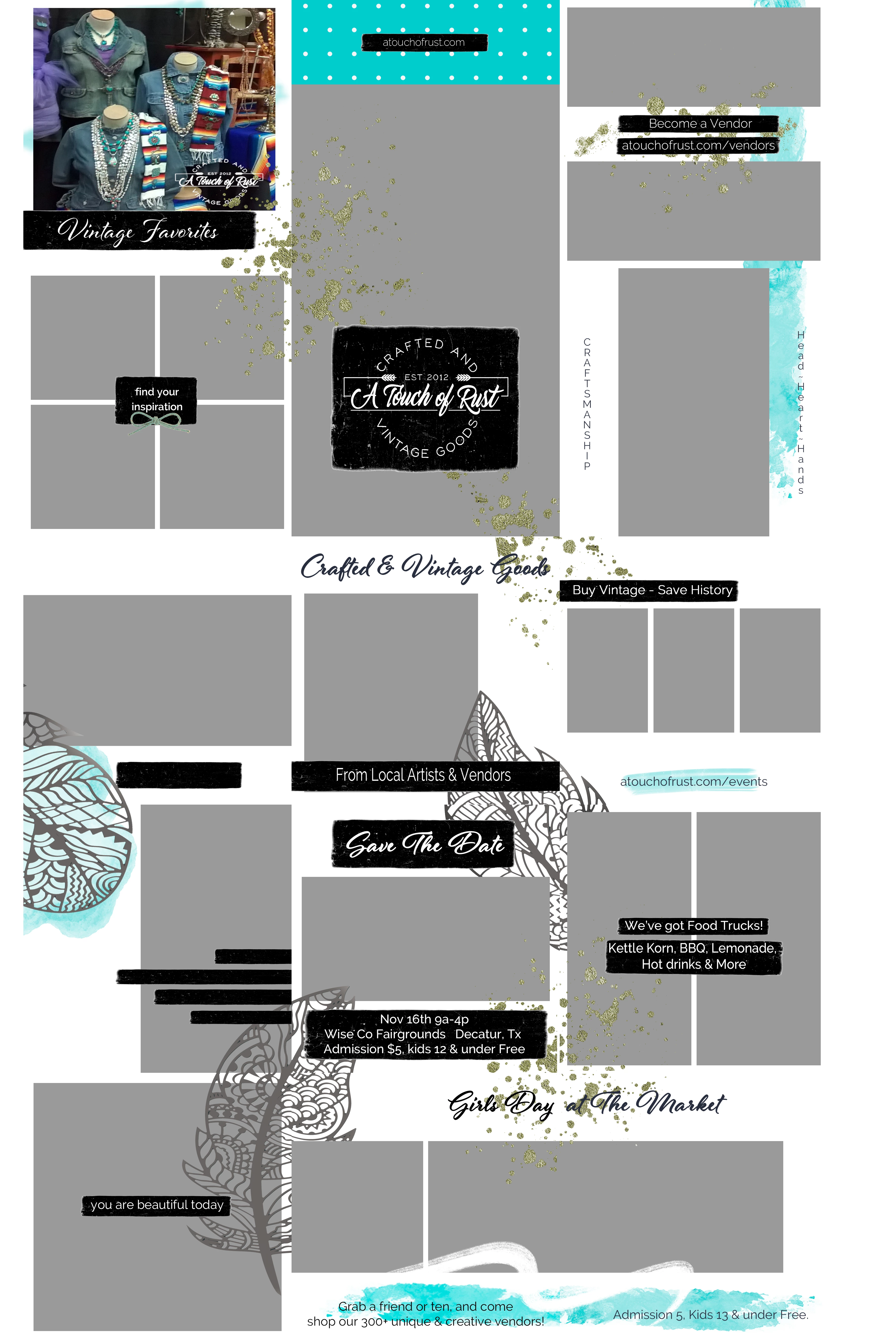
Hello. I downloaded a photoshop template for 15 instagram posts. Each post is labeled in the template and contains about 5 layers, seperate from the rest of the posts, like each post is a different canvas.

I expected that I could simply copy each post to a new file and save as png, or simply export to png. Yet these functions don't seem to work, all I get is a 1080x1080 px square of white instead of the post. This is my first time using a psdt file, so how

doI get just one of the 15 posts out of the template?  I need one image for each of the posts on the template.


Thanks, 

Cori

    This topic has been closed for replies.

    1 reply

    JJMack
    Community Expert
    Community Expert
    September 24, 2019

    You provide little unable information.  I have no idea of  what the template you for 15 instagra posts design is like.


    "each layer is a post, with various elements and a placeholder for a photo"    I would expect the one would post file on instagra I do not think posting layers is possible.

    JJMack
    ATORMAuthor
    Participant
    September 24, 2019

    It would seem you could export or copy a single layer, yet I am unable to do so. I am not familiar with the functions inside of .psdt files. You offer no suggestions, only snarky commentary. Perhaps in the future if you can't offer any help, you simply refrain from replying.