


How to Fade Edges of Image... Seriously!?
Hi Photoshop community,
I feel really annoyed and stupid. I cannot fade the edges of an image to save my life!
I have been searching through the forums and use cases yet everything is extremely complicated and ineffective.
This seems like such an easy task. I want to fade the edges of my images all at the same standard, while keeping the image shape (in this case a square).
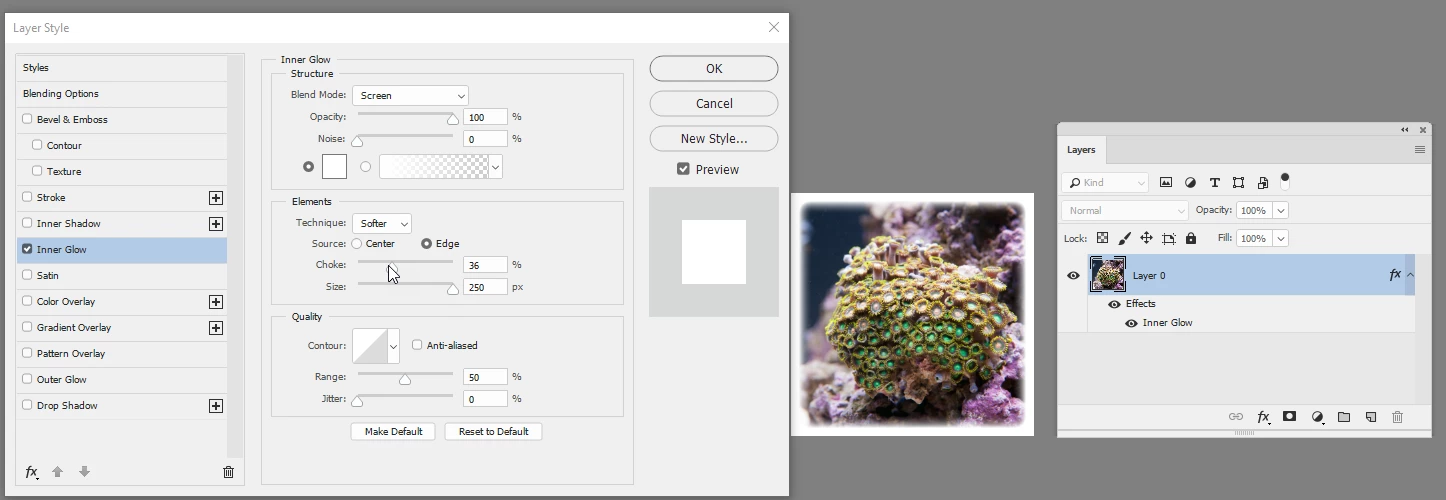
can someone provide me a how to to create images like this...
I did this in word (sadly):
My Goal:
Create a square shape with the proper feather edges and then layer mask each image I want to fade in, so that I can produce these type of images (in single serving) rapid fire.
Can someone PLEASE explain to me how to properly feather edges in photoshop?
This has been my Achilles heel.
Thank you very much for the support!


 AdChoices