S_ A
Inspiring
October 7, 2023
Answered

how to get rid of grid

  • October 7, 2023
  • 1 reply
  • 537 views

Hello,


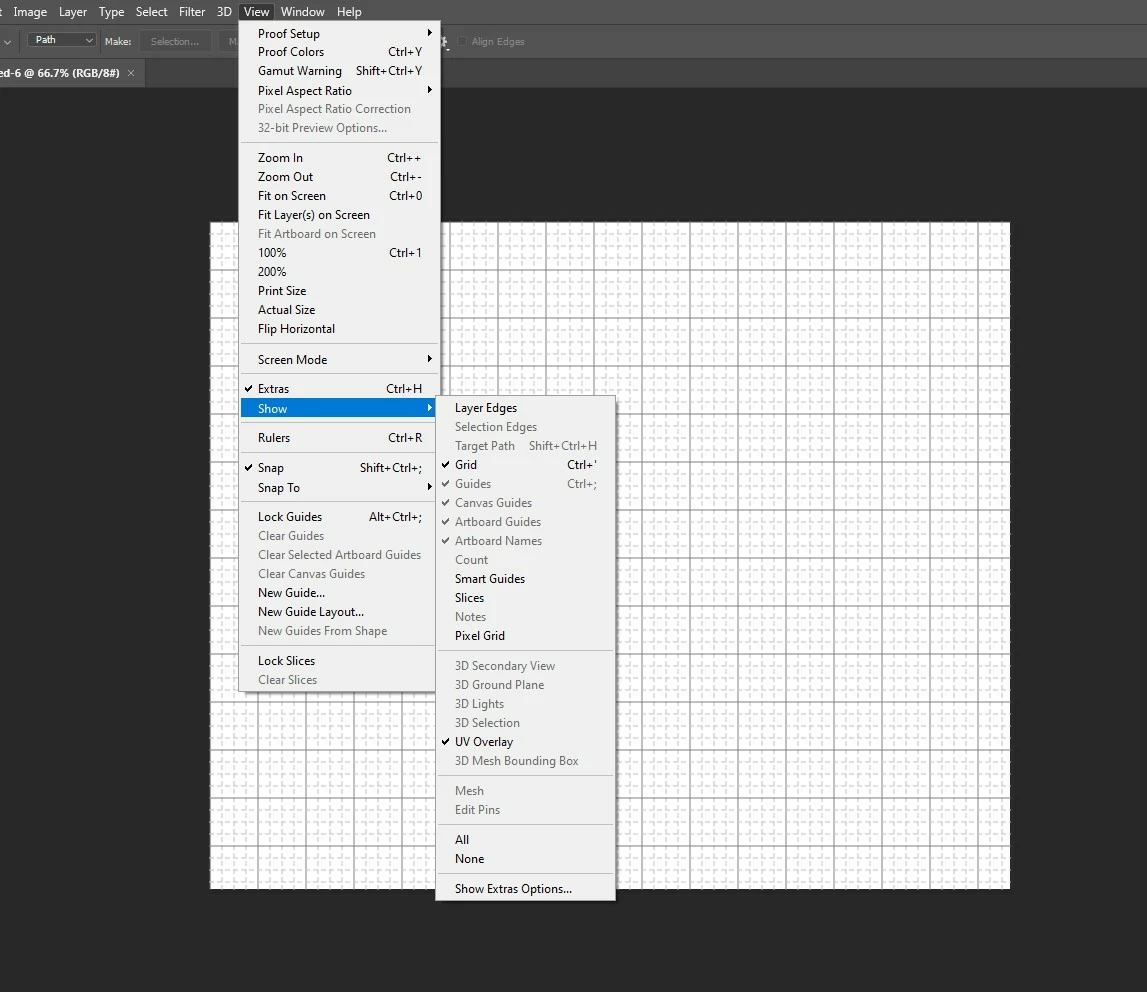
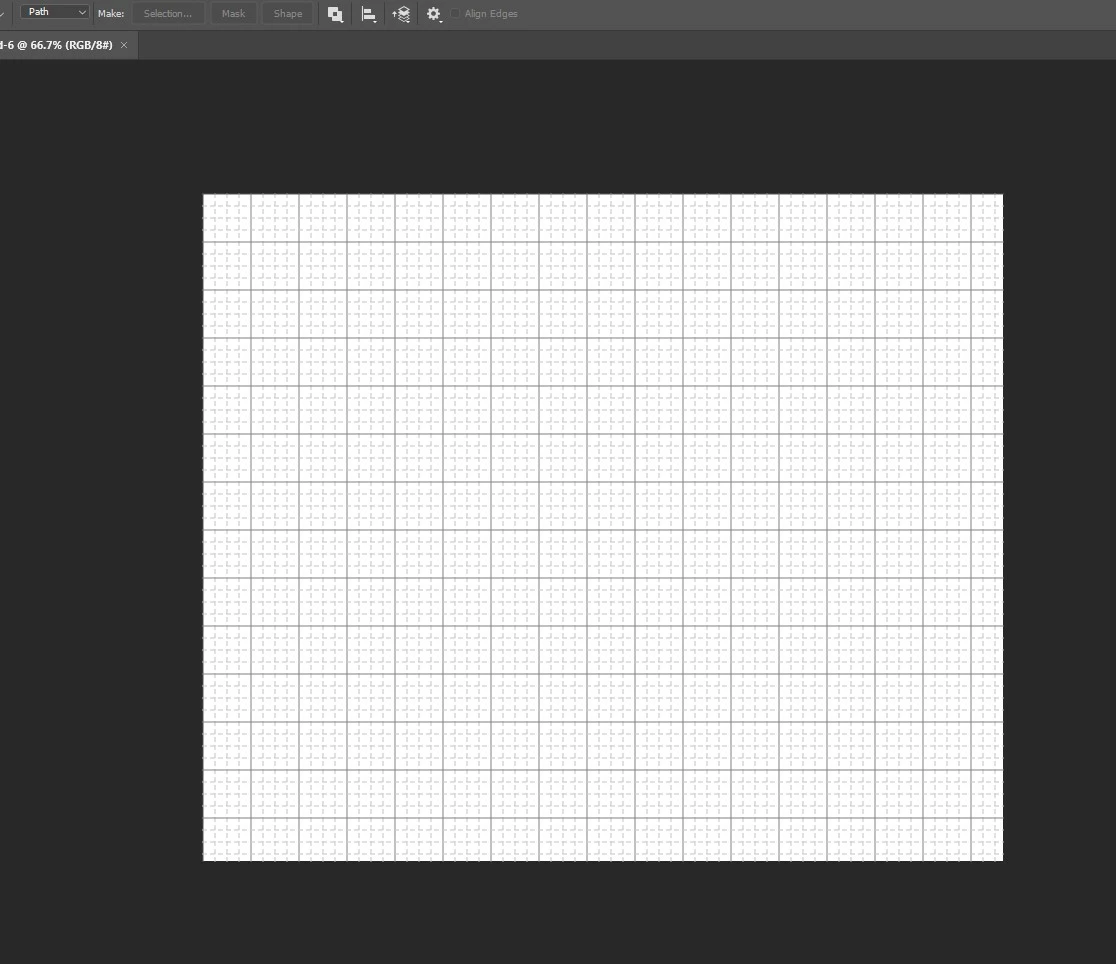
I am very new to photoshop. I only know pen tool and brush. I dnt understand what I did or press to get this grid on every new document. Please help. I googled and it says view> clear guides. I did that but it does not go away.


Please help :'( 
This topic has been closed for replies.
Correct answer josantgomez

Prueba:   Go to View/Show/ and uncheck "Grid"

1 reply

josantgomez
josantgomezCorrect answer
Legend
October 7, 2023

Prueba:   Go to View/Show/ and uncheck "Grid"

S_ A
S_ AAuthor
Inspiring
October 7, 2023

Thank you so much.