greless
Inspiring
January 25, 2019
Question

how to get the selected mask layer

  • January 25, 2019
  • 3 replies
  • 452 views

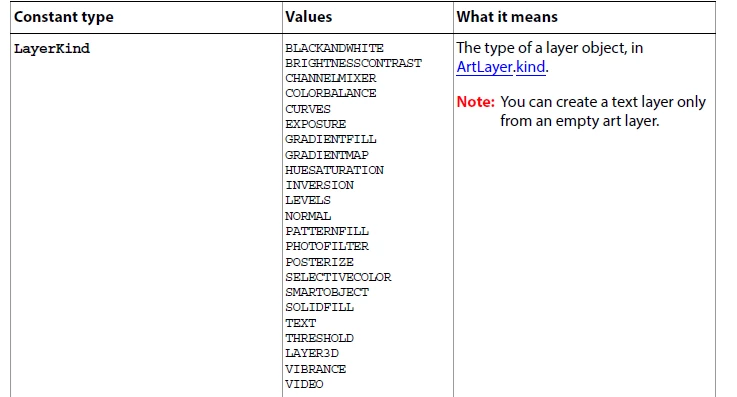
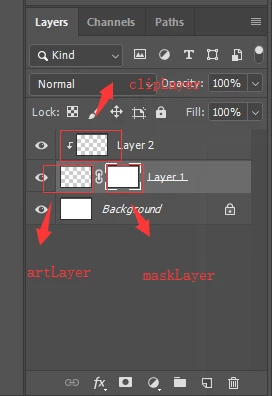
Hello ,everybody! i create a layer then add a mask layer, we can select current layer is artlayer or maskLaer.so ,how do i get the current layer is artLayer or masklayer ? i  have been looked up the datasheet that  LayerKind parameter is no mask .
This topic has been closed for replies.

3 replies

greless
grelessAuthor
Inspiring
January 26, 2019

@jjmack @r-bin Thank you, my questions are always answered!

JJMack
Community Expert
Community Expert
January 25, 2019

You can load it as a selection using Action Manager code. You caj also save selections as a Alpha channel. Mask and channels are selections.  Photoshop only supports up 53 Alpha but all 8,000 layers can have layer mask.  Layer mask are only displayed in the channel panel when their layer is the activelayer. If you try to load the activelayer layer mask as a selection I would think the code would fail if the layer does not have one,   So uset Try Catch the chat that fact in your script.  Do a deselect before the load.  When the load selection works  You can use Selection  Bounds to see if  the load  layer mask was selected and have its bounds else there will be no active selection

JJMack