Participant
November 2, 2023
Question

How to implement this blur effect do not use drop shadow in photoshop?

  • November 2, 2023
  • 1 reply
  • 315 views

I use drop shadow do this blur process, this blur process effect looks awsome.  how can I reproduce the blur process by other way ? such as use gussia blur and so on . I'm very interesting  in it .
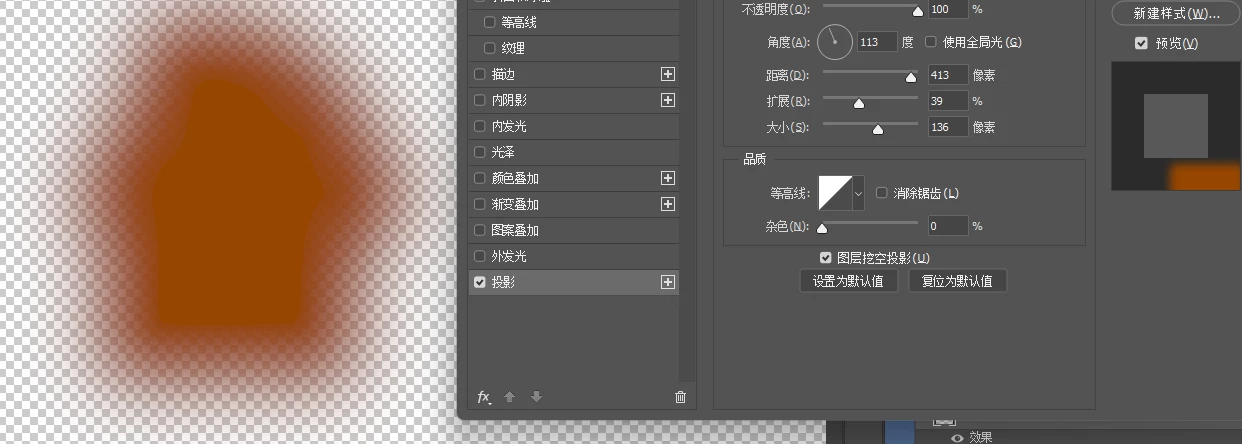
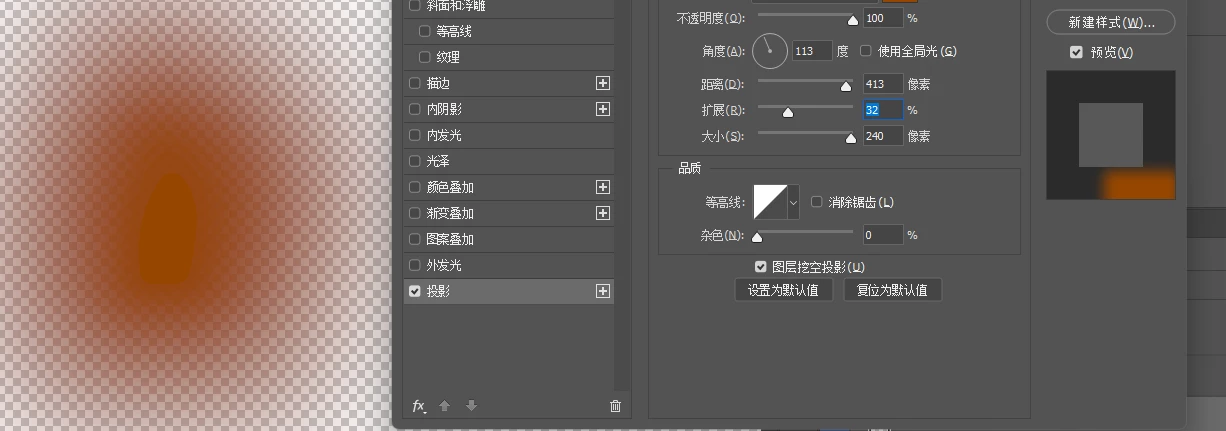
This topic has been closed for replies.

1 reply

Trevor.Dennis
Community Expert
Community Expert
November 2, 2023

A lot of the time it works out better to make your shadows manually.

Make a new layer beneath the object layer.

Control click the object layer's thumbnail to load it as a selection, and fill the selection with black in the new layer you just made.

This has several advantages over a layer style drop shadow.  It's still nondestructive, and you can move it, apply blur.  The biggest advantage is that you can mask part of your shadow layer.  I use the Smudge tool a lot to fine tune shading layers — you can't do that with a layer style.


You can use cool  effects like Path Blur on your shadow

You can make your shadows something other than boring black, use other filter effects (in case your shadow exists in a whole other universe).