Inspiring
May 28, 2021
Answered

How to improve this scanned photo

  • May 28, 2021
  • 2 replies
  • 890 views

Hi,


I got this photo that was scanned.
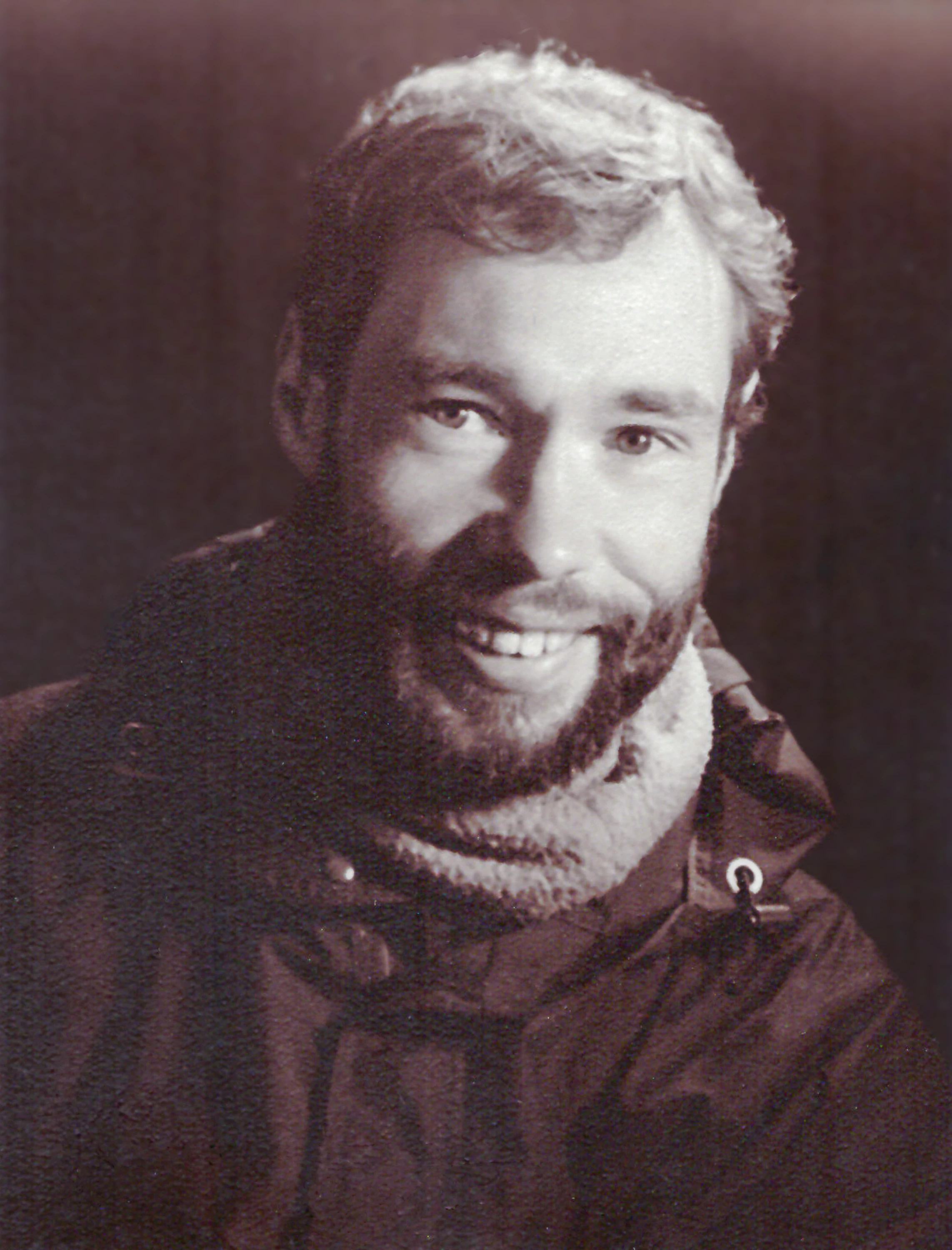
There is a texture that appears on the photo, principaly on the dark tones of the man. Probably coming from the photo paper. I mitigate the background in blurring it, but I can't do that with the man in the front. How to suppress this texture? I use Photoshop CC version 17.


Thank you!
This topic has been closed for replies.
Correct answer Trevor.Dennis

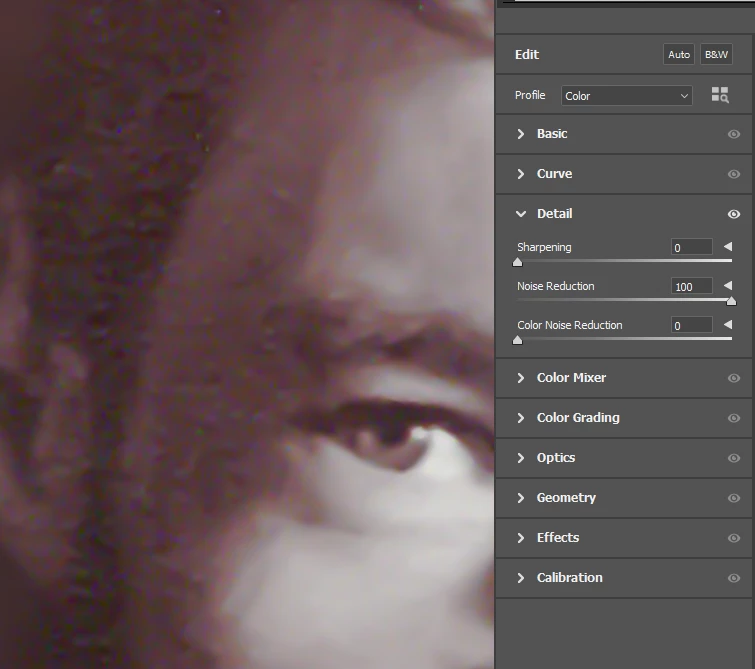
As Mike says, that is noise.  I think the easiest, and still very effective. noise reduction tool in Photoshop is in the Camera RAW > Detail tab.  I've pushed all the way to 100% below and it has reduced the noise without impacting too badly on detail.


This shows before and after, and demonstrates that you can work on a copy of the layer, and use a Layer mask to mask out areas where you feel detail has been lost

2 replies

Trevor.Dennis
Community Expert
Trevor.DennisCommunity ExpertCorrect answer
Community Expert
May 28, 2021

As Mike says, that is noise.  I think the easiest, and still very effective. noise reduction tool in Photoshop is in the Camera RAW > Detail tab.  I've pushed all the way to 100% below and it has reduced the noise without impacting too badly on detail.


This shows before and after, and demonstrates that you can work on a copy of the layer, and use a Layer mask to mask out areas where you feel detail has been lost

Inspiring
May 28, 2021

Thank you Mike and Trevor for your advice. That works. Effectively, the noise reduction tool in the Camera RAW seems reduce noise with less lost of details.


Have a nice day!

Mike_Gondek10189183
Community Expert
Community Expert
May 28, 2021

Try filter >> Noise >> Median >> 12 on  a copy of the layer. you can them mask out the face so only the dark jacket noise is suppressed and detail of face is preserved.