July 26, 2021
Question

How to make a picture faster?

  • July 26, 2021
  • 1 reply
  • 498 views

Guys, hello.

Need your help. I can't figure out how to spend less time creating a picture.

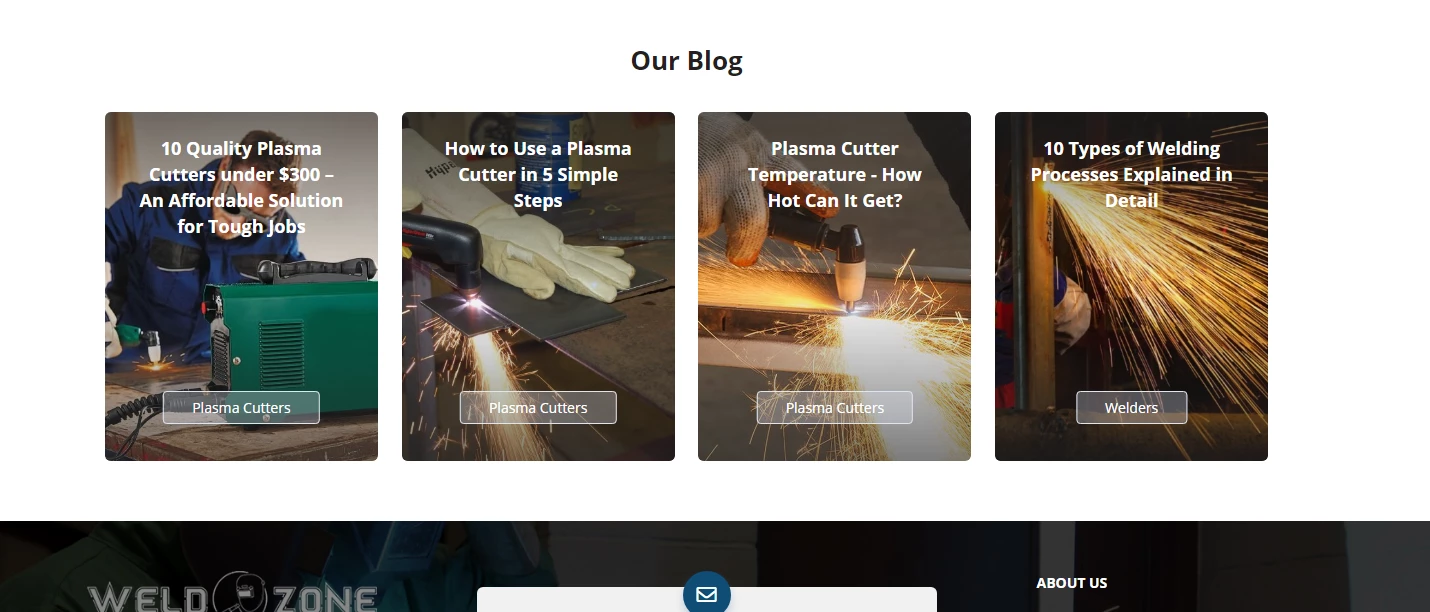
In general, the situation is this - I decided to make changes in the design of my site  [Link removed by moderator] without spending a lot of time on it. And I realized that I have a lot of monotonous pictures.
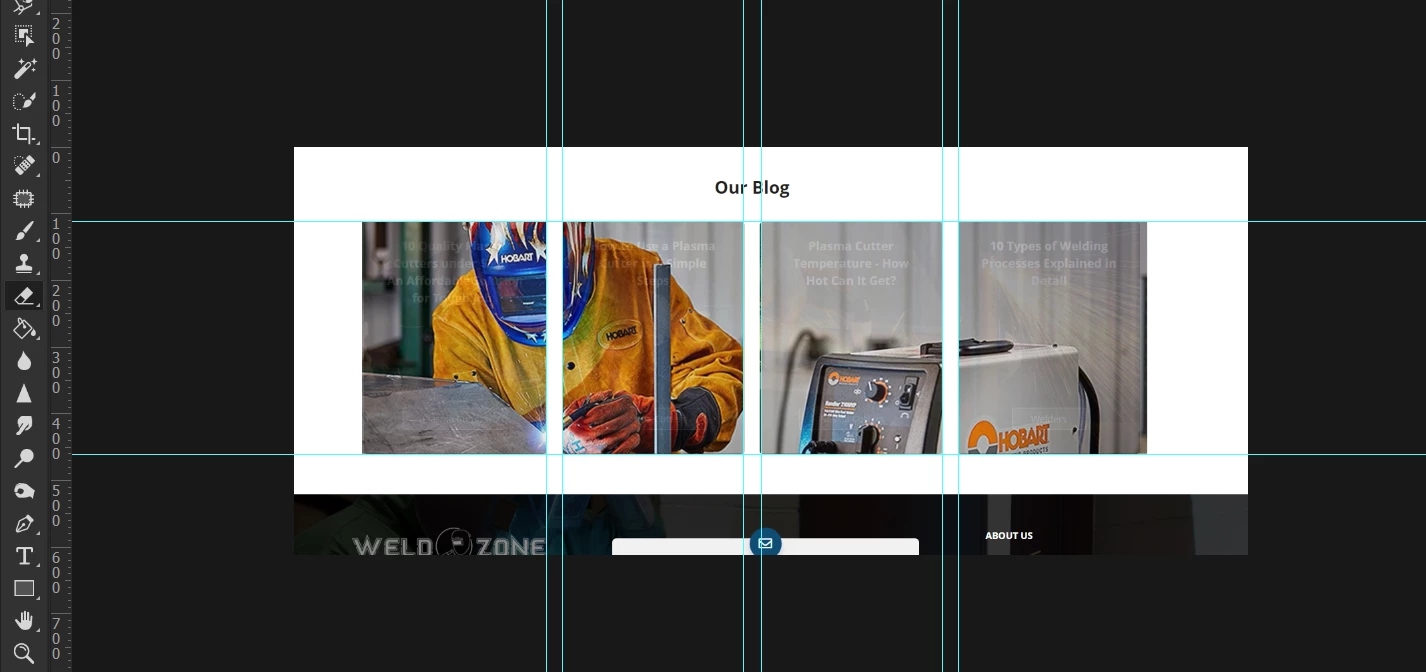
And I decided that I should try to make them unified. Here's how in the example below. I made it, but somehow difficult, as it seems to me.

To make this picture -
1. I opened two images on separate layers
2. Reduced transparency
3. Put the guides
4. Made some selections
5. And erased the top picture

Everything seems to be fast, but only in this case. Is there any other way to make the same pictures?
P.S. If you have any other ideas for my site, I will be glad to hear it 🙂

This topic has been closed for replies.

1 reply

c.pfaffenbichler
Community Expert
Community Expert
July 26, 2021

I may misunderstand, but I think a Group with a Layer Mask or a Vector Mask into which you can put Smart Objects might be helpful. 

July 27, 2021

Hi @c.pfaffenbichler 

I draw poorly, so I always look for solutions where I don't need to draw too much. It's much easier for me to make guides and use them to make selections. And to use a layer mask, you need to be good at drawing, as far as I understand. I'm not really that much of a Photoshop specialist, and when I started the site, I worked with a designer who made all images. And that's why I'm here. I don’t want to spend money on a designer anymore and I want to learn how to do something by myself.
So my question is the same - is it possible to somehow insert one photo into several areas faster, than I did it? Or is this the fastest way?

And one more question. It is even more important.
1. Here is my site
2. Here is a competitor's site

I want to make the picture so that it separates like this picture - with a diagonal line. But I will not be able to set the guideline at an angle. And I can't just draw it by holding the shift button. How can this be done?

Thanks,

Christopher

c.pfaffenbichler
Community Expert
Community Expert
July 27, 2021

A Layer Mask does not need to be drawn. 

Cou can create rectangular Selections (Rectangular Marquee Tool) or Paths (Rectangle Tool) and use those for example.