Answered
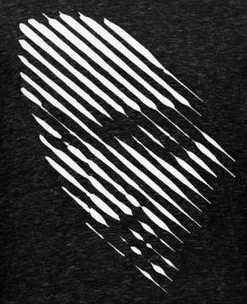
How to make this effect in Illustrator or Photoshop?

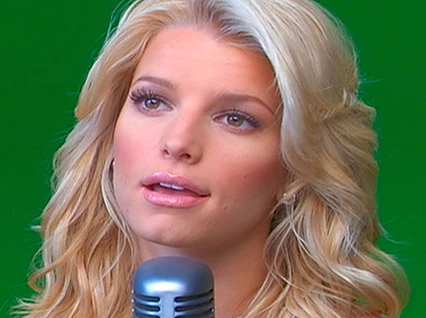
1. Open 72 ppi file
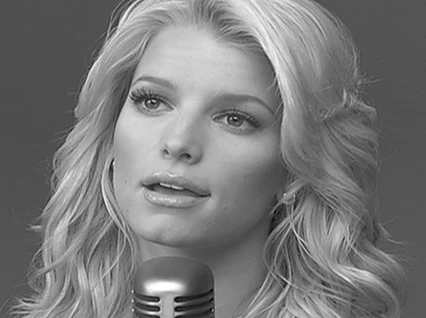
2. Image > Mode > Grayscale
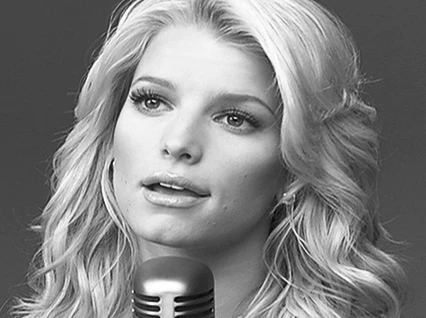
3. Image > Adjustments > Curves. Increase Contrast
4. Image > Mode> Bitmap 1000 ppi Halftone Screen
5. In drop-down screen menu that follows: Frequency 53, Angle 45 degrees, Shape: line, OK
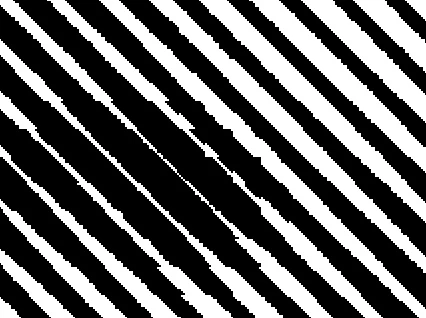
6. Image > Mode > Grayscale Size ratio: 1
7. Cmd + to enlarge the view several times to 200%
8. Filter > Blur > Gaussian Blur 2.8 pixels
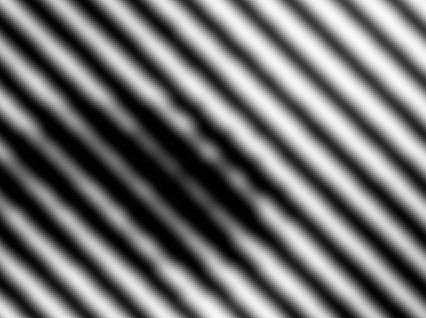
9. Filter > Sharpen > Unsharp Mask. Amount 167, Radius 131.6, Threshold 0
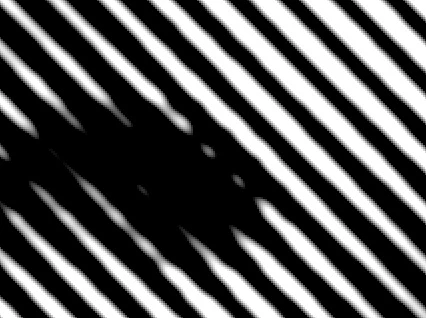
10. Cmd - to reduce view and screen grab
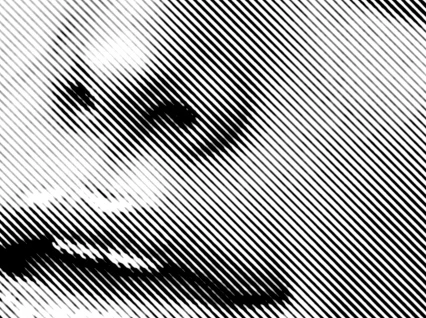
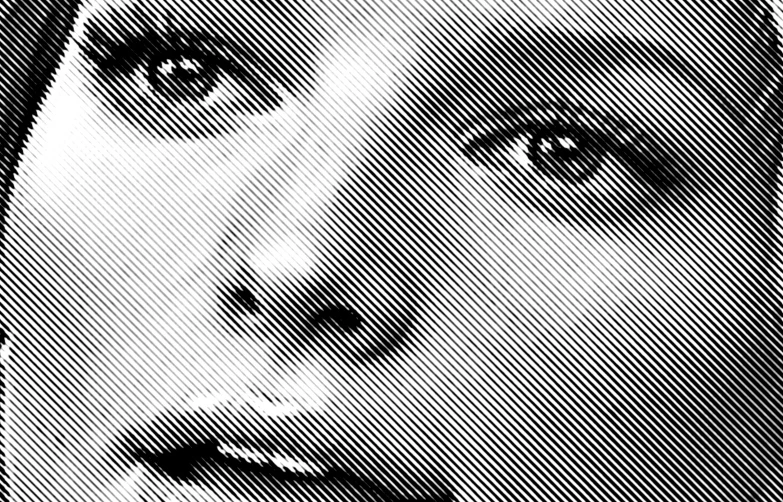
I believe if you Google Diagonal Line Halftone you may find a a plugin that will do the job more efficiently, as well.
Already have an account? Login
Enter your E-mail address. We'll send you an e-mail with instructions to reset your password.
 AdChoices