
How to merge all textures into a single image (so I can export the texture with shininess and light)
Hi, I created this 3d dude (obj) and got it into Photoshop.
Then I lit the scene with lights and added some texture maps to the defaultMat (normal, enviornment, diffuse) I also adjusted some of the slider values for the material as well.
In the end, my scene looked like this: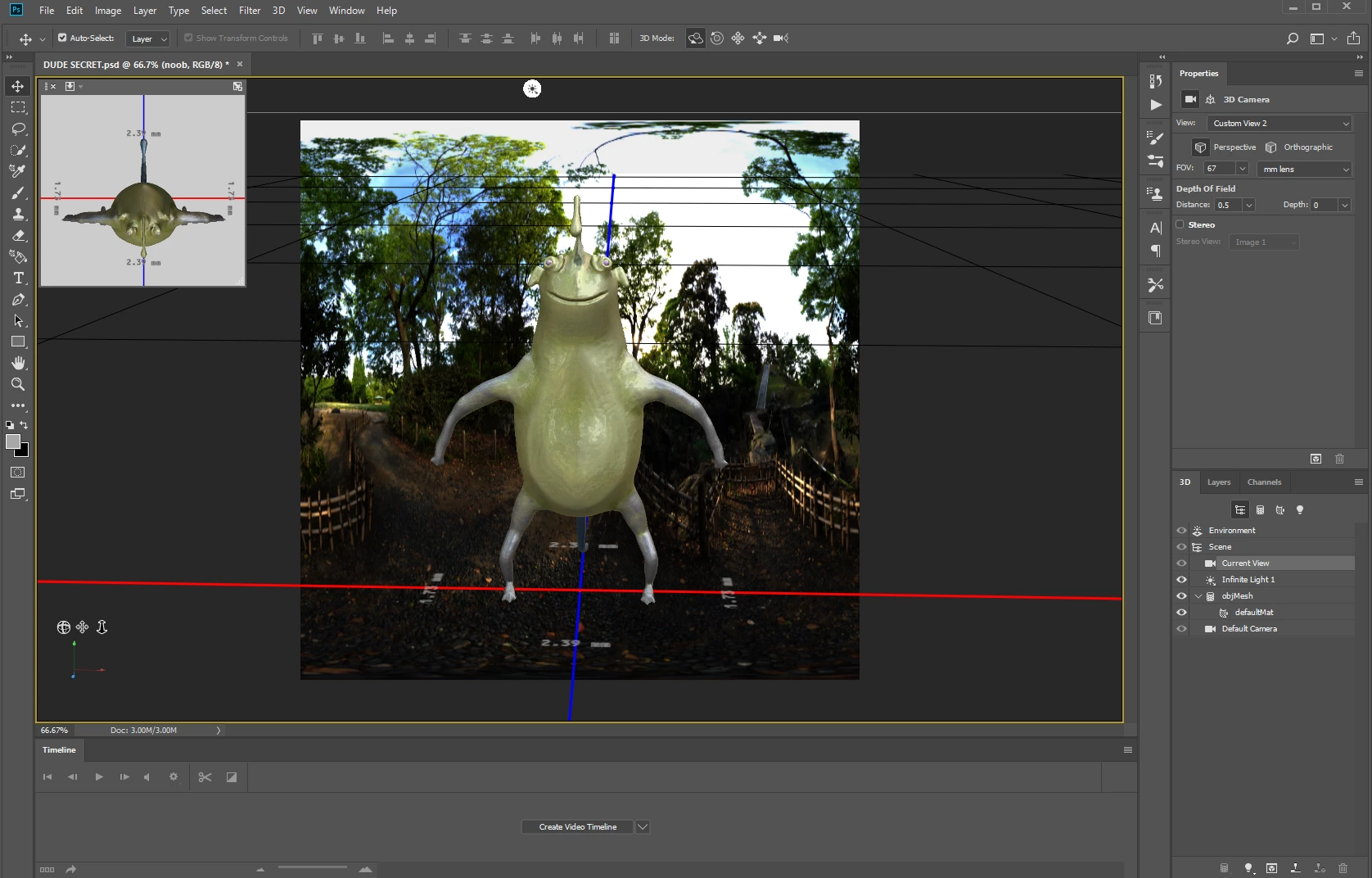
The problem is that I can't figure out how to get the whole texture off of the mesh.
I know I might have to do it in seperate maps, but I feel like it could be possible, and if there's a way to just pull the texture off this dude and then use it as a color map with all the shine and lights, that would be awesome. If it's not possible, I feel like that would be a great feature to add to Photoshop, I know it would help a lot of people who don't want to use expensive lighting in their scenes, and there would be so many other uses for it as well.
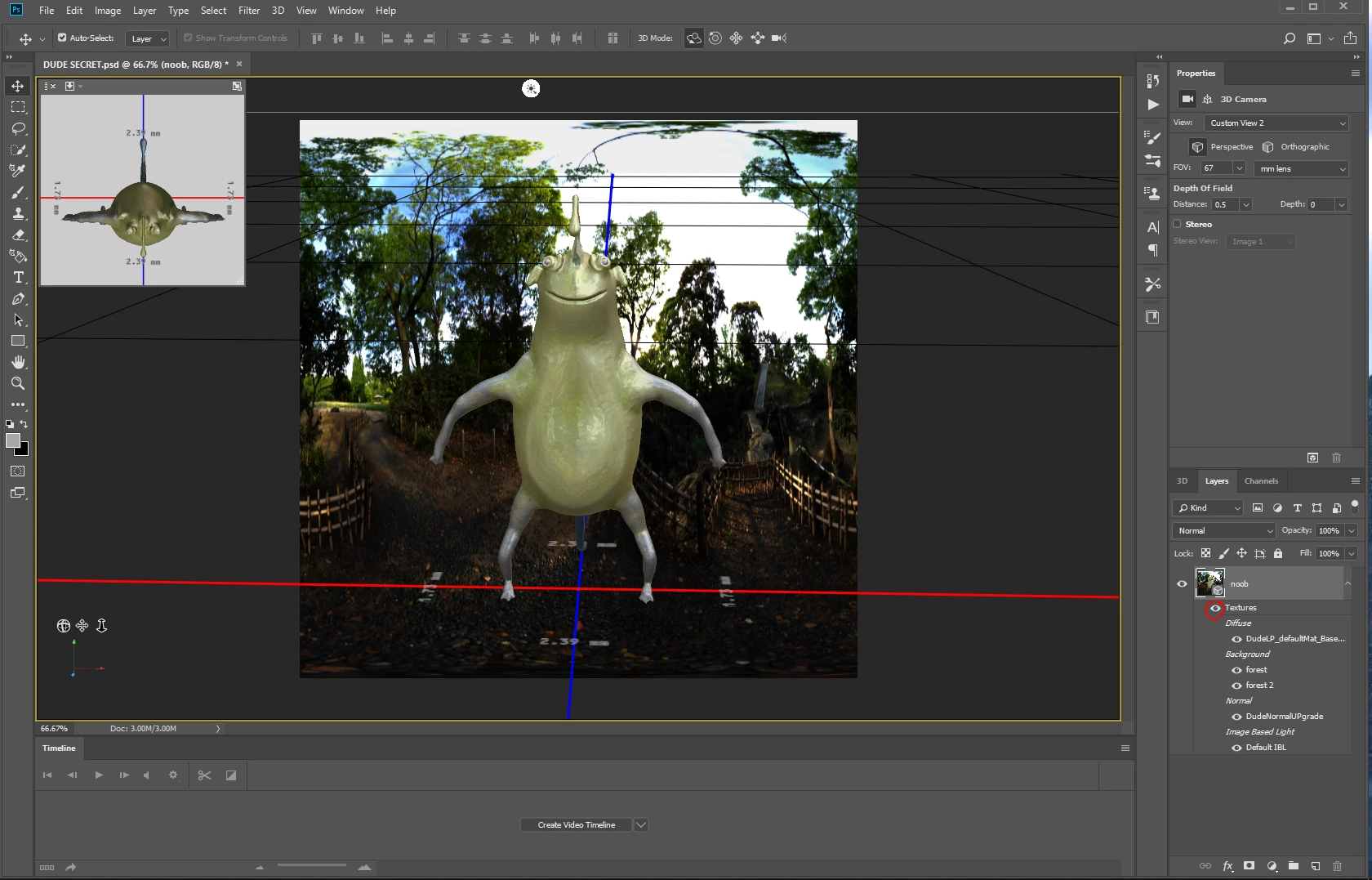
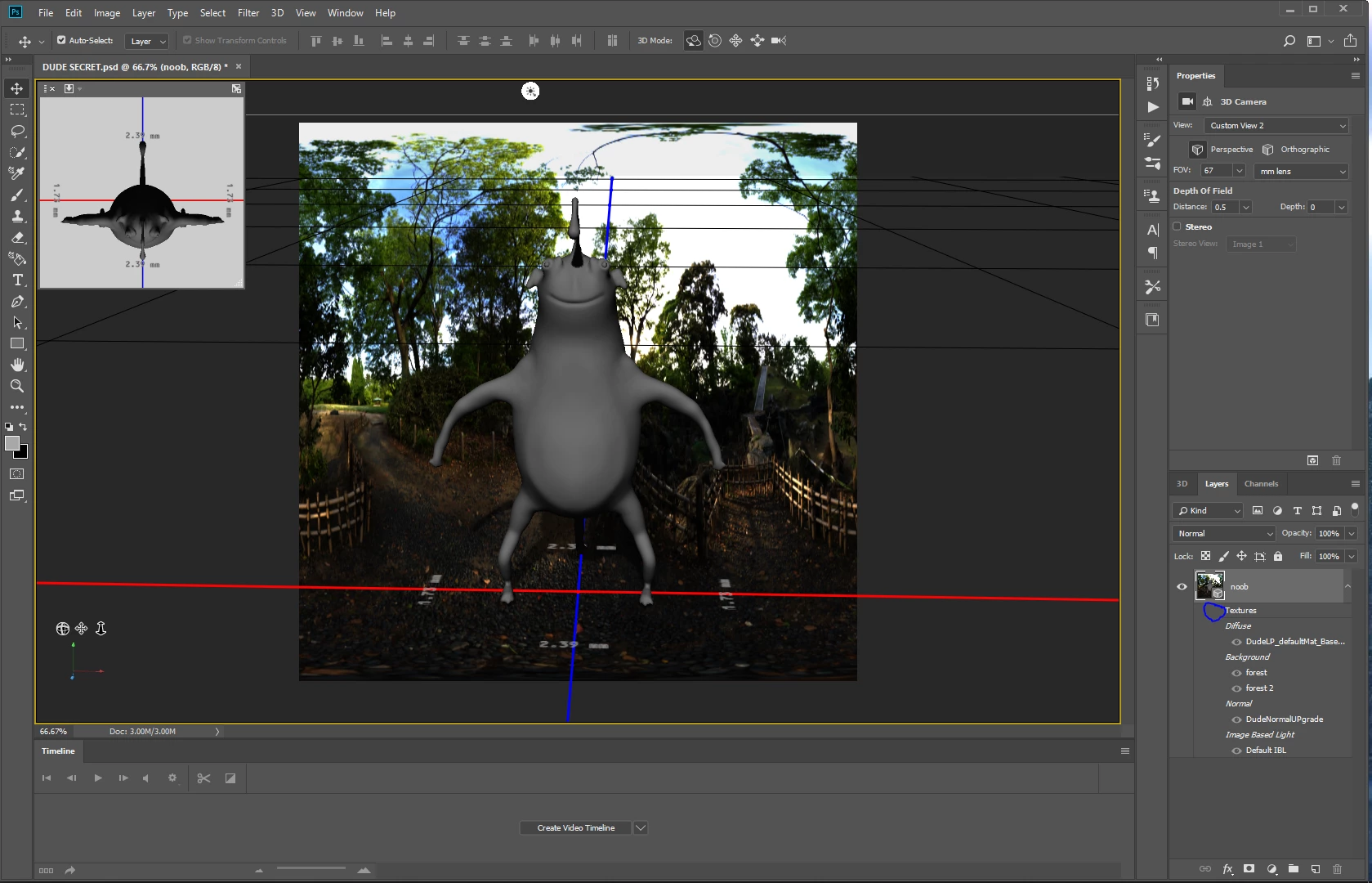
PICTURES BELOW - First one is with texture, Second one is with the texture off (the fact that you can turn off the entire texutre makes me think there is a way to do this) Again, all I want is to be able to export all the texture information as ONE image. Then I could use that exported image as a base color map and it would look exactly like the one in the scene as an unlit texture.
 AdChoices