
Participant
September 28, 2022
Question

How to paint on a pixelated image

  • September 28, 2022
  • 2 replies
  • 303 views

Hello,

I'm editing a screenshot from The Binding of Isaac, which has pixelated graphics, and I want to paint part of the image. The issue I'm running into is that when I paint, the brush stroke appears smooth:

Is there any way to "pixelate" the paintbrush so it paints more like this:
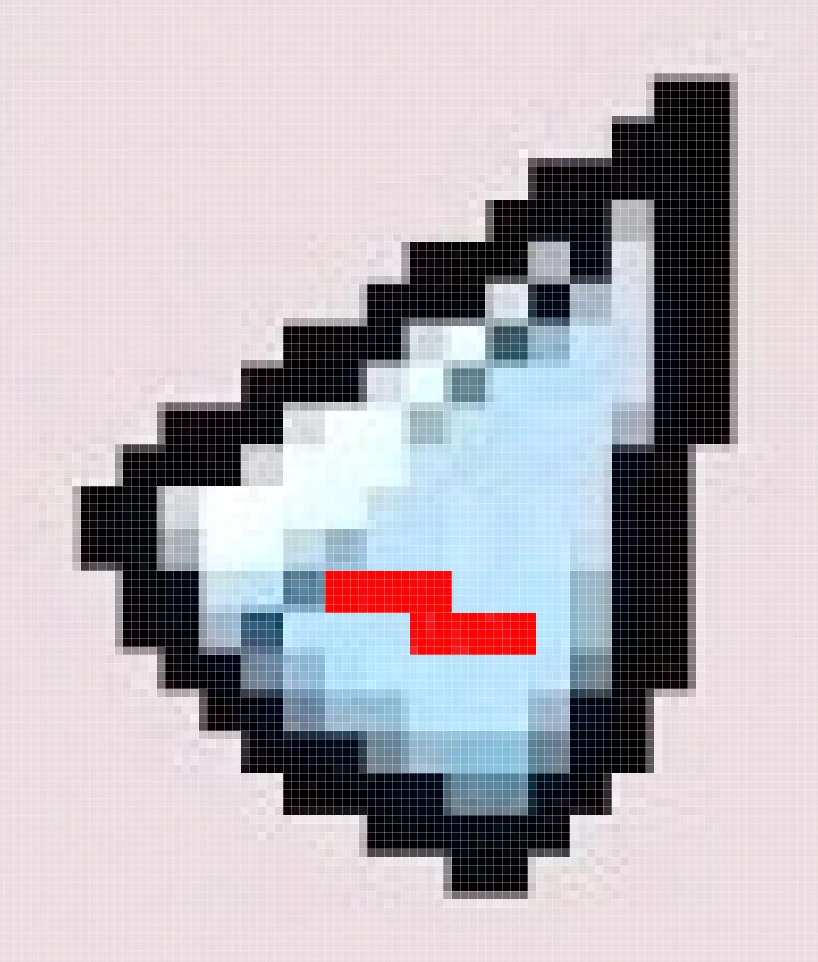
Normally I would resize the image so the "pixels" are the size of actual pixels, but there's a little bit of noise in the image that would be lost with that method.


Any help would be appreciated!


(I'm using Photoshop 23.5.1)

This topic has been closed for replies.

2 replies

Chuck Uebele
Community Expert
Community Expert
September 29, 2022

Another idea, would be to duplicate the file, the reduce it to the pixel level to paint, then increase the painted layers to the original size and merge it back with the original. Hopefully, that way, you can keep the noise.

Chuck Uebele
Community Expert
Community Expert
September 29, 2022

Not sure if this will work, but maybe use the pencil tool, rather than the brush tool. Also use shift to keep the stroke somewhat straight. 

Participant
September 29, 2022

That's closer, but the pencil is only a square shape when it's at sizes 1-3. Anything above that and it starts becoming circular.

Chuck Uebele
Community Expert
Community Expert
September 29, 2022

Can you create a larger square brush for the pencil tool?