

Answered
How to purge old "Custom Proof Condition" files after replacing my printer?
Photoshop version 23.2.0
Windows 10
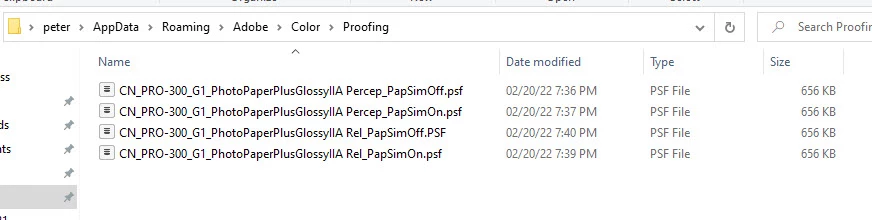
I have just replaced an old, dead printer with a new one - same brand - different model - different inks. I had a bunch of custom proof setups saved for the old printer and I would like to get rid of them as the list is long and the setups are no longer relevant. I had thought to mearely remove them from the Windows directory... peter\AppData\Roaming\Adobe\Color\Proofing but that didn't work. They persist.I have close Ps & Br and reopened but still they persist and I can load them into the Customize Proof Condition dialog box. This must be cached somewhere. How do I clean this up?
Peter
 AdChoices