Participant
March 15, 2022
Question

How to remove 3D?

  • March 15, 2022
  • 2 replies
  • 203 views

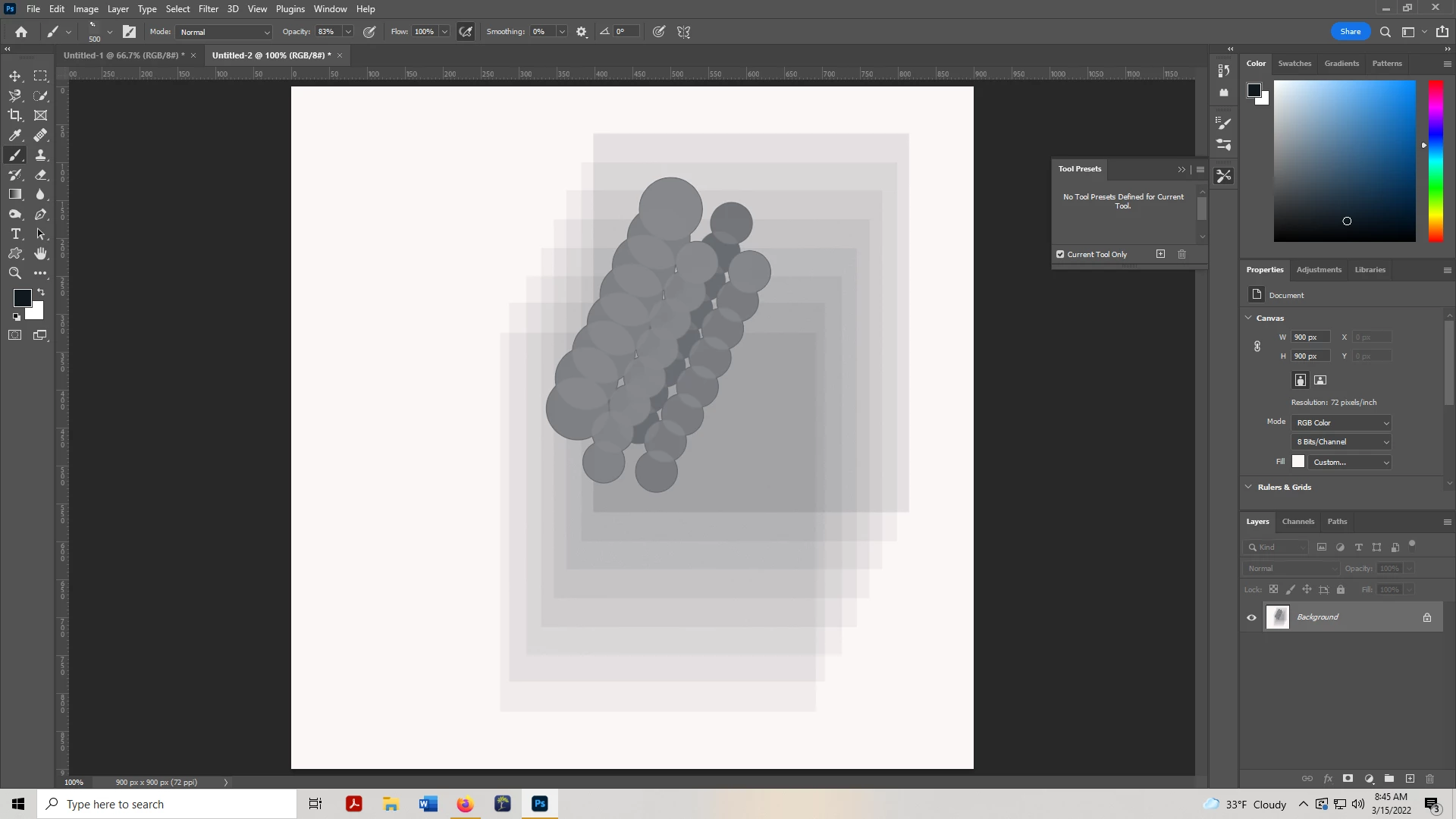
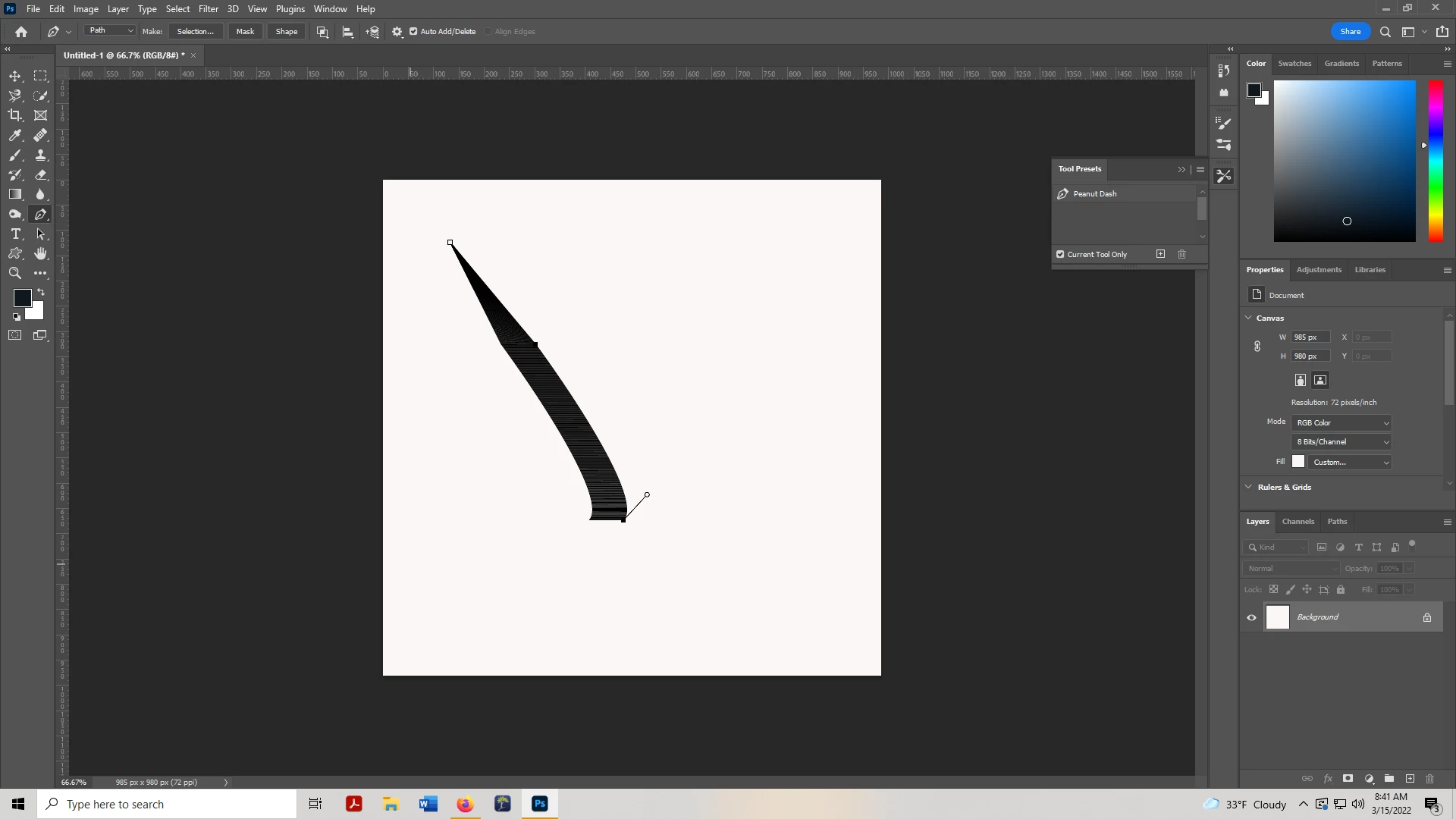
Hi. Whenever I try to create a new brush tool or move lines to duplicate them with pen tool I get a 3D effect.  I don't know how to remove this. I have used 3D in the past, tried resetting it, uninstalled and installed photoshop again but its still there.  any ideas on what I may or may not be doing? thanks


This topic has been closed for replies.

2 replies

manal shanableh
Legend
March 17, 2022
Reset the preferences will fix this.
  1. Press Ctrl-K (PC) or cmd-K (Mac).
  2. Click on "Reset Preferences on Quit" in the "General" tab and press OK to confirm.
  3. Press OK to close the Preferences window.
  4. Restart Photoshop.
 
 
Ged_Traynor
Community Expert
Community Expert
March 17, 2022

Hi

Try enabling this option in preferences and restarting Photoshop to see if it helps