
Question
how to remove gray spots from black image
Hi there,
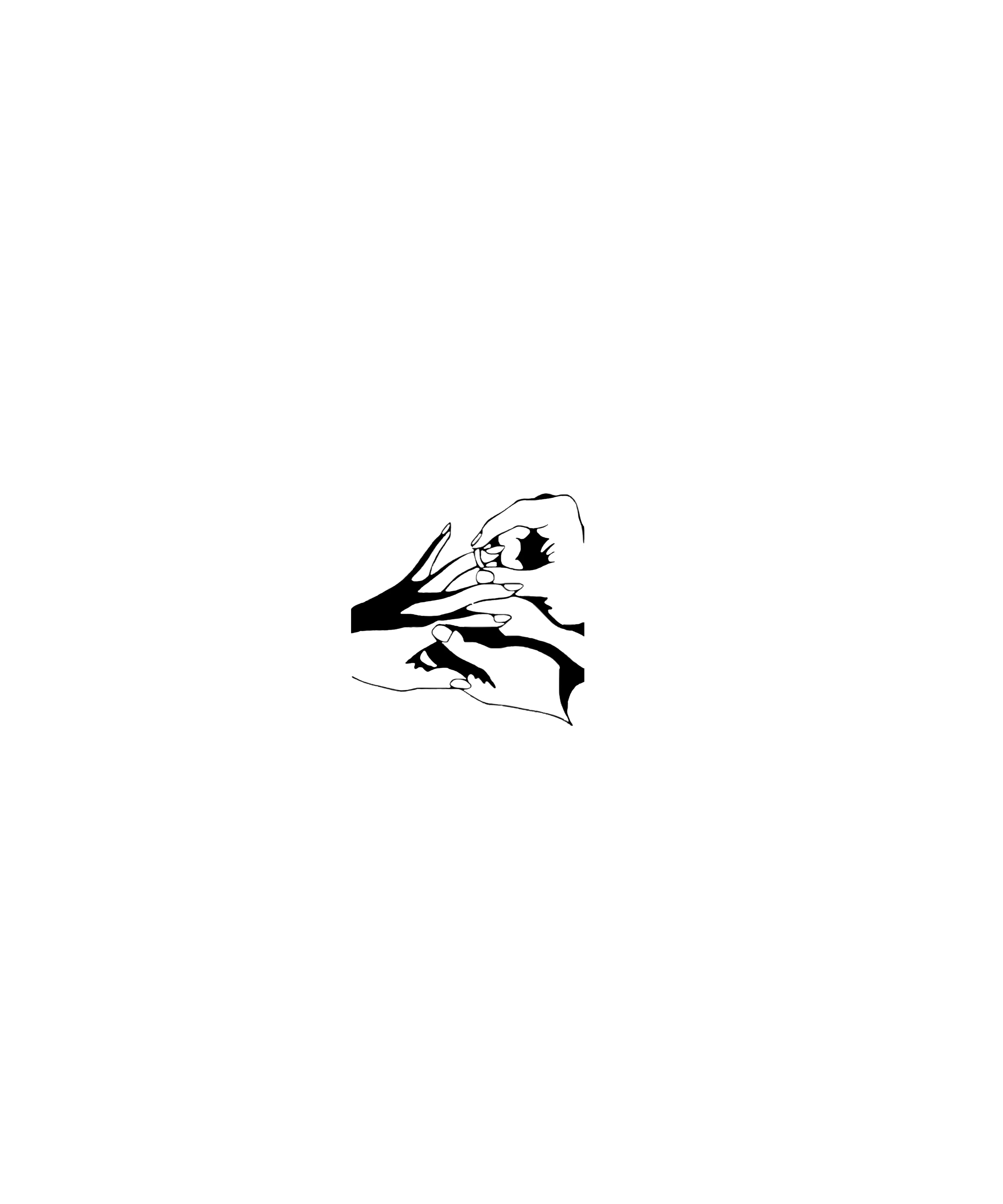
1. I used the quick selection tool to cut out a black object from an image with a background (I need transparent background)
2. this left some spots that I erased.
3. but I'm wondering if there's an easier way maybe than to do this manually - I can imagine selecting the whole picture and "unifying" it somehow so it becomes completely black.
I can't figure out how though, tried some options under "Adjustments" and followed a few tutorials, but it doesn't seem to give the result I'd like.
Here's the image if that's of any help. Thank you for any advice!
 AdChoices