Participant
July 22, 2020
Answered

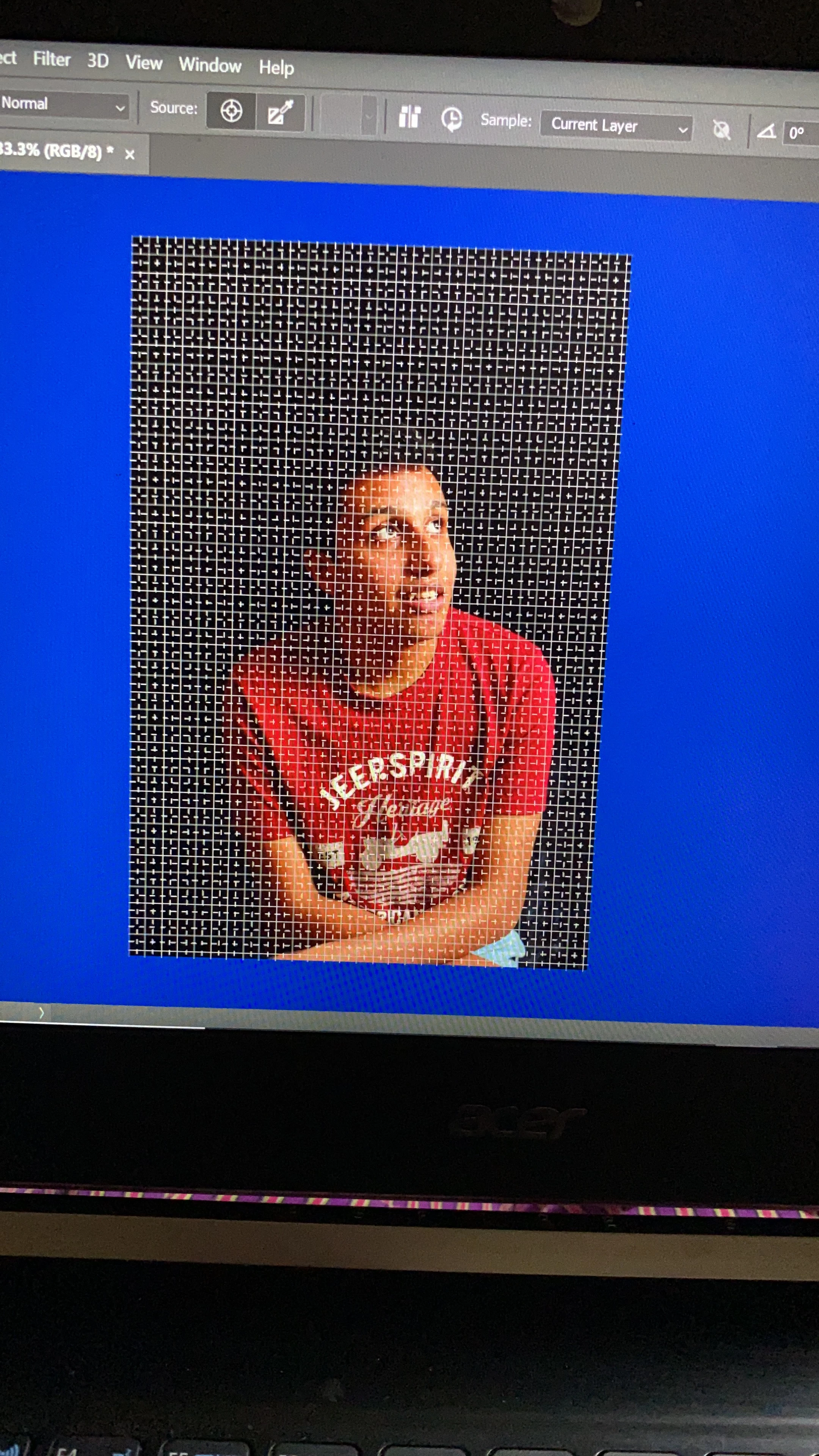
How to remove this grid
  • July 22, 2020
  • 2 replies
  • 545 views

 pls help, I am beginner. Don't know which button I click n now this grid is showing up in all my pic. Can anyone guide how to remove it. Thanks 

This topic has been closed for replies.
Correct answer War Unicorn

View > Show > Grid on the menu bar.

2 replies

JJMack
Community Expert
Community Expert
July 22, 2020

Ctrl+' is the shortcut. There was a big lag on my machin with it on.  So I checked Legacy Compositing restarted PS and the lag was  gone. Unchecked Legacy Compositing restarted PS and  it was still gone.... go figure....

JJMack
War Unicorn
Community Expert
Community Expert
July 22, 2020

I noticed that if I enable and then disable the grid, the lag's still there until I restart.

War Unicorn
Community Expert
War UnicornCommunity ExpertCorrect answer
Community Expert
July 22, 2020

View > Show > Grid on the menu bar.

ShawarAuthor
Participant
July 22, 2020

Thanks a lot. It's gone