Participating Frequently
September 6, 2022
質問

How to resolve Photoshop 2022 23.3.2.458 stuttering/lagging when "weird thing happens"

  • September 6, 2022
  • 返信数 1.
  • 481 ビュー

I'm not sure how to put it into words, but the main symptoms are sturring or laging, as well as the side effects of becoming translusent (see image below) and having white-ish color.
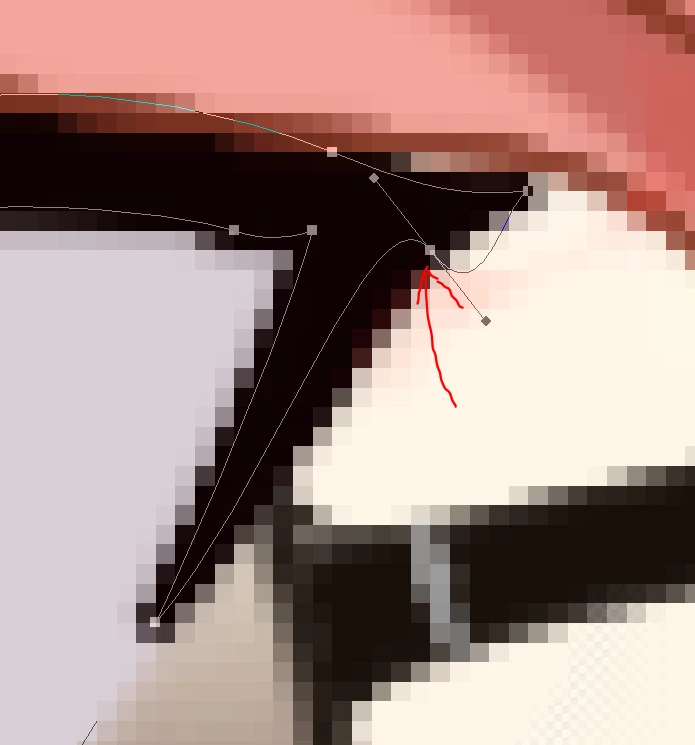


This problem has been persistent and is the main reason I left Photohop 2020 21.0.1. I don't know if I trigger it or how to revert it, but when I do trigger it, the document panel or area disappears and then reappears. That's all I know about this, so how do I fix it?

このトピックへの返信は締め切られました。

返信数 1

c.pfaffenbichler
Community Expert
Community Expert
September 6, 2022

Does turning off »Use Graphics Processor« in the Performance Preferences (Photoshop > Preferences > Performance > Graphic Processor Settings) and restarting Photoshop have any bearing on the issue? 

Does turning on »Deactivate Native Canvas« (Photoshop > Preferences > Technology Previews) and restarting Photoshop have any bearing on the issue? 


Have you tried updating Photoshop? (Not that that might not include other issues even if it were to resolve this one.)

Participating Frequently
September 6, 2022

I will try and see if anything changes.