
Question
How to select only a single color with Magic Wand
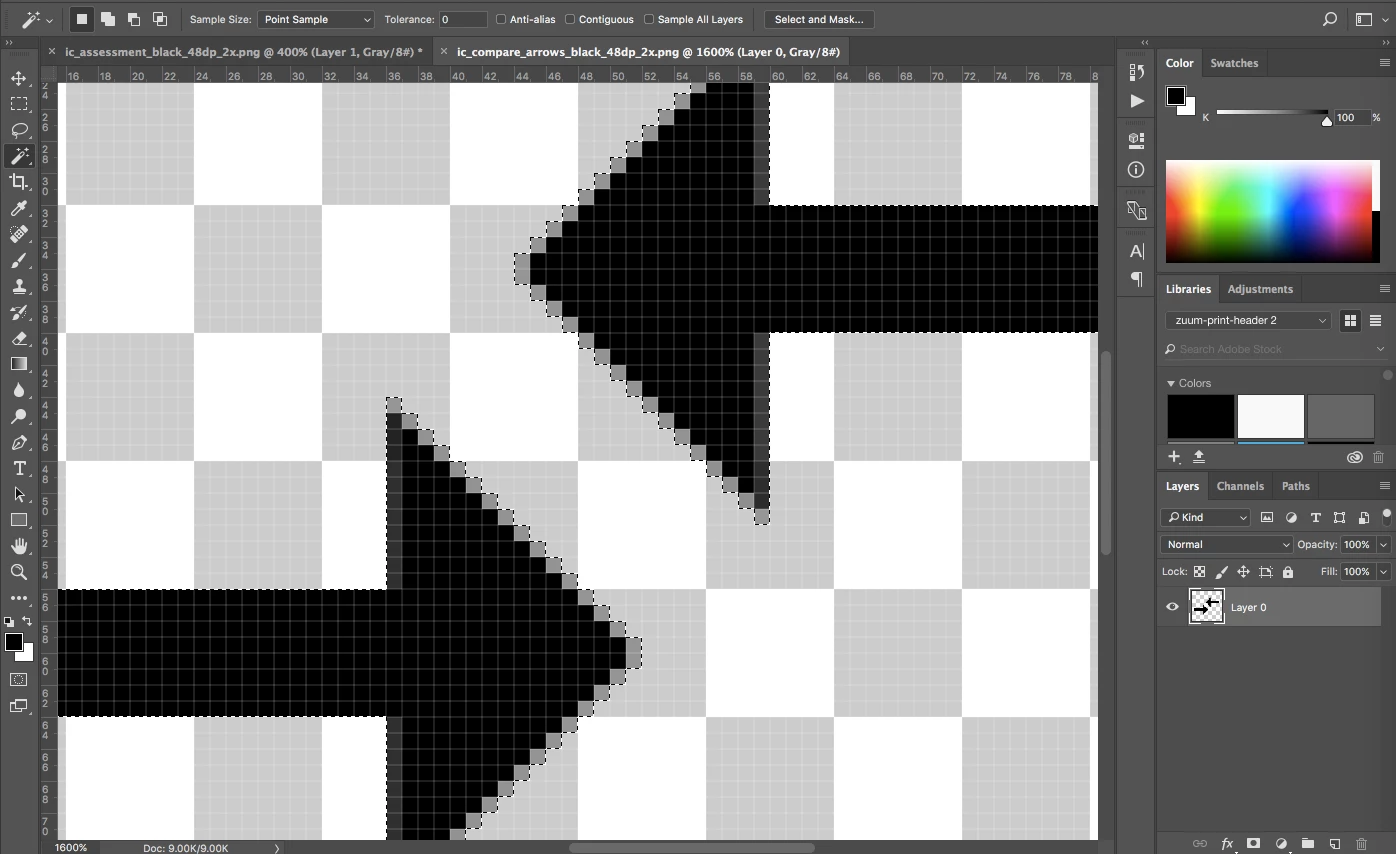
In the attached image, you can see a selection made of the arrows, and the settings at the top, using the Magic Wand tool.
 @
@
However, it's select the entire arrow. I'm trying to only select the black section of the arrows, not the gray outline pixels.
I thought setting a tolerance of zero, no anti-alias, and point sample would accomplish that. However, it's still including the two grays around the edge of the arrows.
How can I only select the blackest portion of the arrows?
thanks
doug
 AdChoices