
Answered
How to select the interior of lines more quickly?
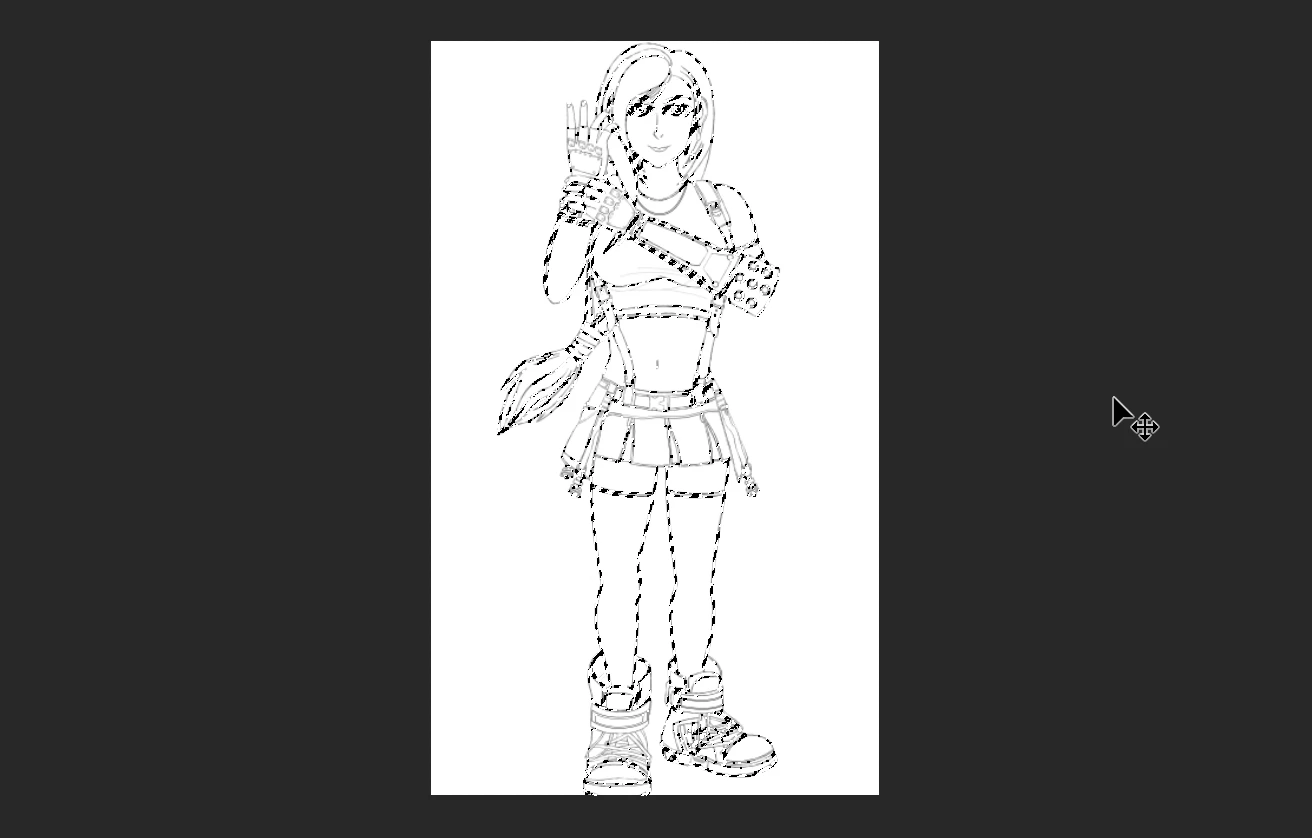
I have a digital sketch I've recently finished, and I want the insides of the lines selected so I can add a Mask layer. If I hold Ctrl and left click on the layer, it just selects all the edges instead. So when a mask is applied, only the lines/edges appear white and the insides are black. Apart from using the Quick Selection or Magic Wand Tool, and systematically click on every empty space, is there a quicker way of doing it? Thanks.
This is the sketch in question:
 AdChoices