Participant
June 14, 2023
Question

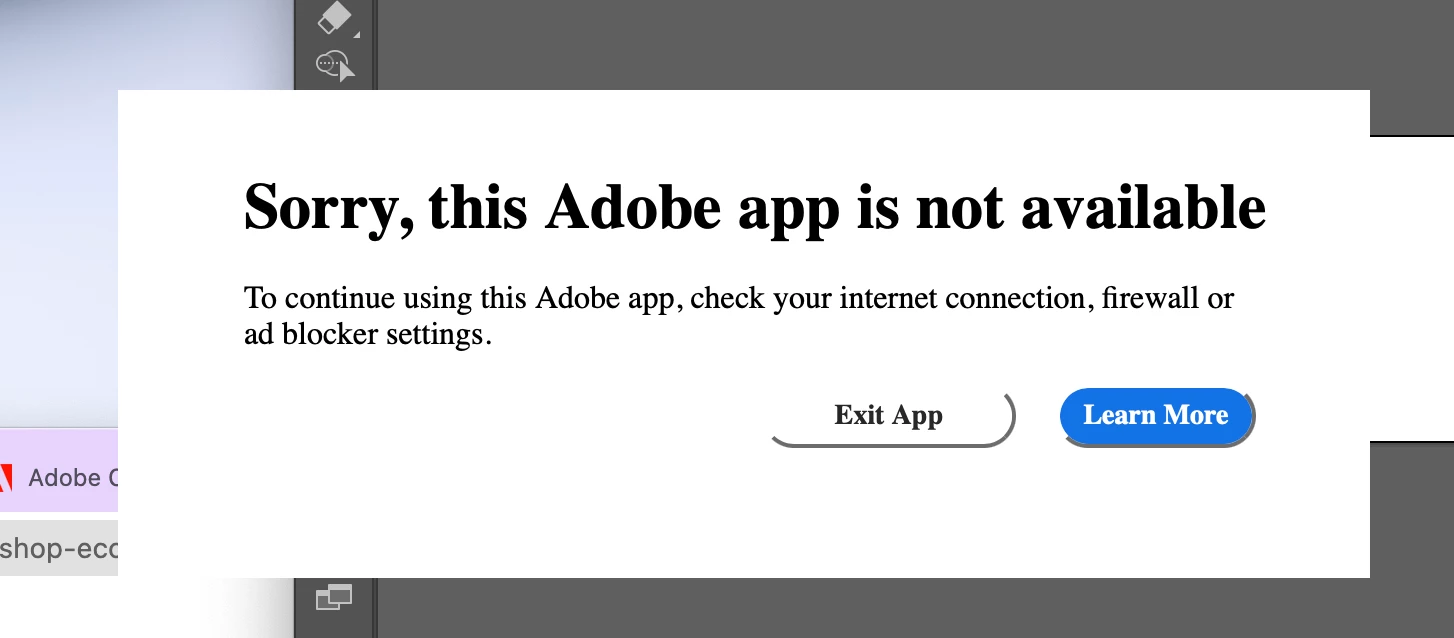
How to solve this case "Sorry, this Adobe app is not available"
  • June 14, 2023
  • 3 replies
  • 26479 views


So as there is just only one obtion : Exit App, I'm blocked to work...

I clicked [Learn More] to solve the problem and I did what they ask but it's always same.

How can I do ? 

 

3 replies

Participant
October 17, 2023
  •  
Known Participant
January 18, 2024

I have this also and come back always, I updated the host file , nothing changes.

Participant
June 21, 2023

In the meantime, here are a few general troubleshooting steps you can try:

  1. Restart the app: Close the app completely and then relaunch it. Sometimes, this simple step can resolve minor glitches.

  2. Clear app cache (Android): If you're using an Android device, you can try clearing the app cache. Go to your device's Settings > Apps/Applications > [App Name] > Storage > Clear Cache.

  3. Update the app: Ensure that you have the latest version of the app installed. Visit your app store and check if there are any available updates for the app.

  4. Reinstall the app: If the problem persists, you can uninstall the app from your device and reinstall it. This process can help resolve any corrupted files or configuration issues.

  5. Contact app support: If none of the above steps work, reach out to the app's support team. They can provide specific guidance or investigate the issue further.

Ranjisha Sengupta
Legend
June 21, 2023

Hi @Green30493513apki 


I understand how frustrating it can be to encounter software issues. Let's work together to find a solution.

Which version of Photoshop and macOS are you using? Do you see this error message at launch?

Have you tried using an alternate network connection?


Please check this article on a similar issue and confirm if you have already tried the steps shared: 

Looking forward to hearing back soon. We're here to help!


Best,

Ranjisha